Join on TestFlight
Open the TestFlight invite and install PoolPilot for iPhone, iPad and Apple Watch.
Open TestFlight Beta — now on iOS & Android
With home & lock screen widgets, Apple Watch and Wear OS support, and of course push notifications for all important events.
Beta
PoolPilot is in beta — free, no account. Available now on iOS and Android.
Open the TestFlight invite and install PoolPilot for iPhone, iPad and Apple Watch.
Open TestFlightOpen the test page, tap “Become a tester”, then “Download it on Google Play”.
Open the test pageThe beta isn’t in the public stores yet. Expect a few rough edges — feedback is welcome.
What’s in the app
As an independent companion app, PoolPilot supports the ProCon.IP and VIOLET pool controllers (PoolDigital GmbH & Co. KG) as well as the BADU Blue and BADU Blue Pro (SPECK Pumpen Verkaufsgesellschaft GmbH).
Four tabs, everything under control
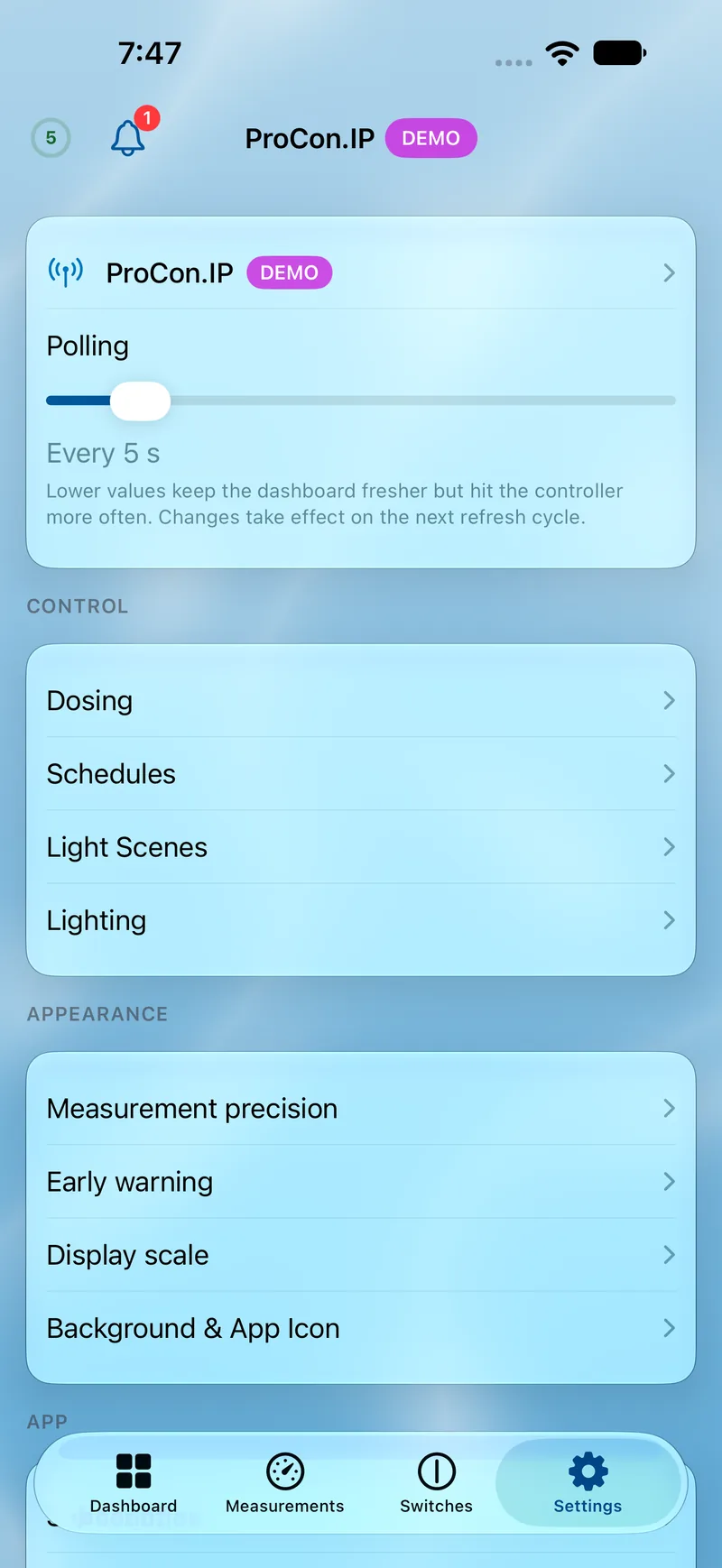
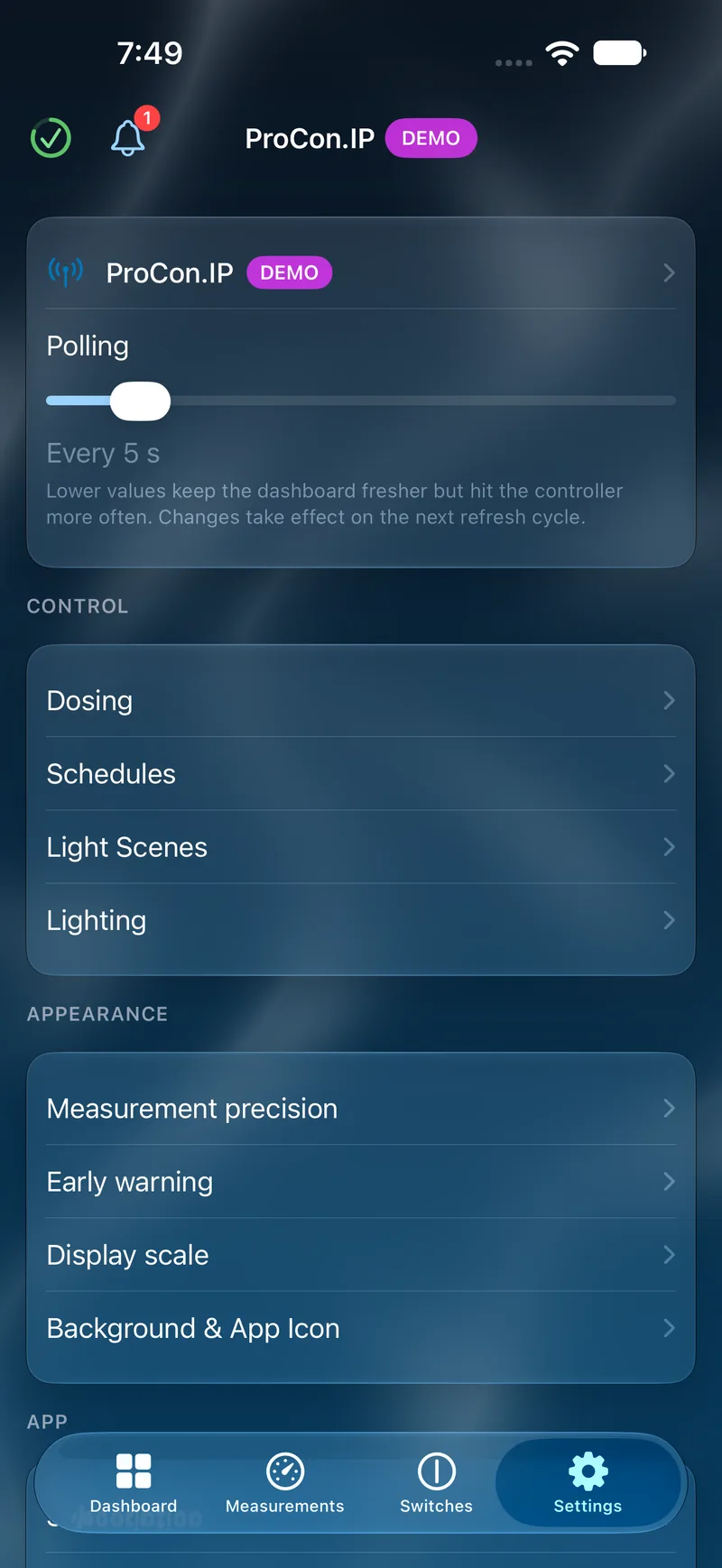
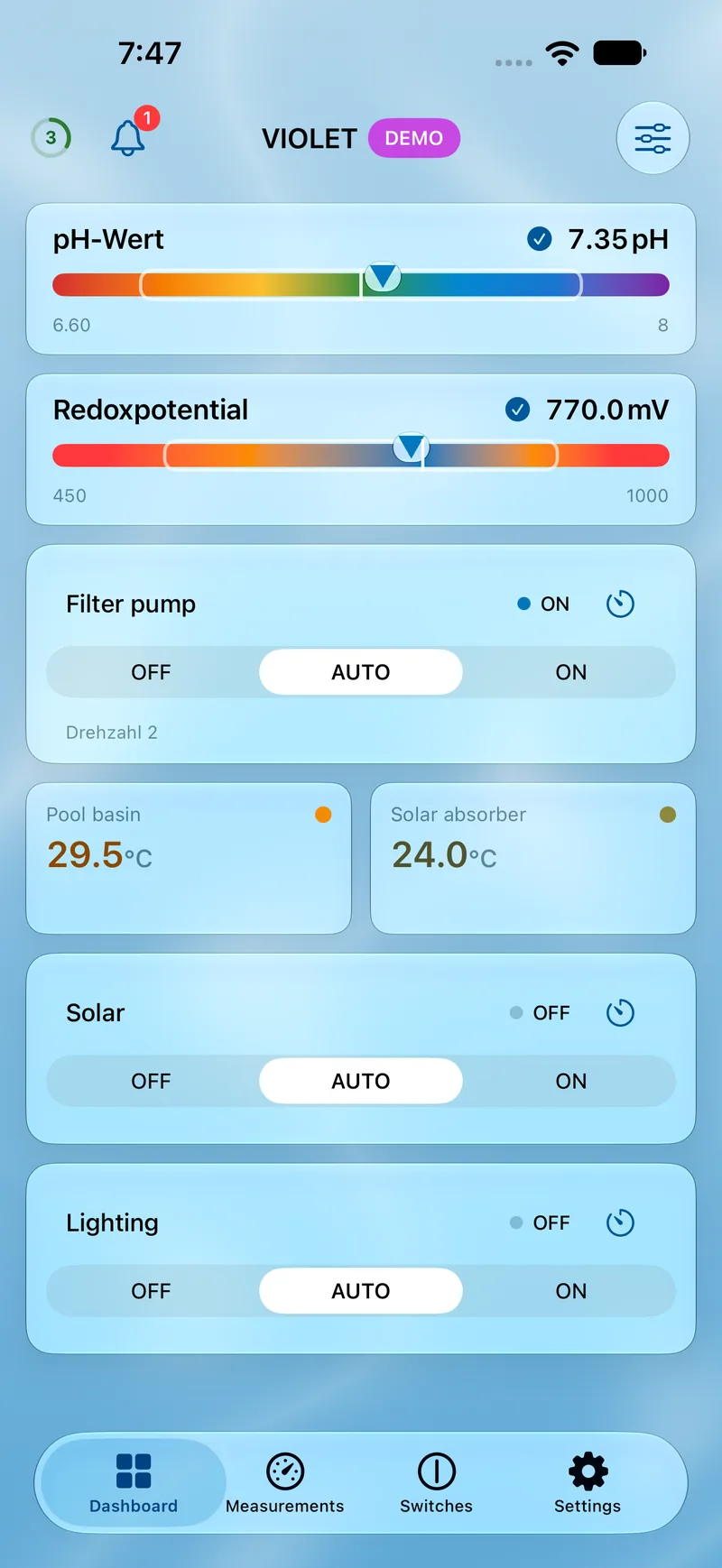
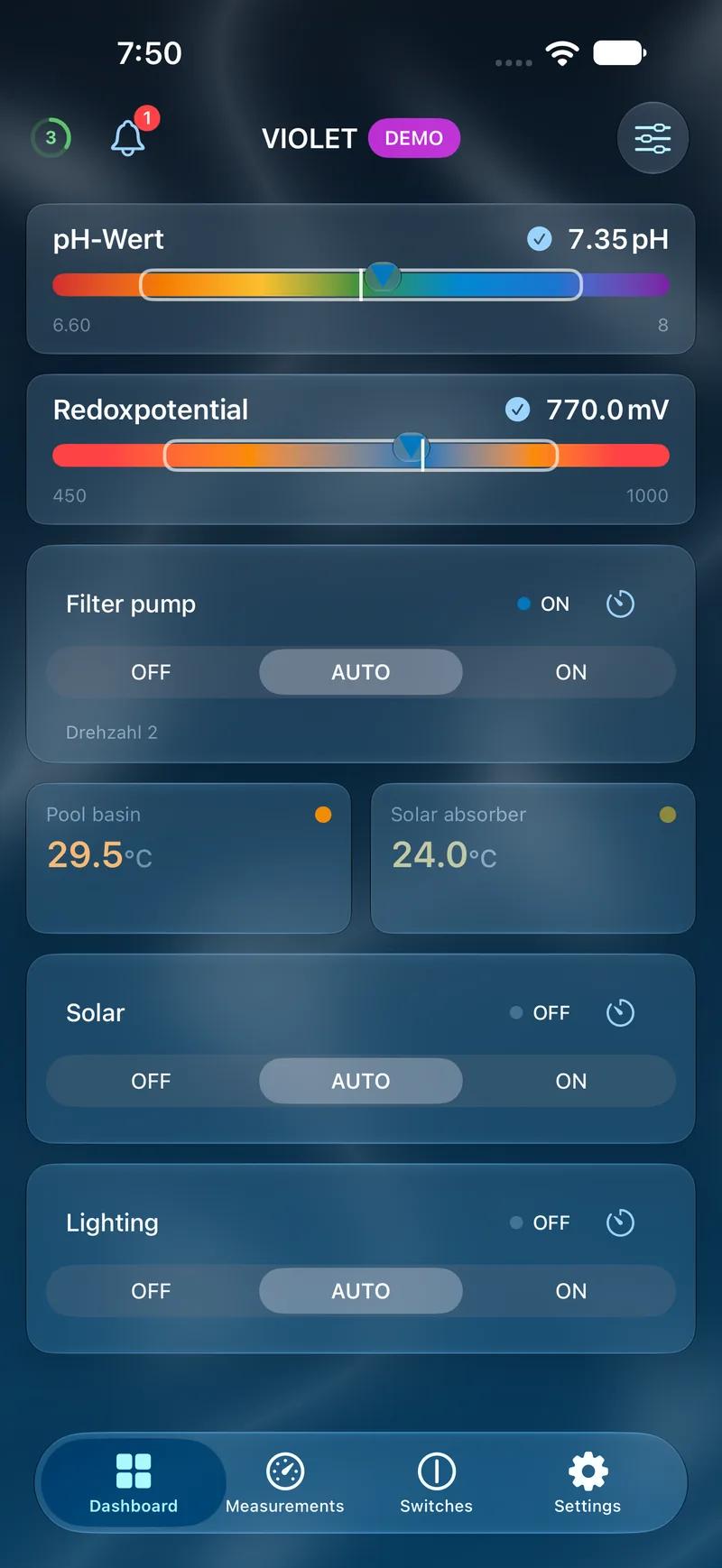
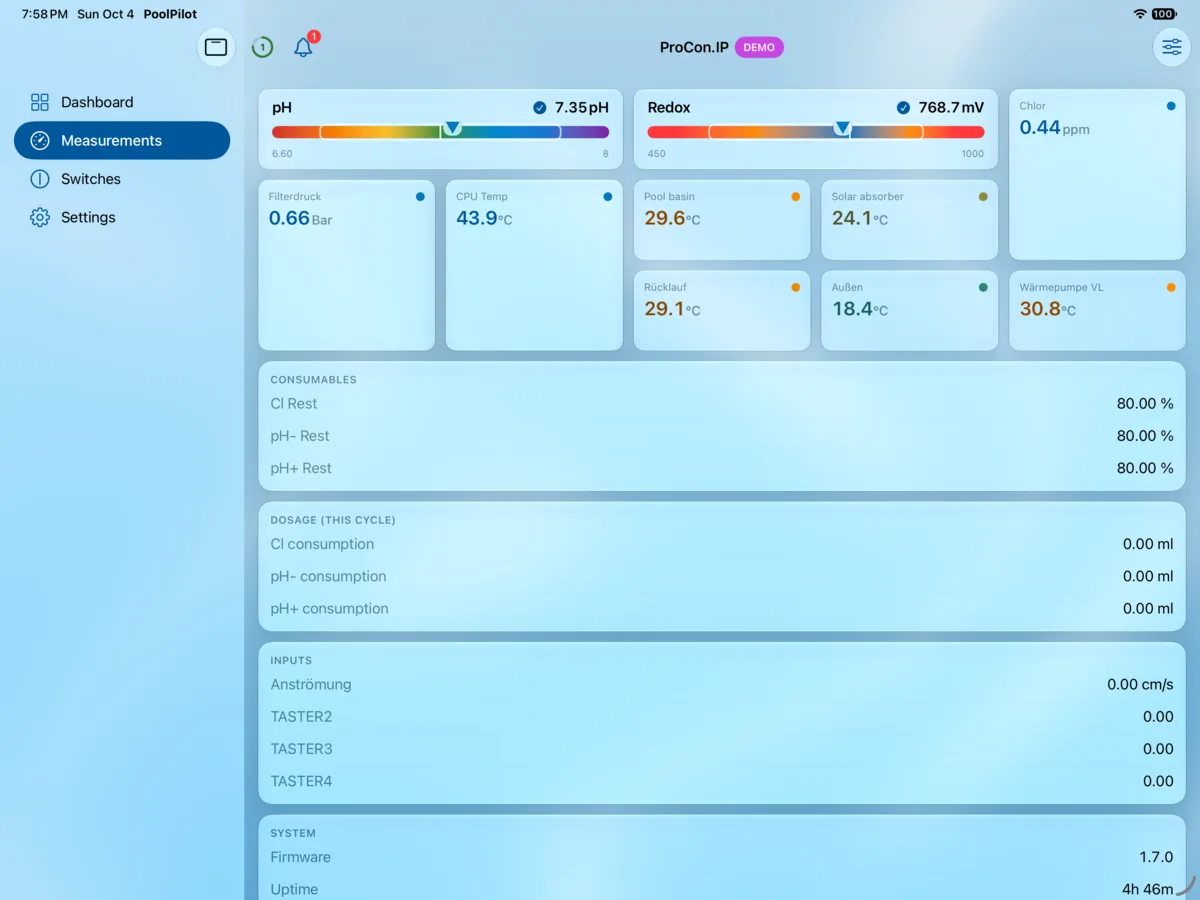
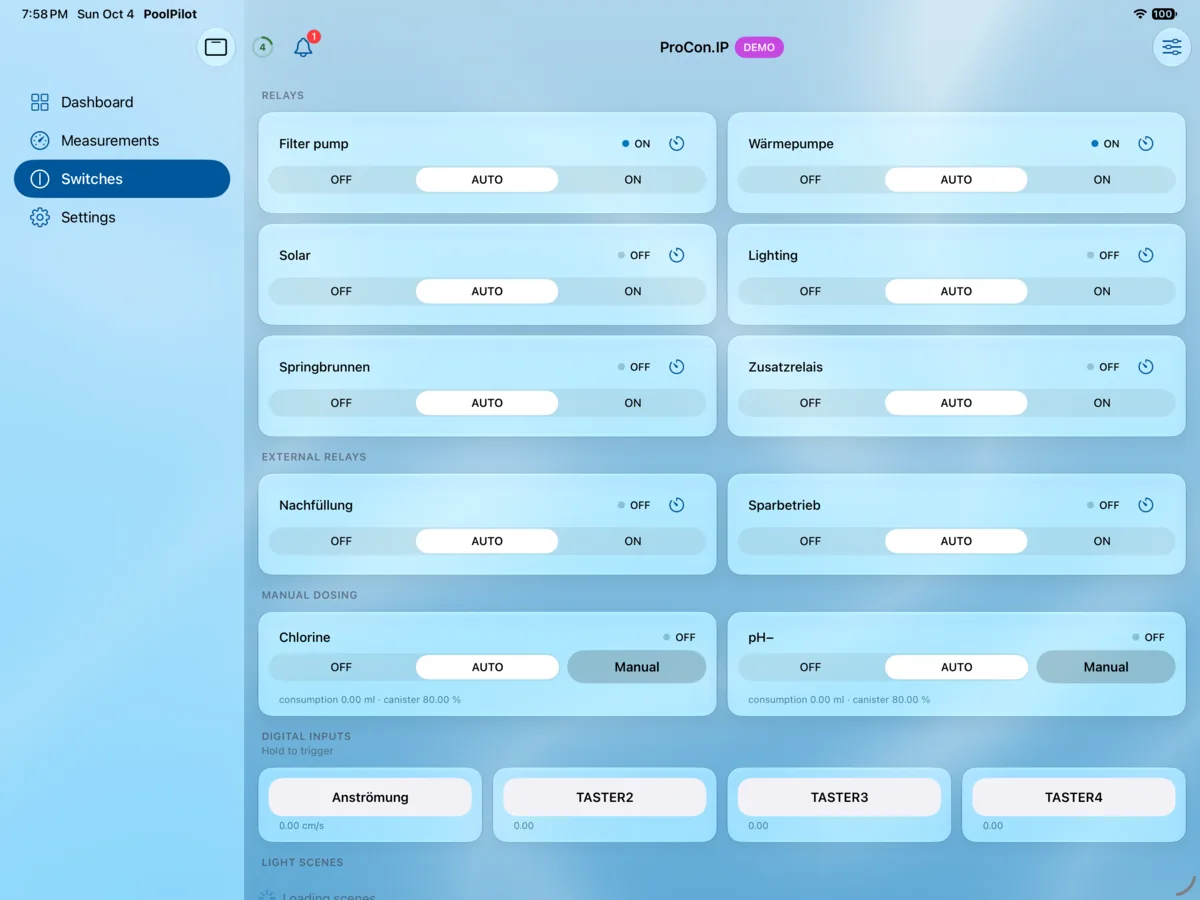
Only four tabs, yet you can find everything you need. The app automatically adapts to the controller you have — ProCon.IP, VIOLET or BADU Blue. And whether iOS or Android: the operation is always the same.
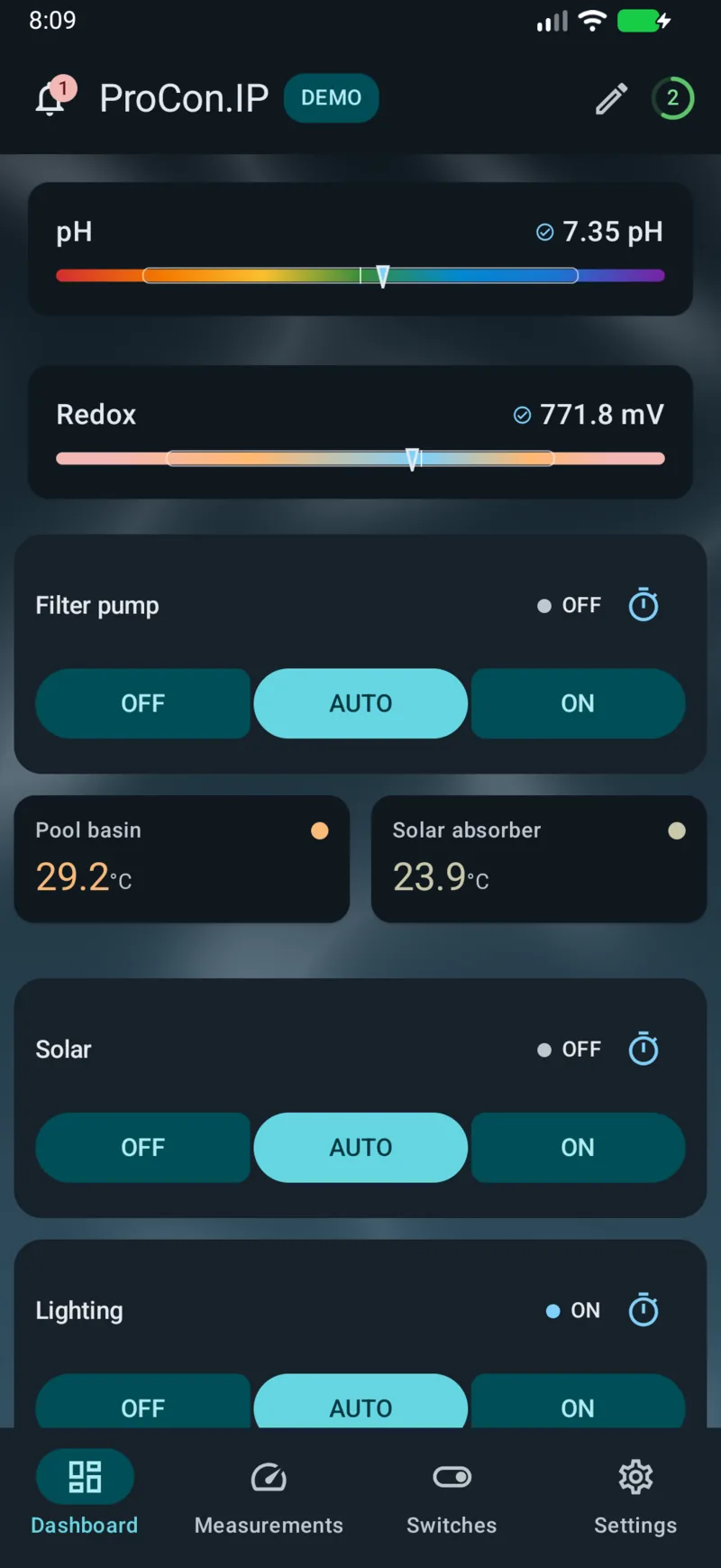
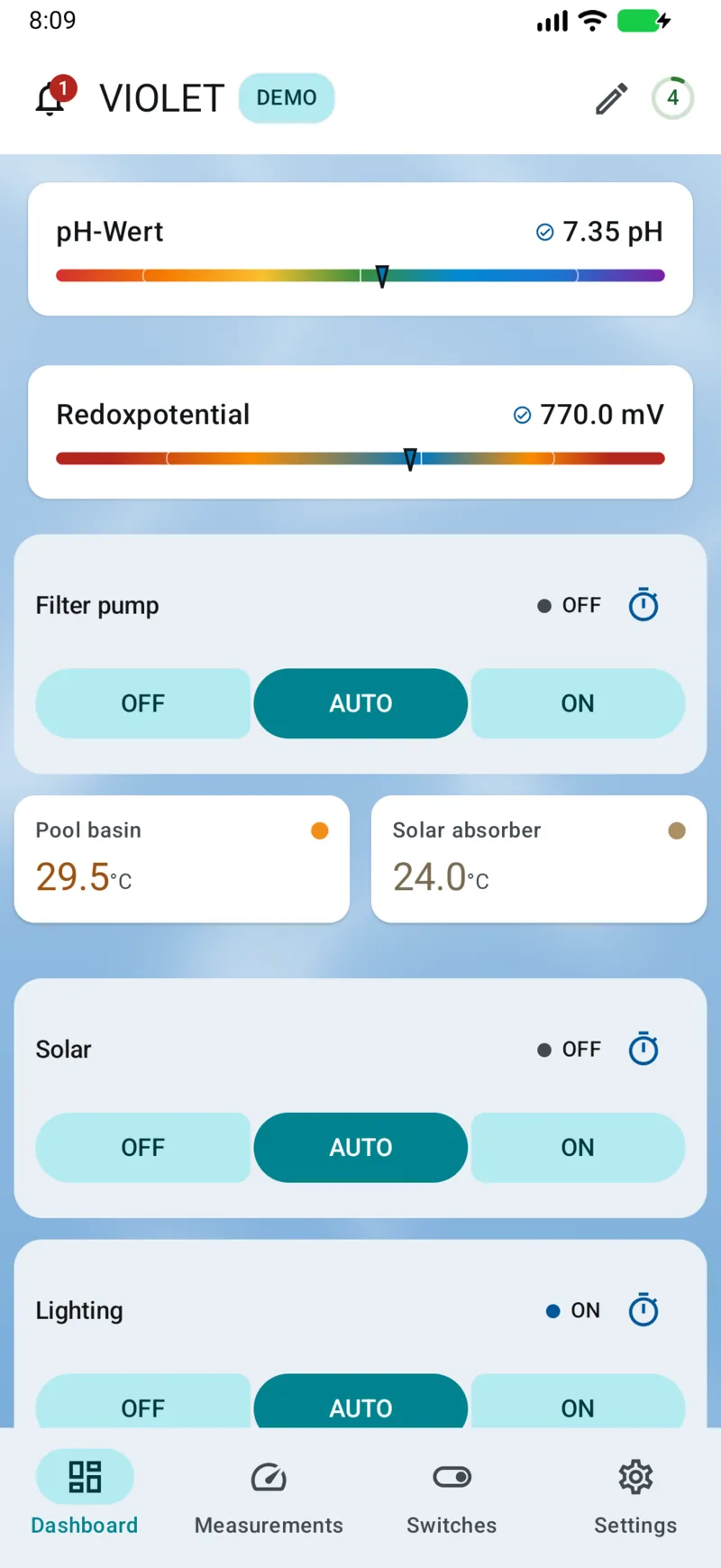
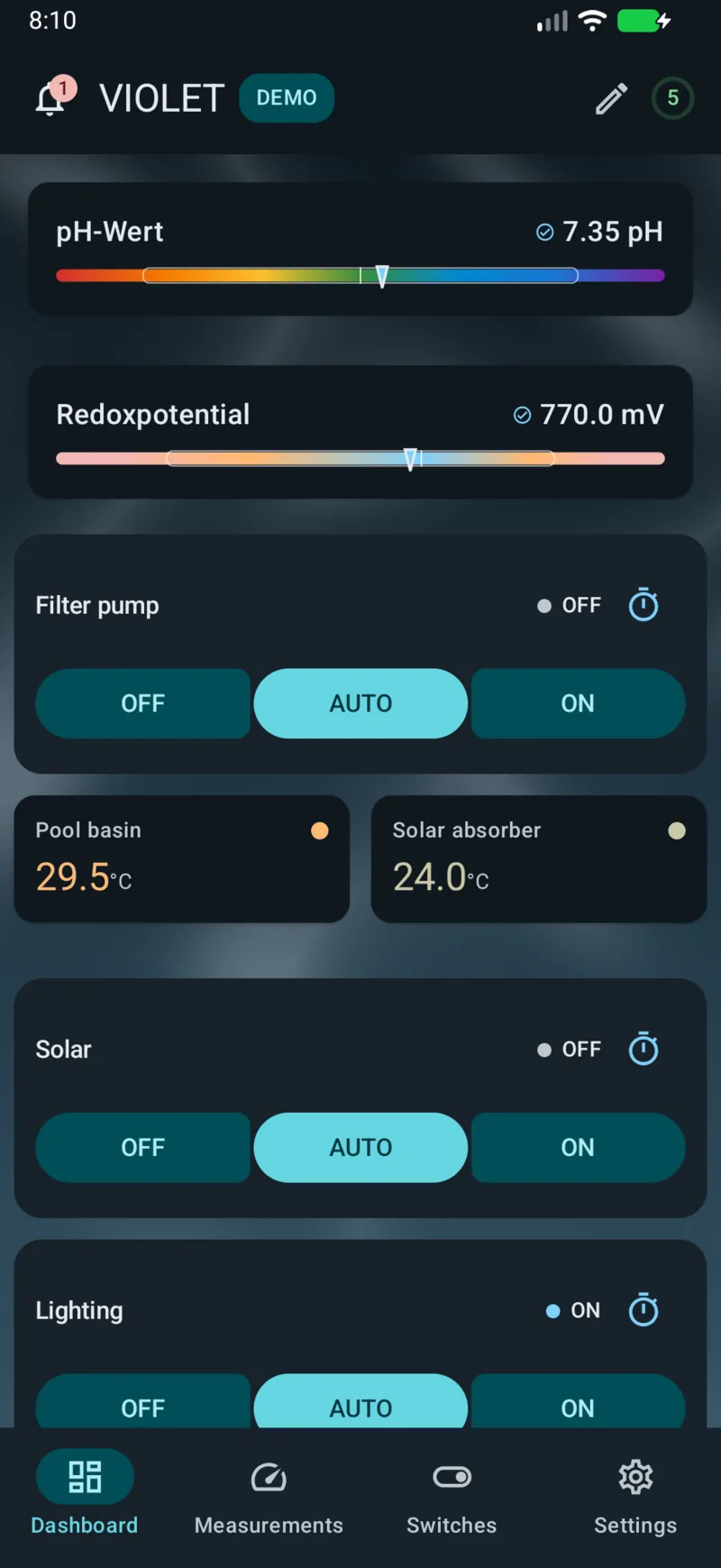
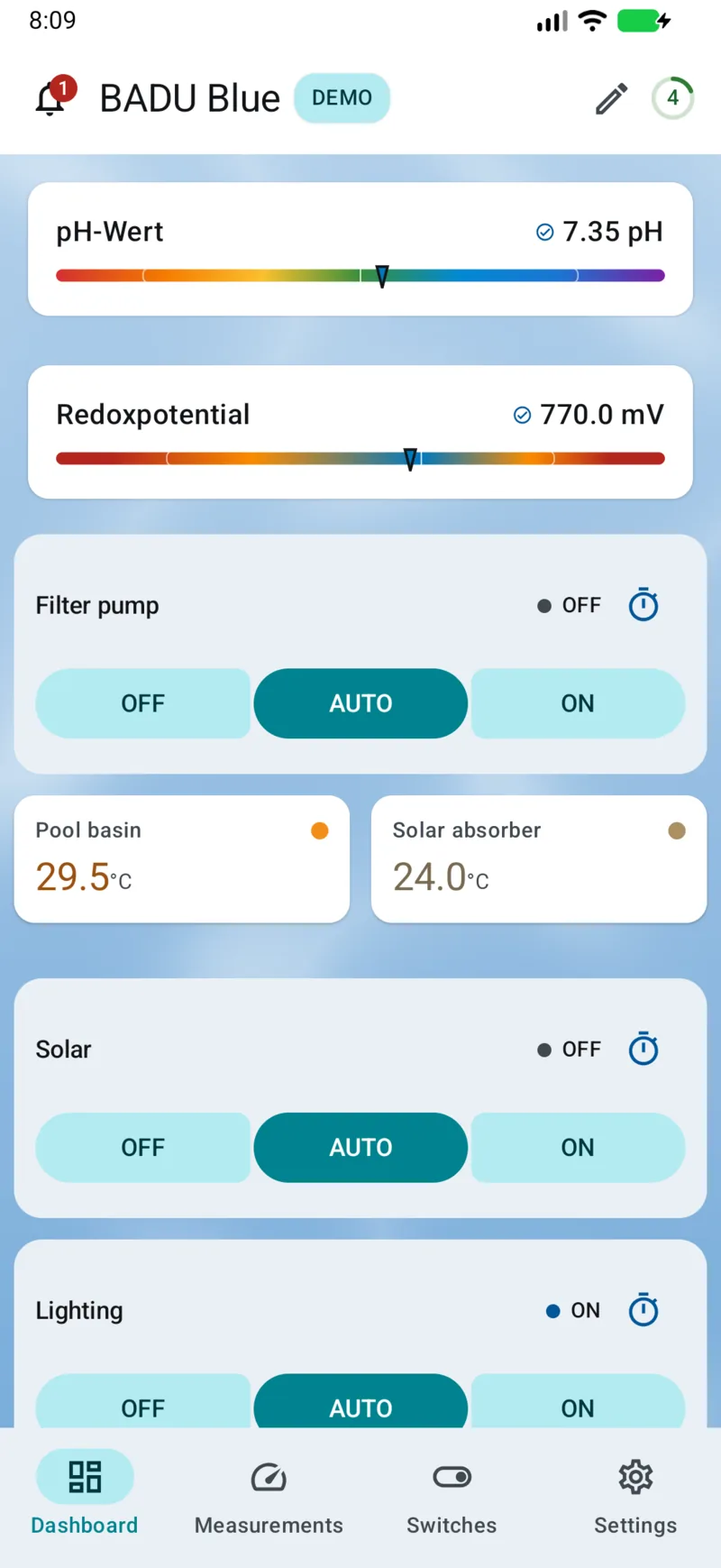
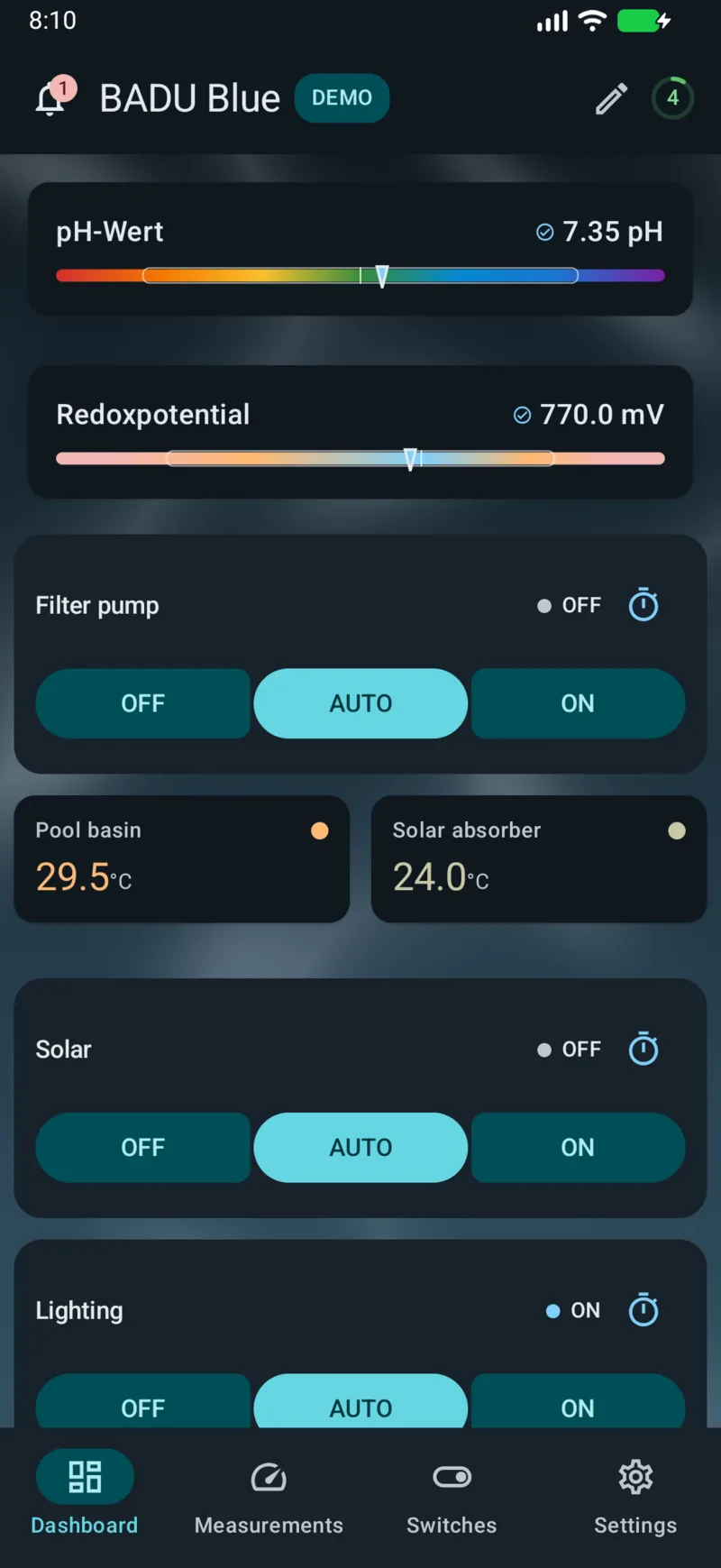
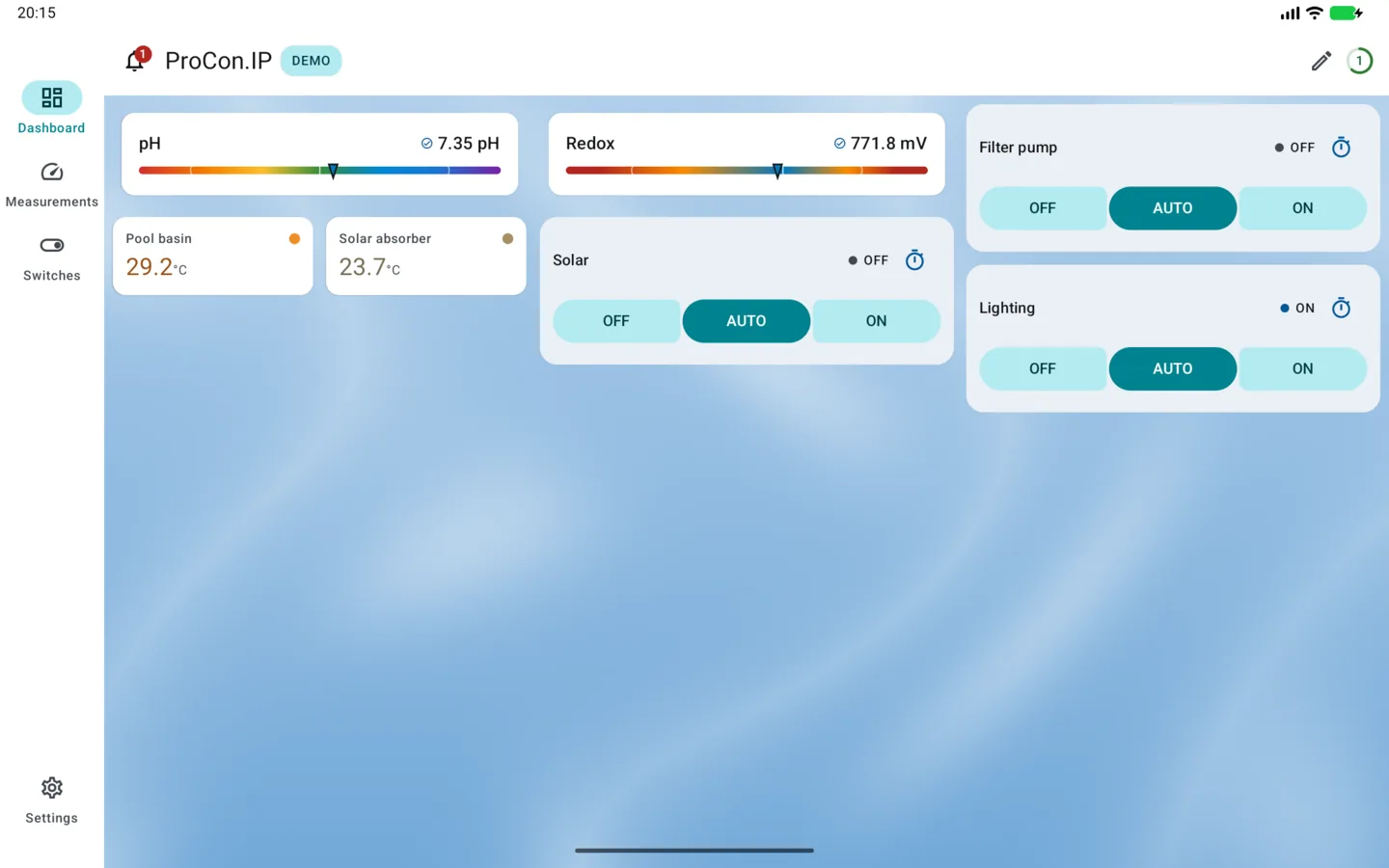
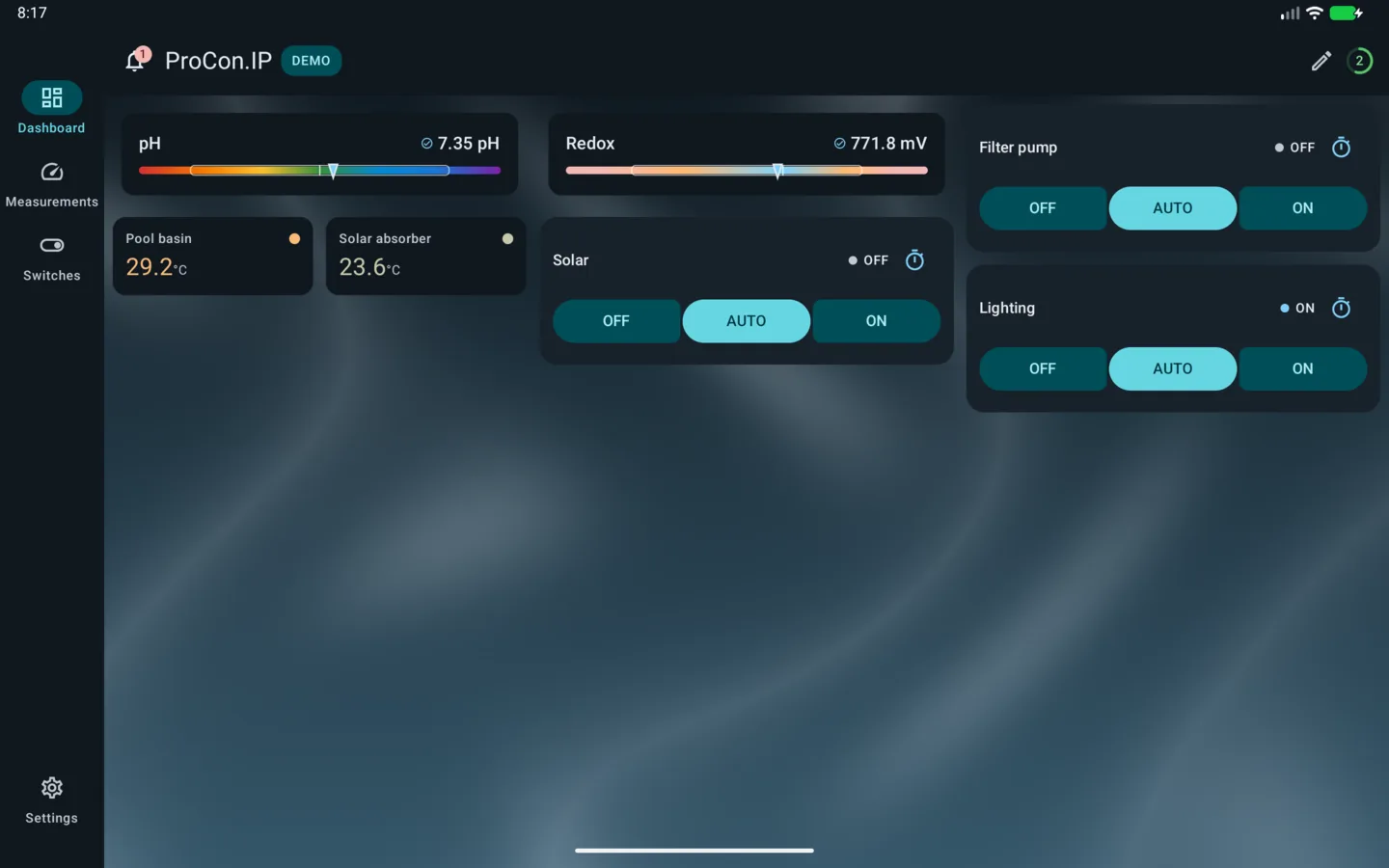
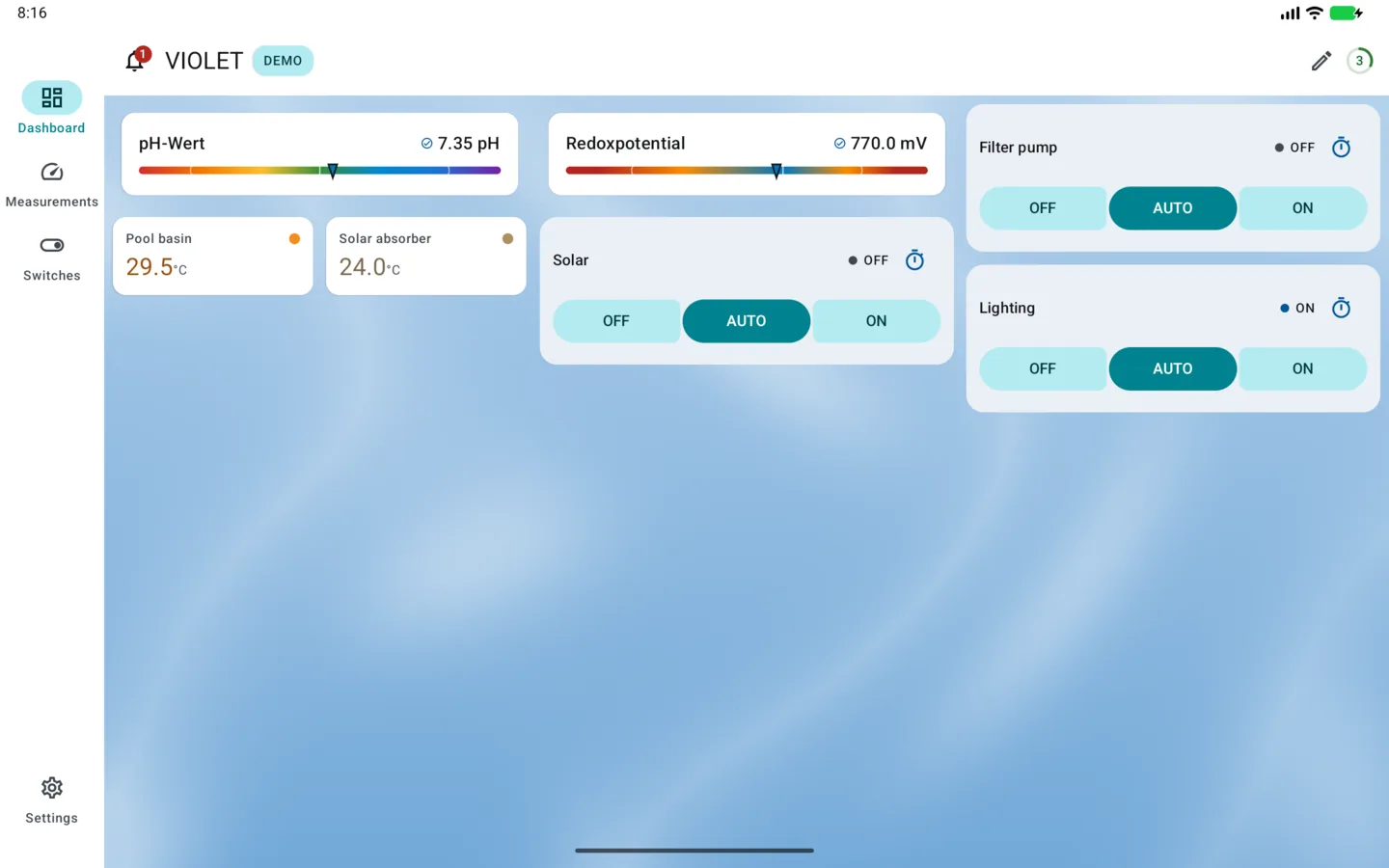
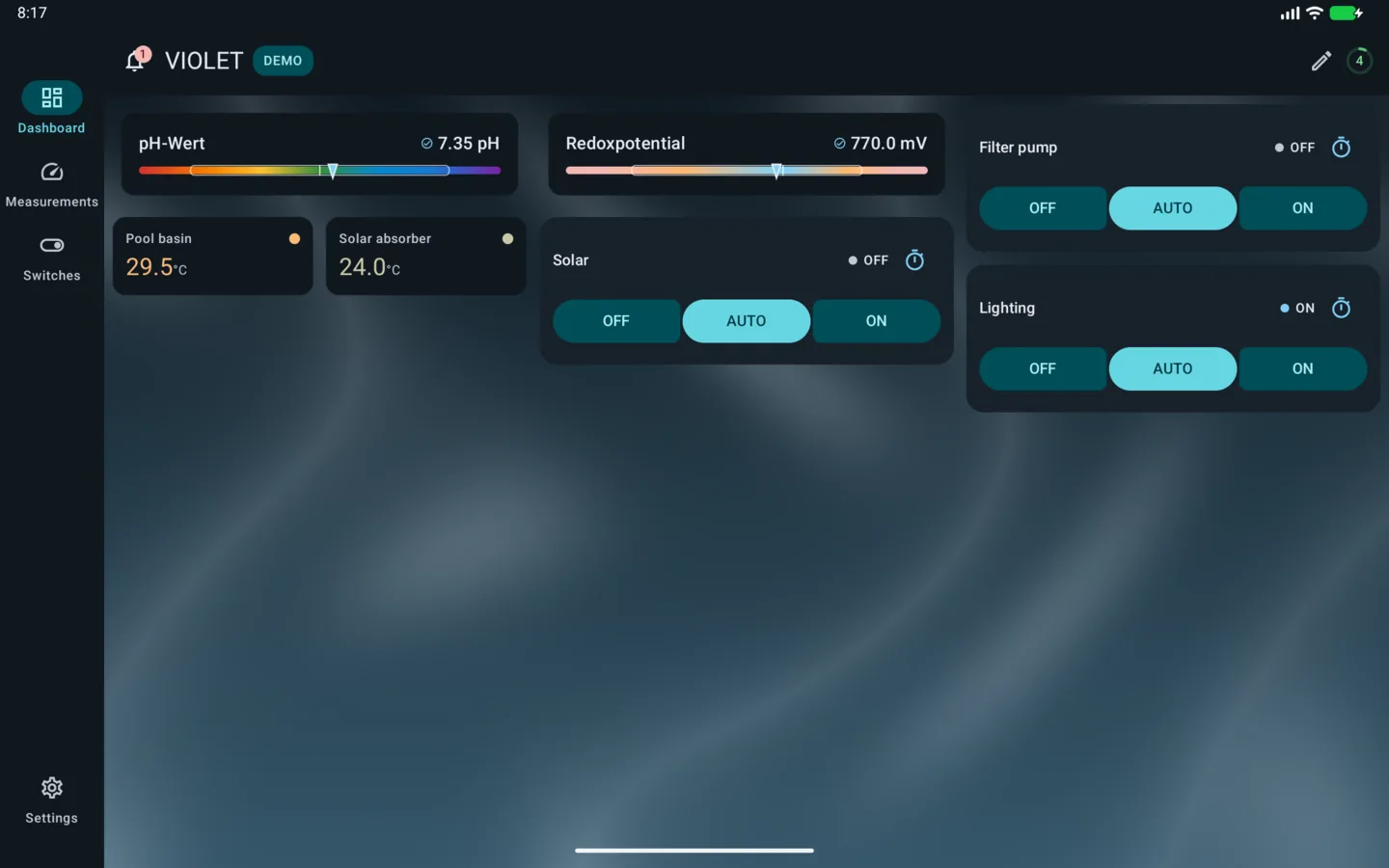
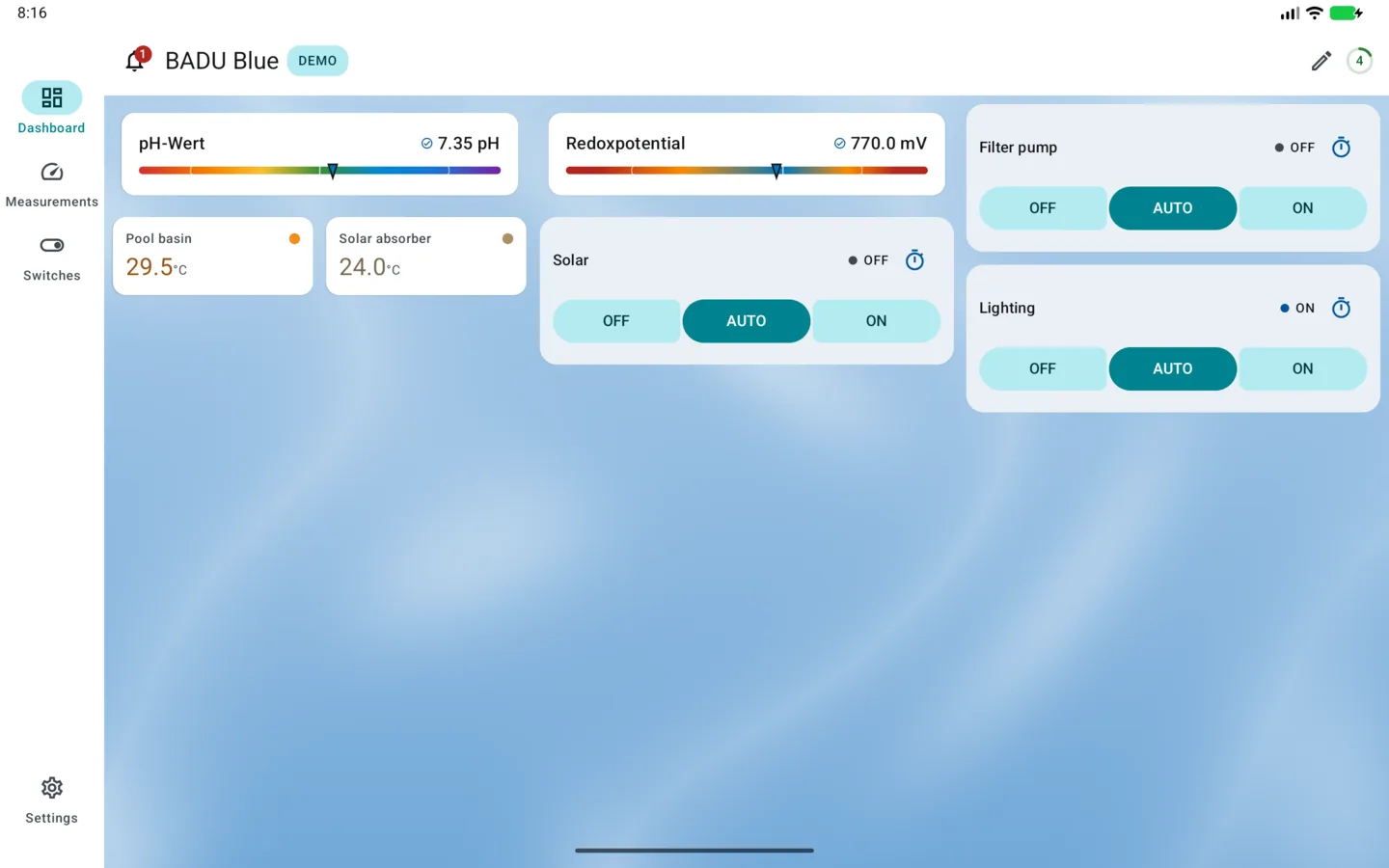
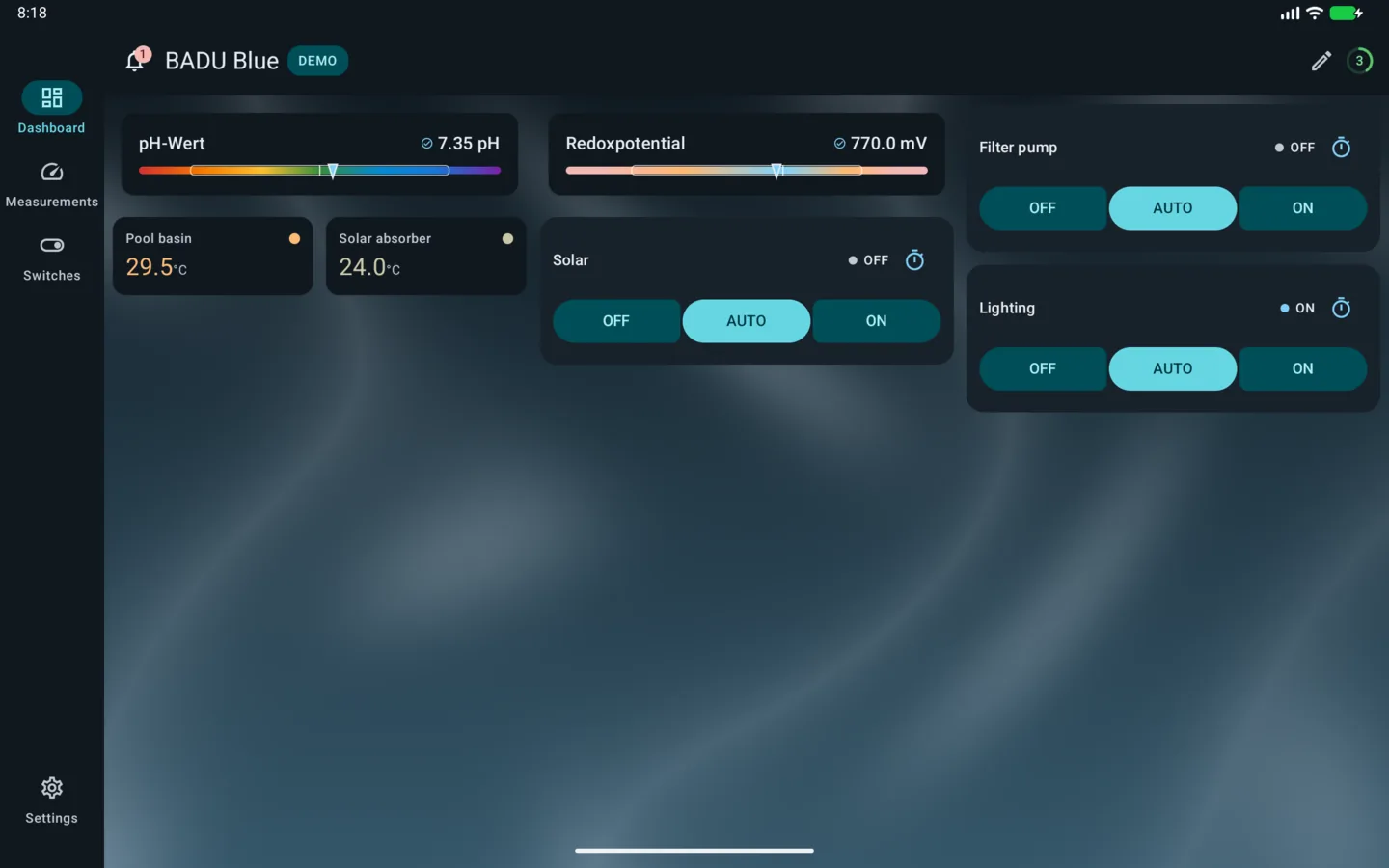
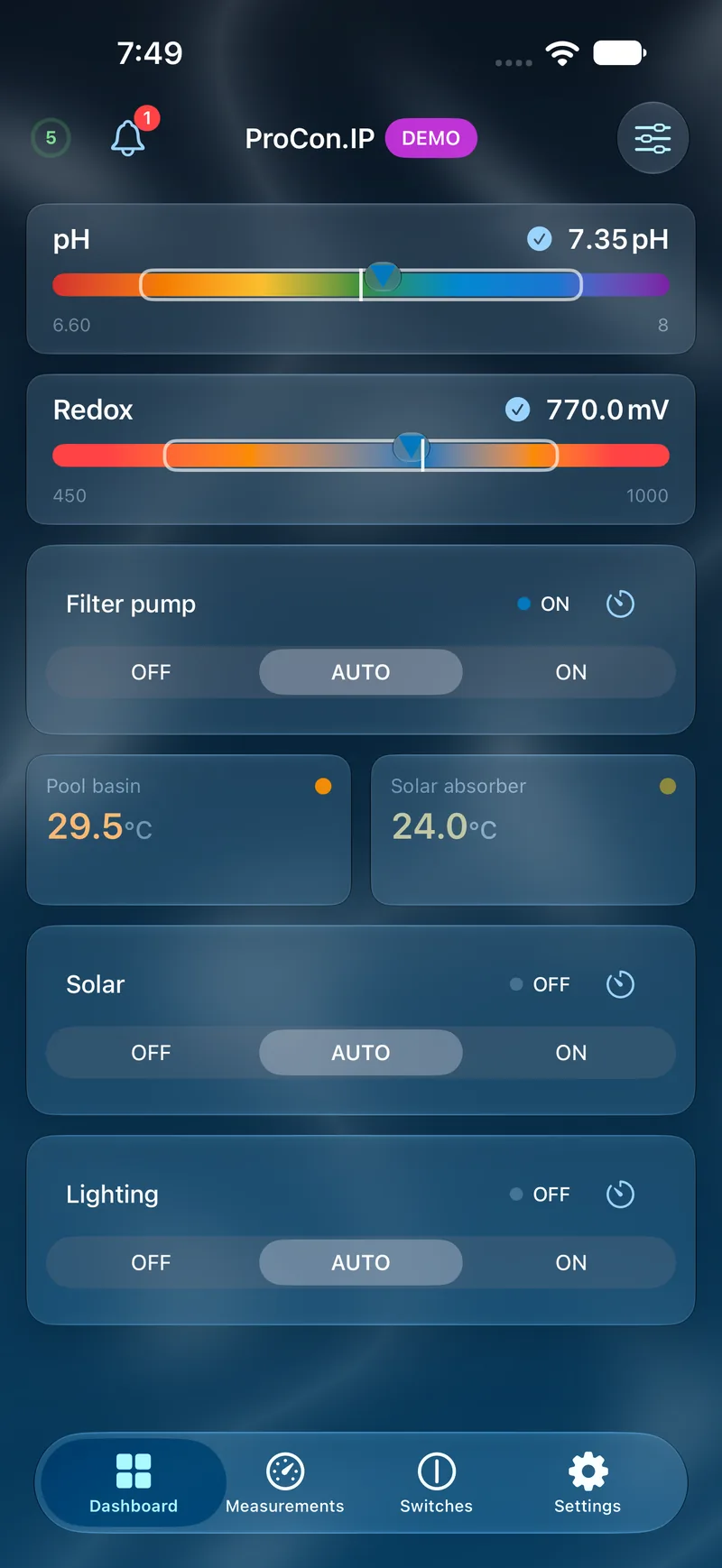
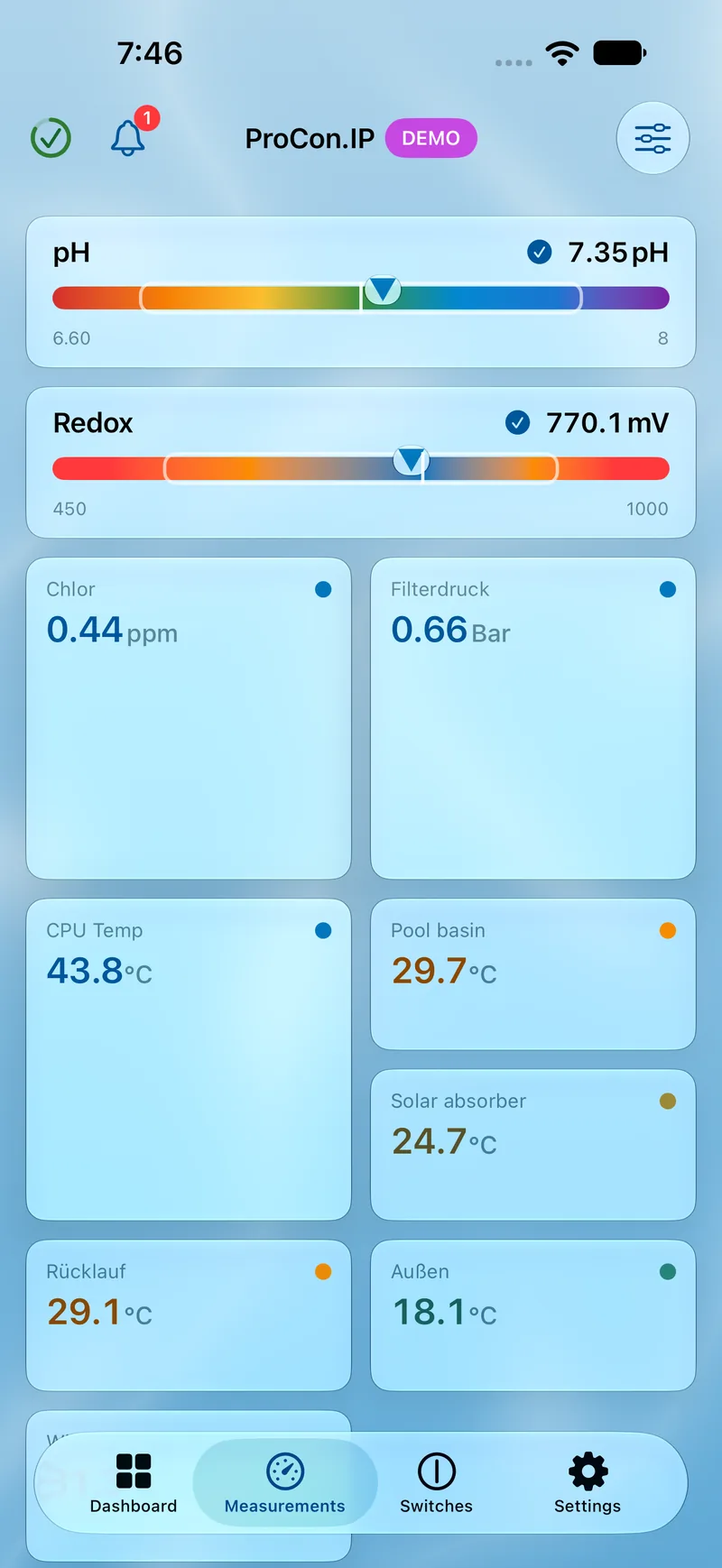
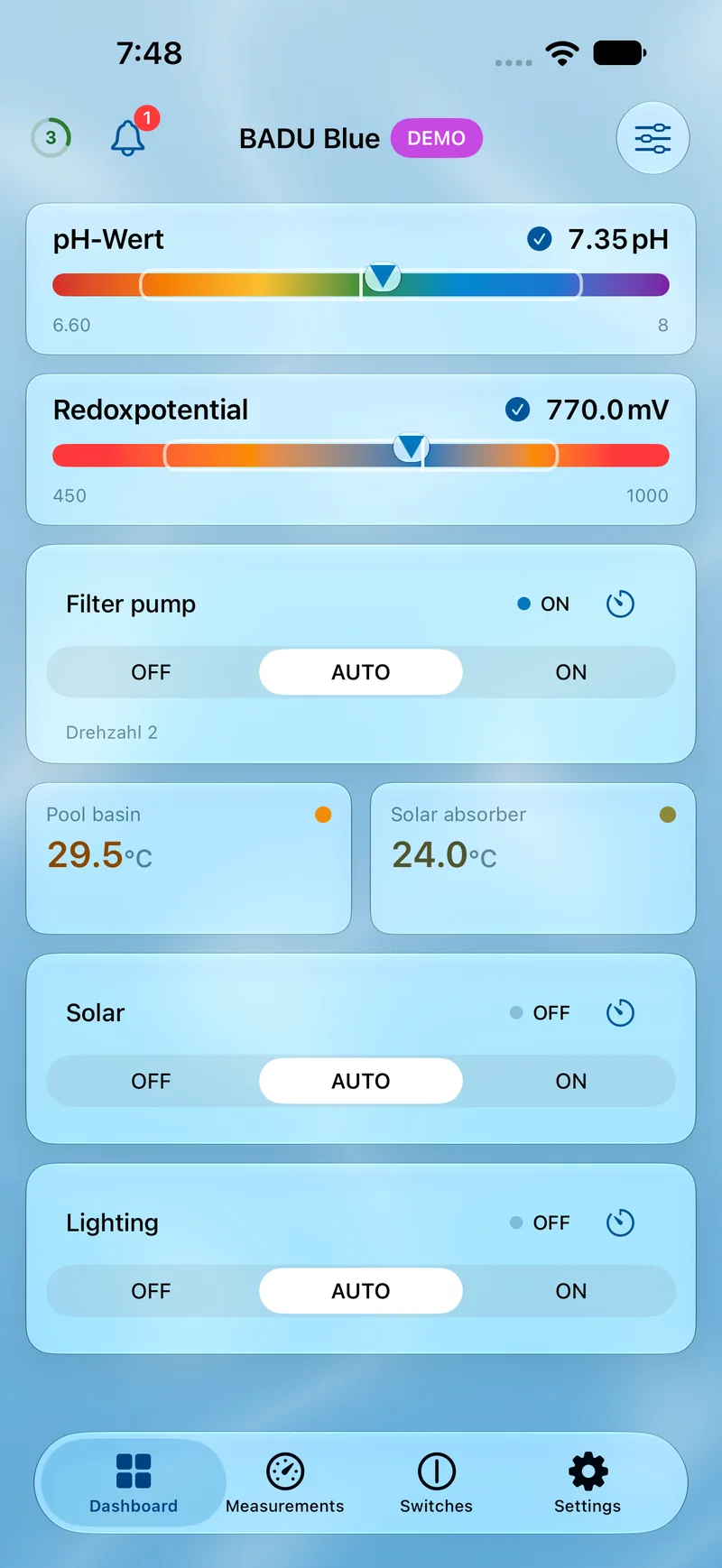
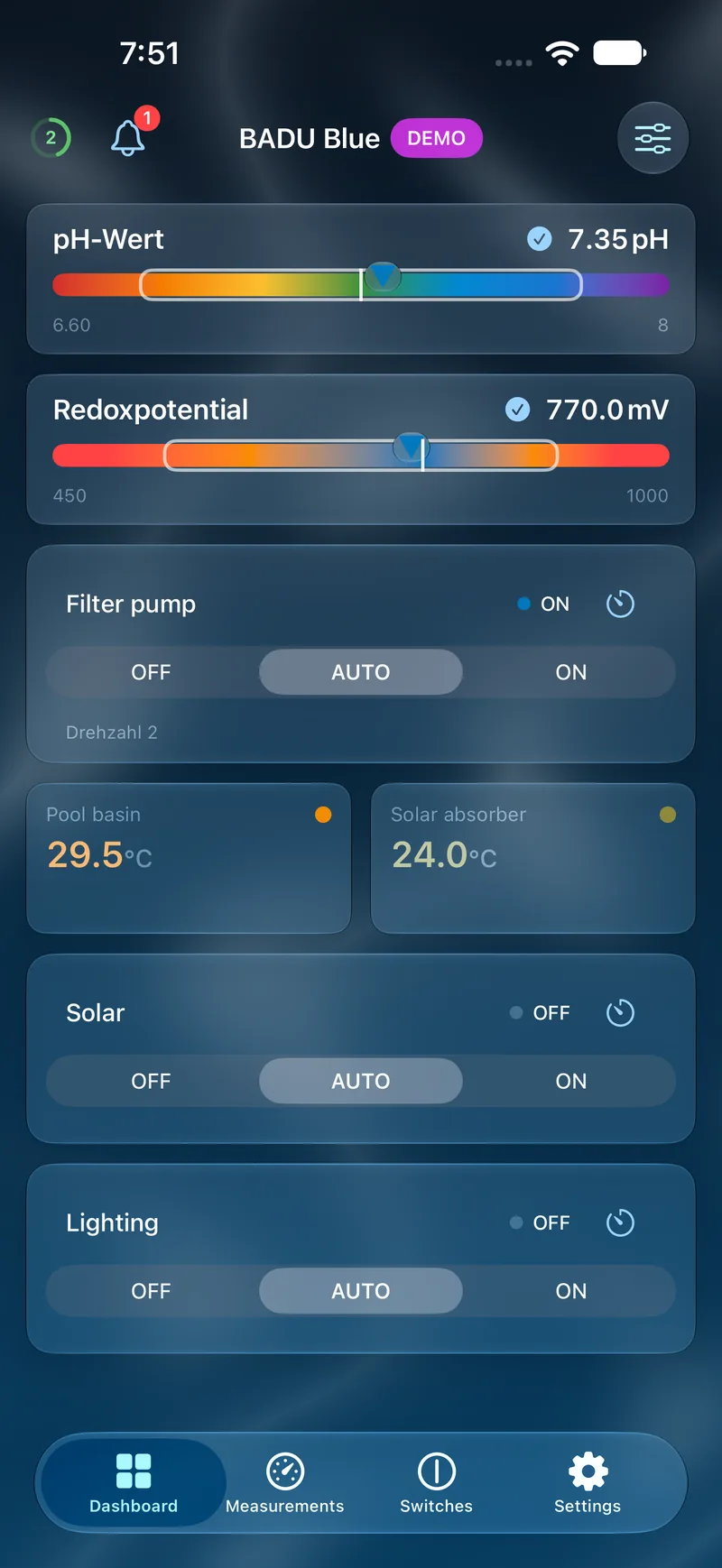
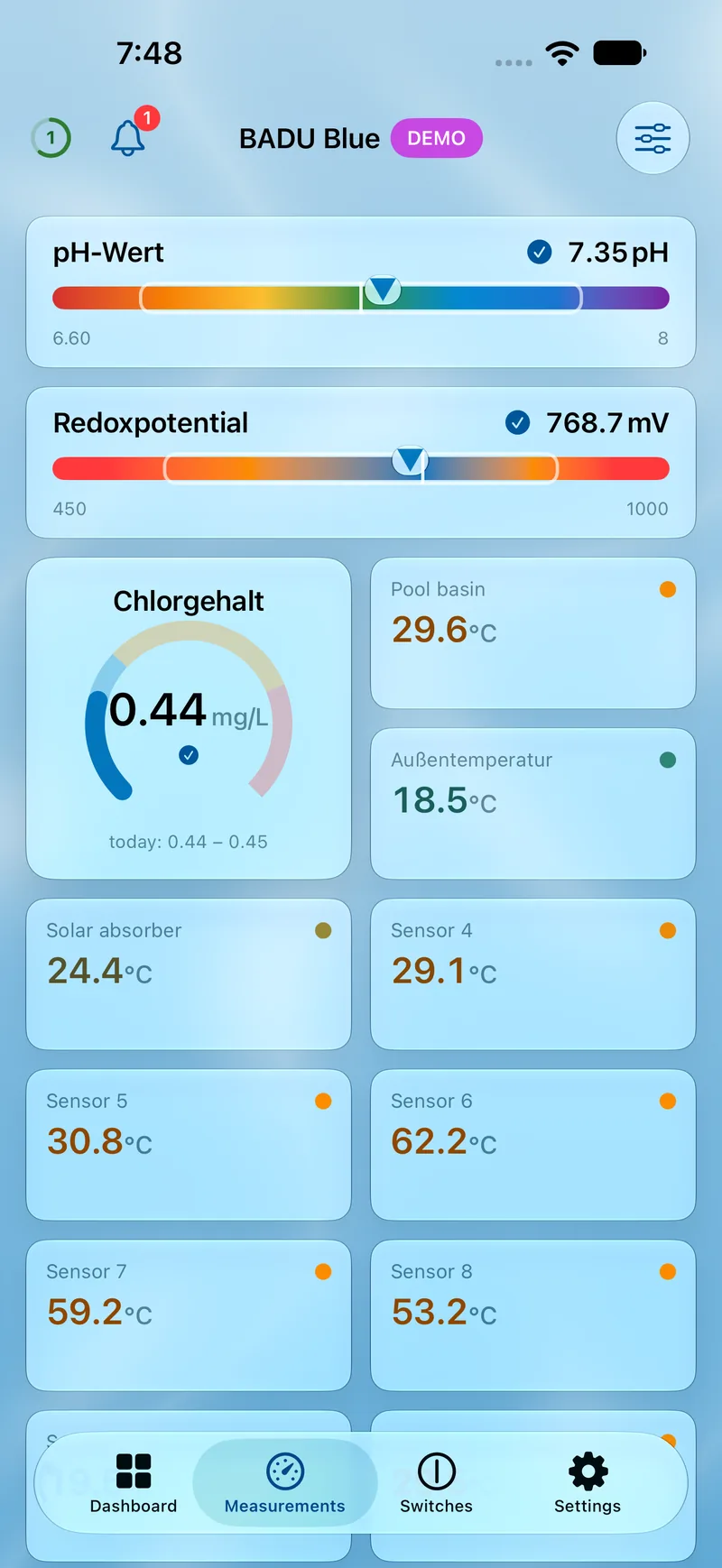
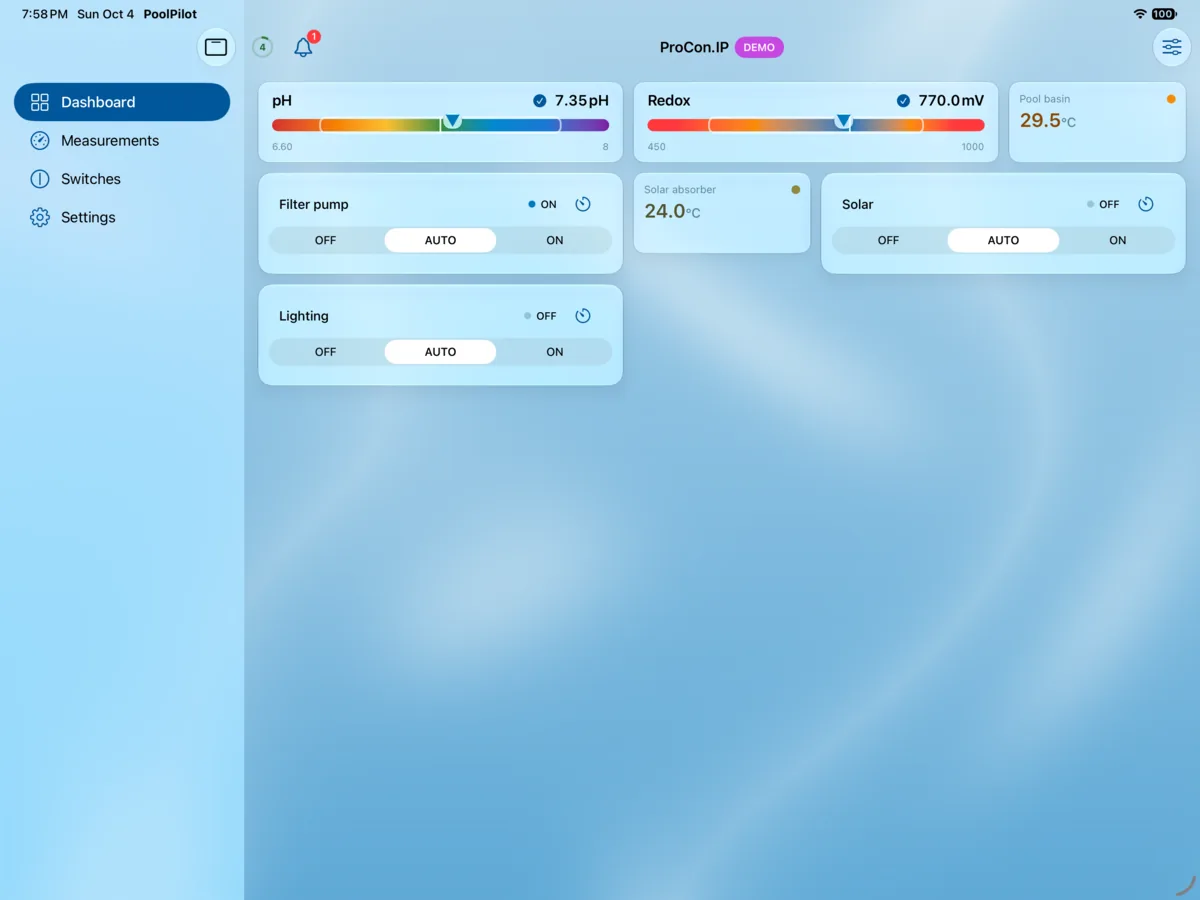
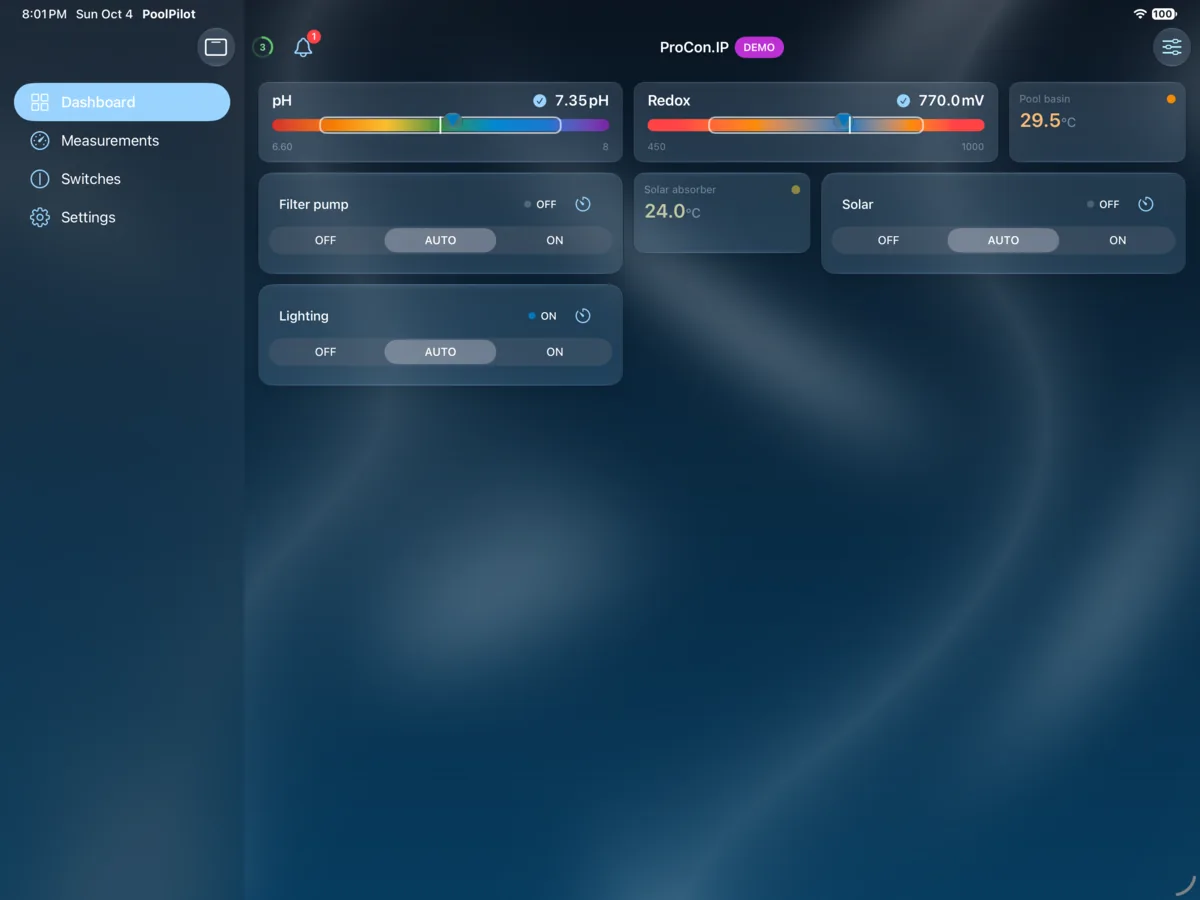
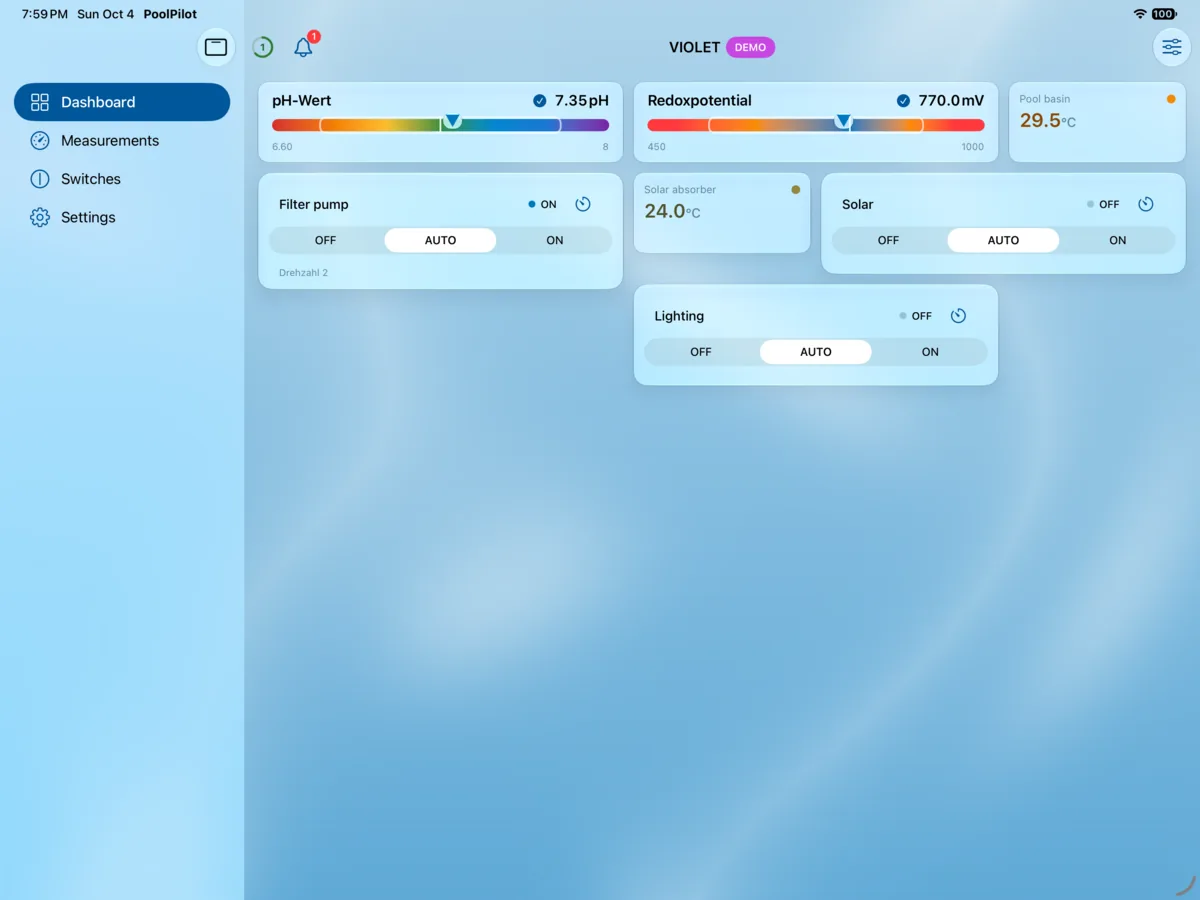
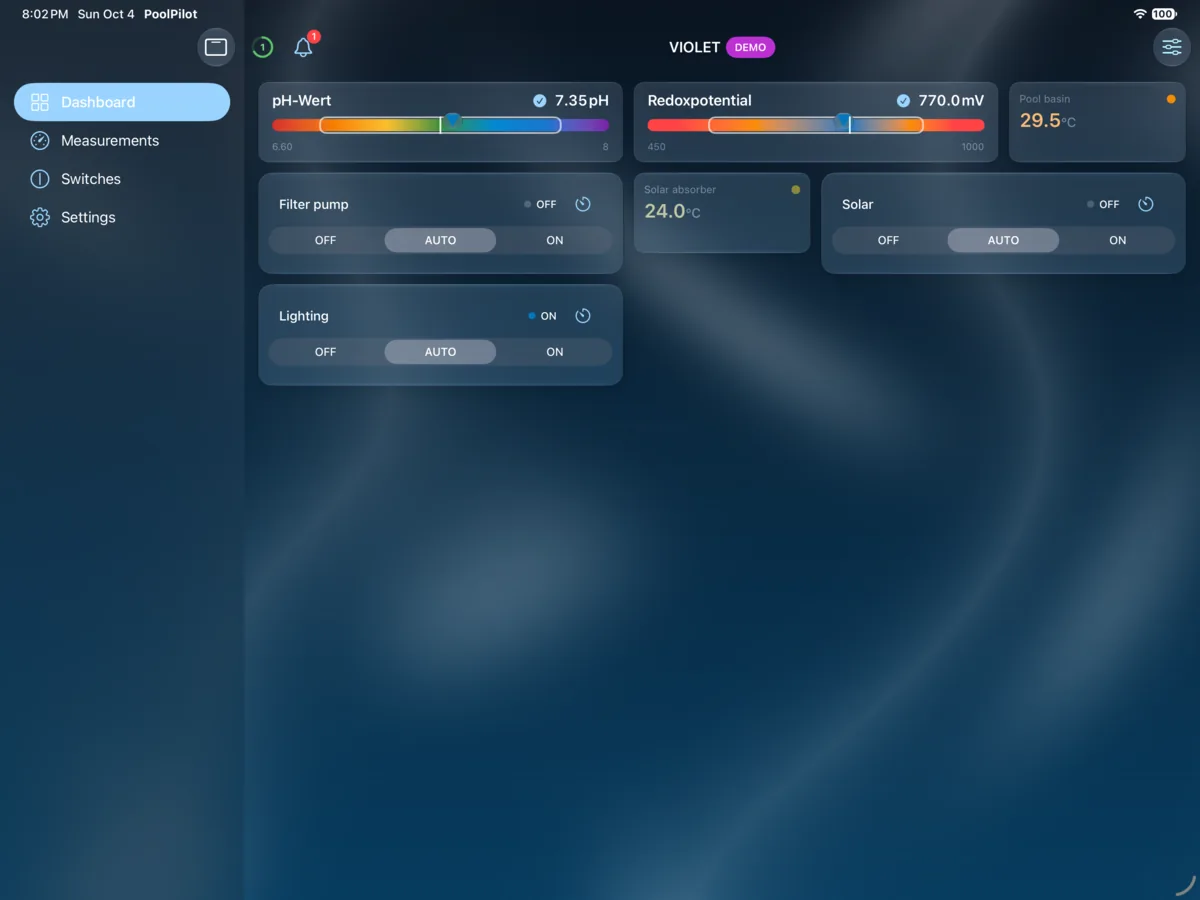
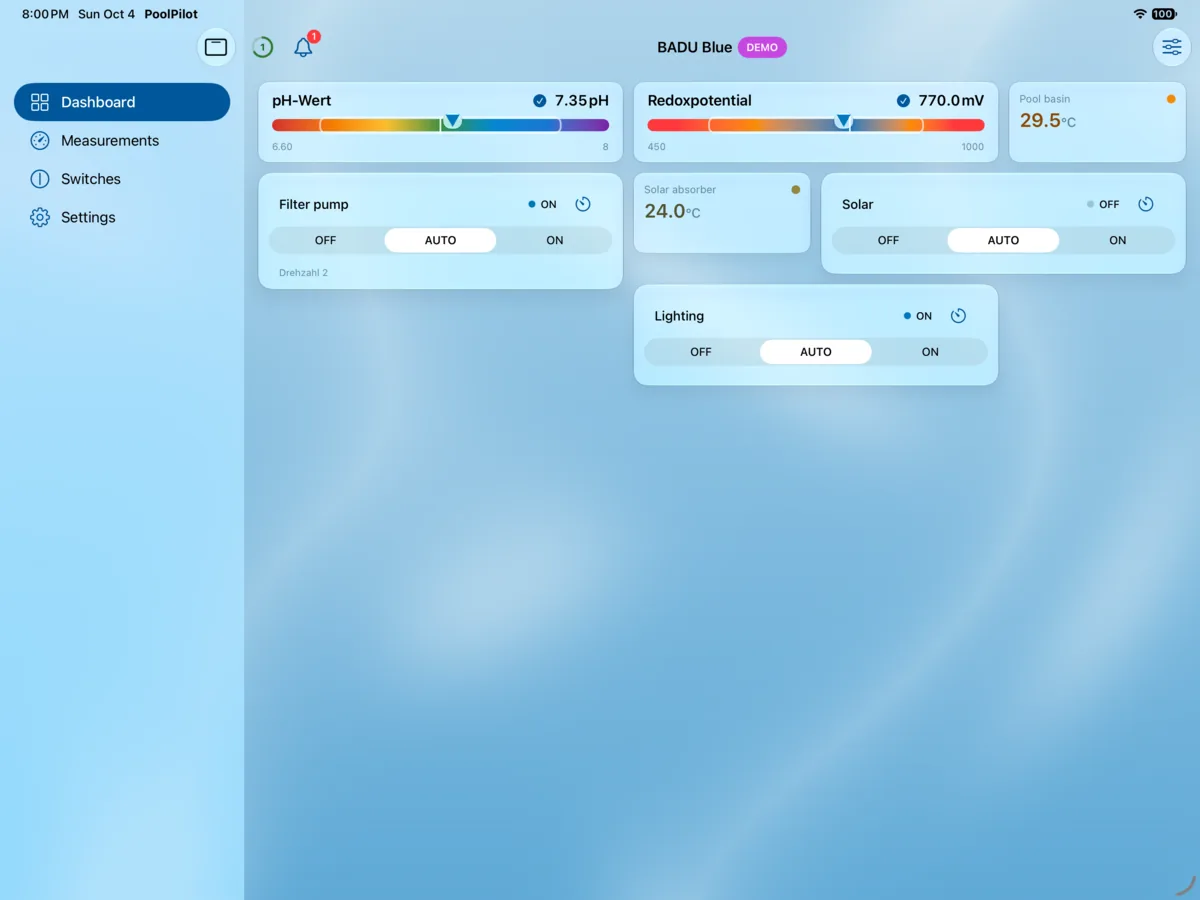
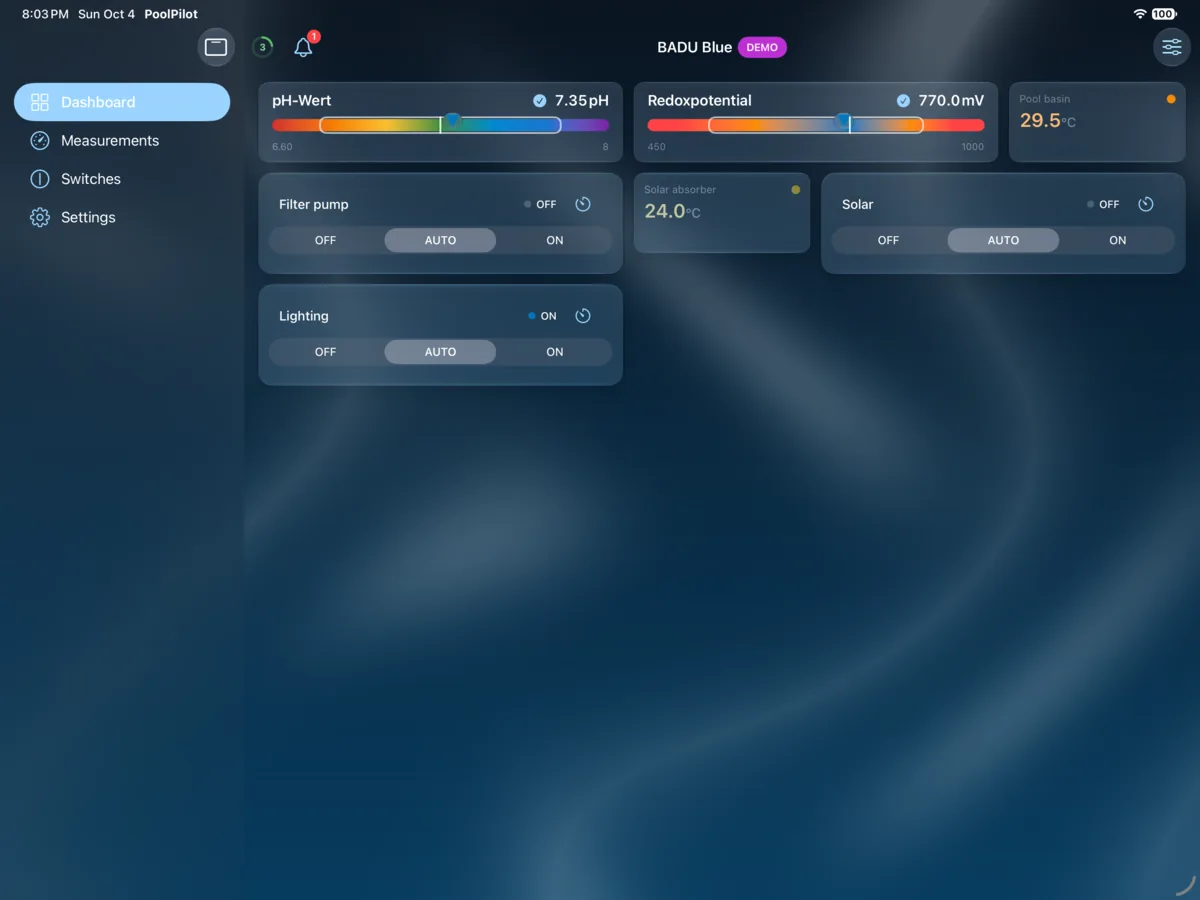
The headline values and switches at a glance — just mark your favourites to add them to the dashboard.
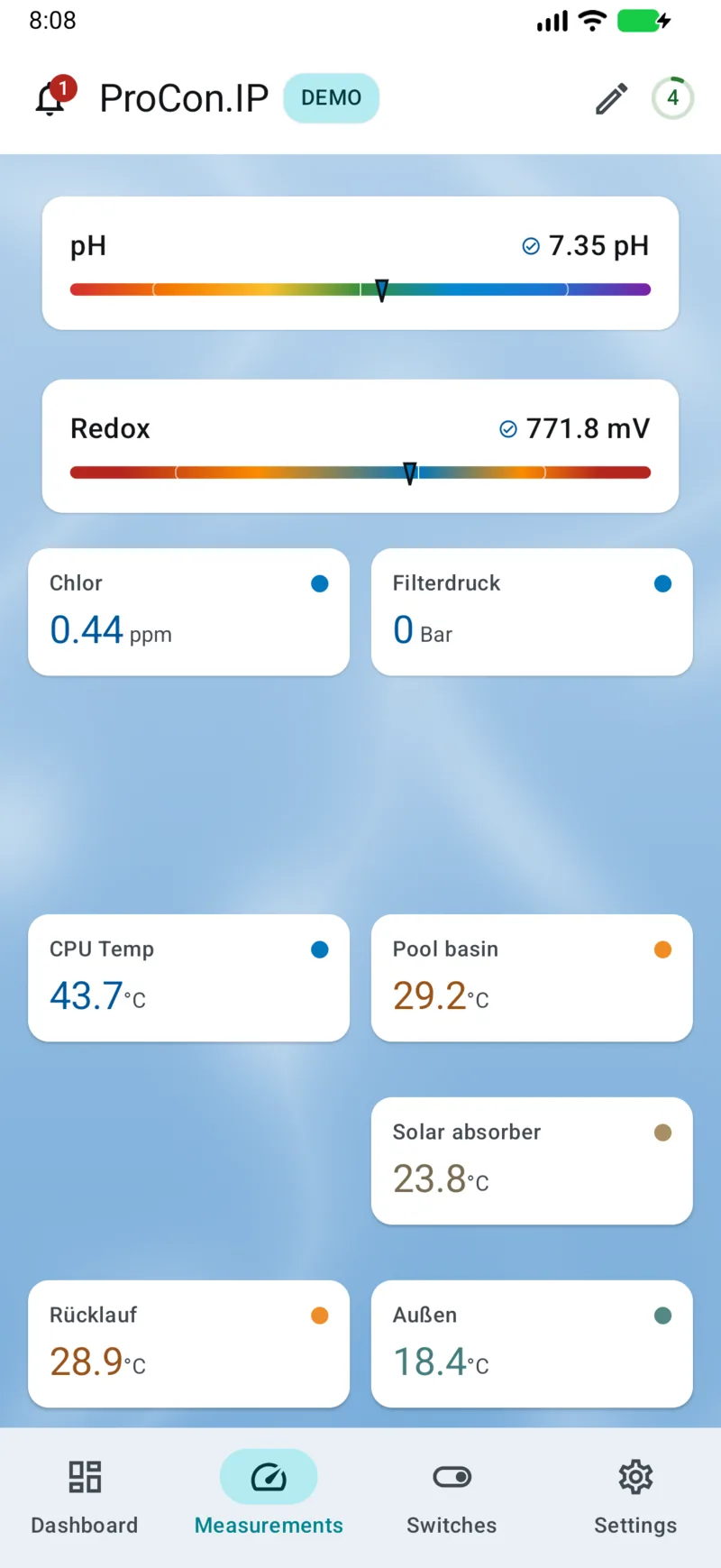
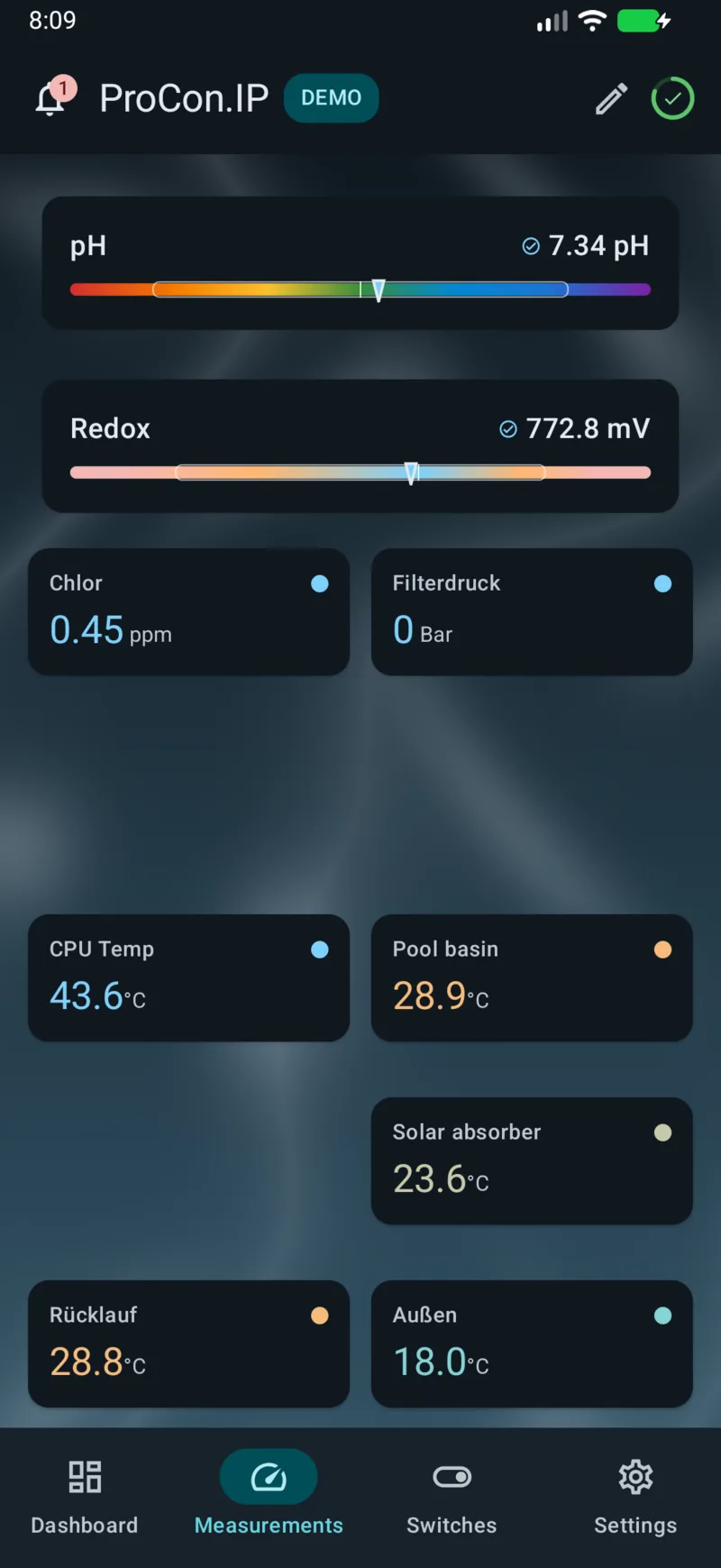
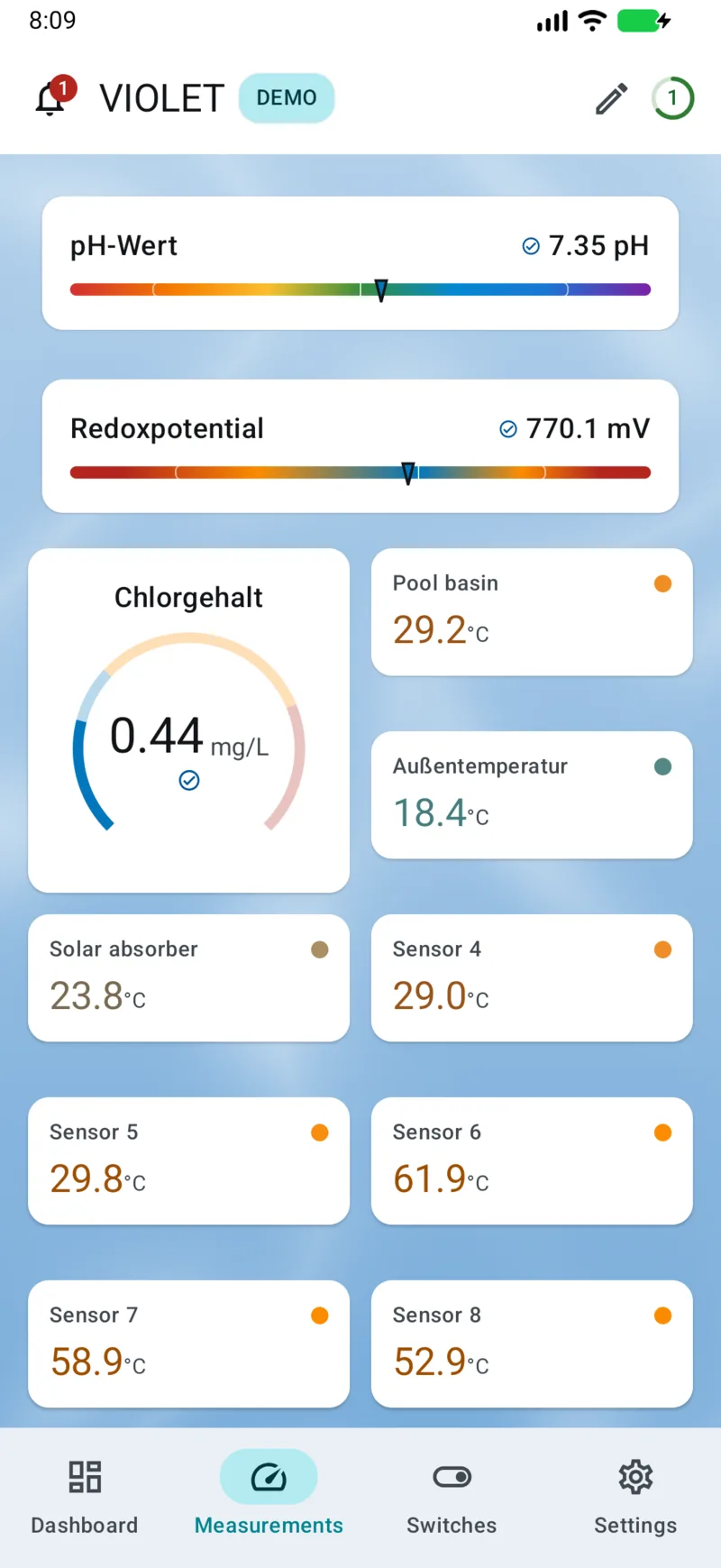
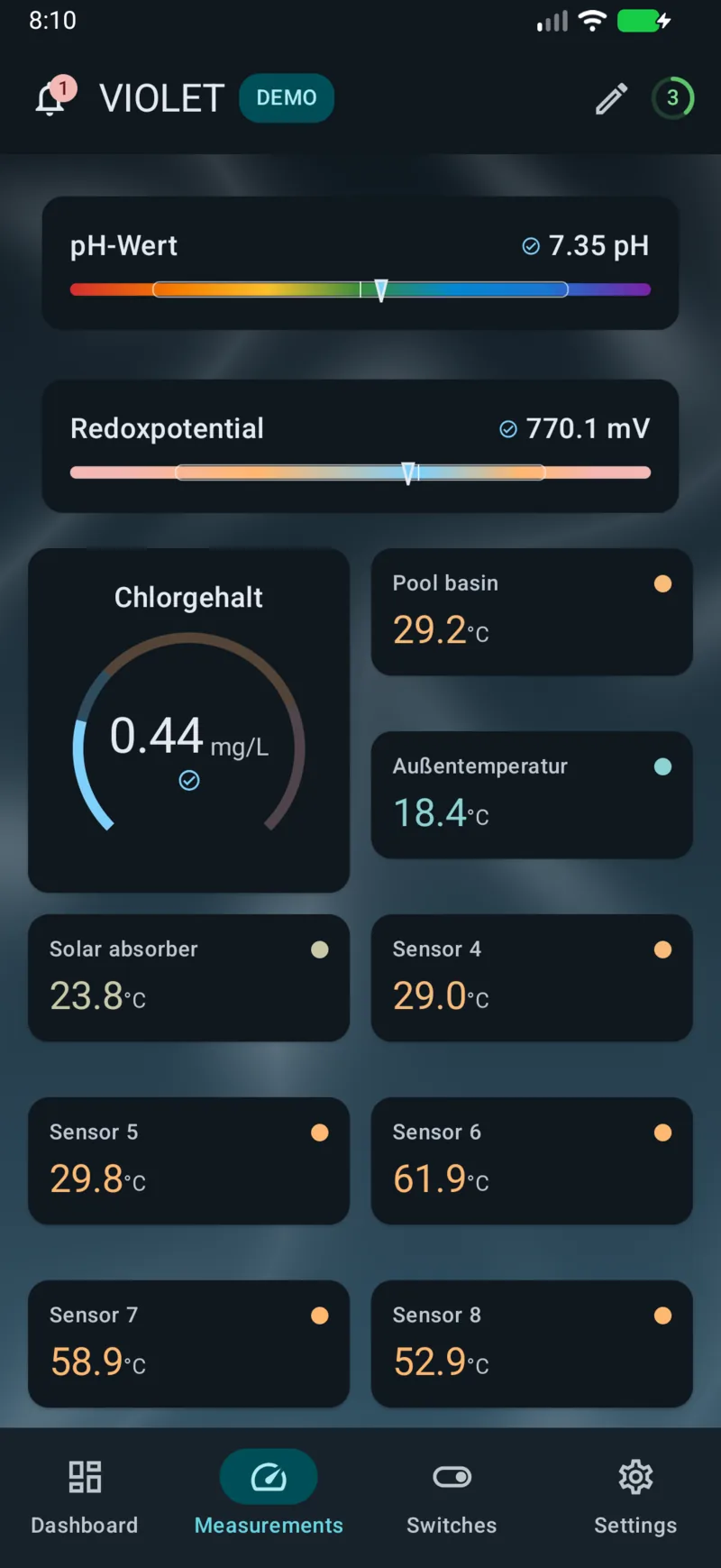
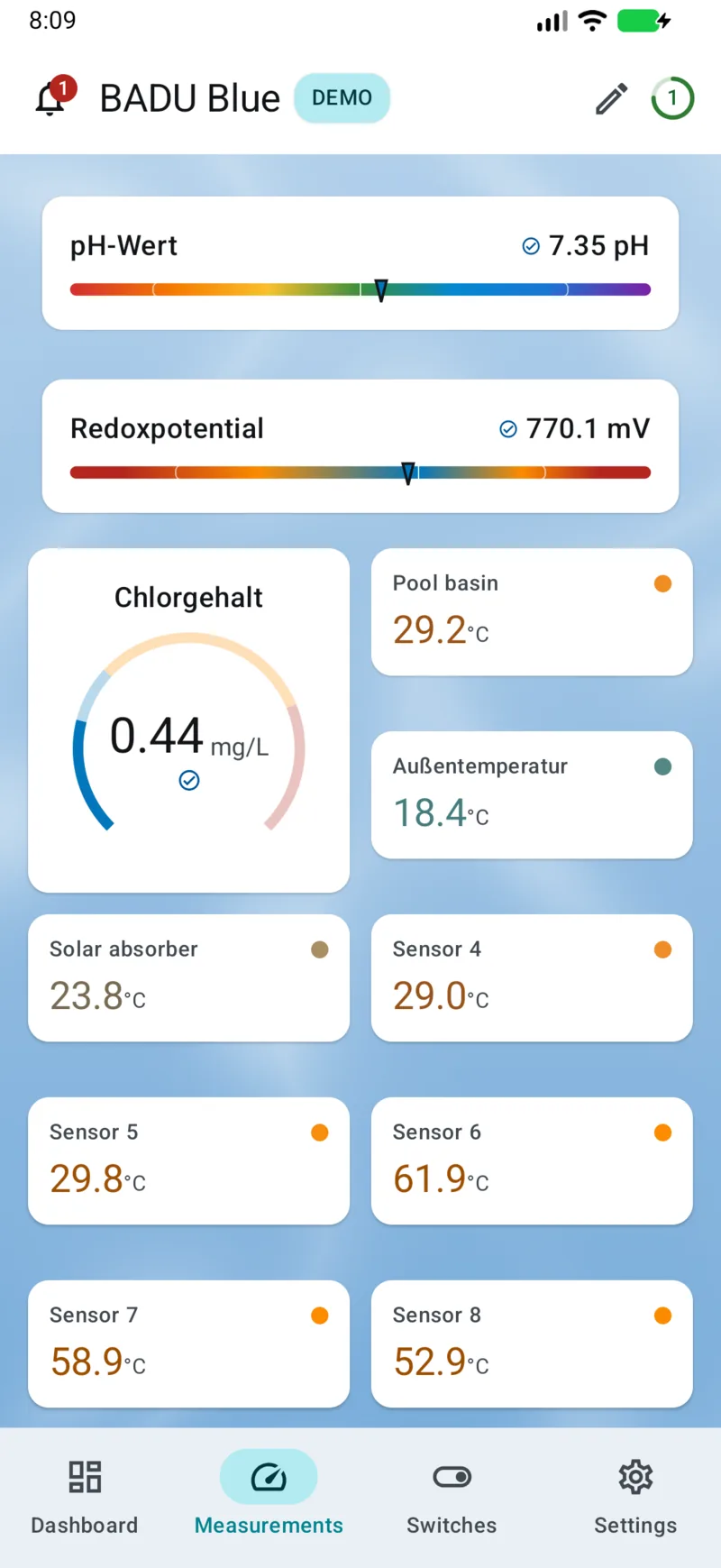
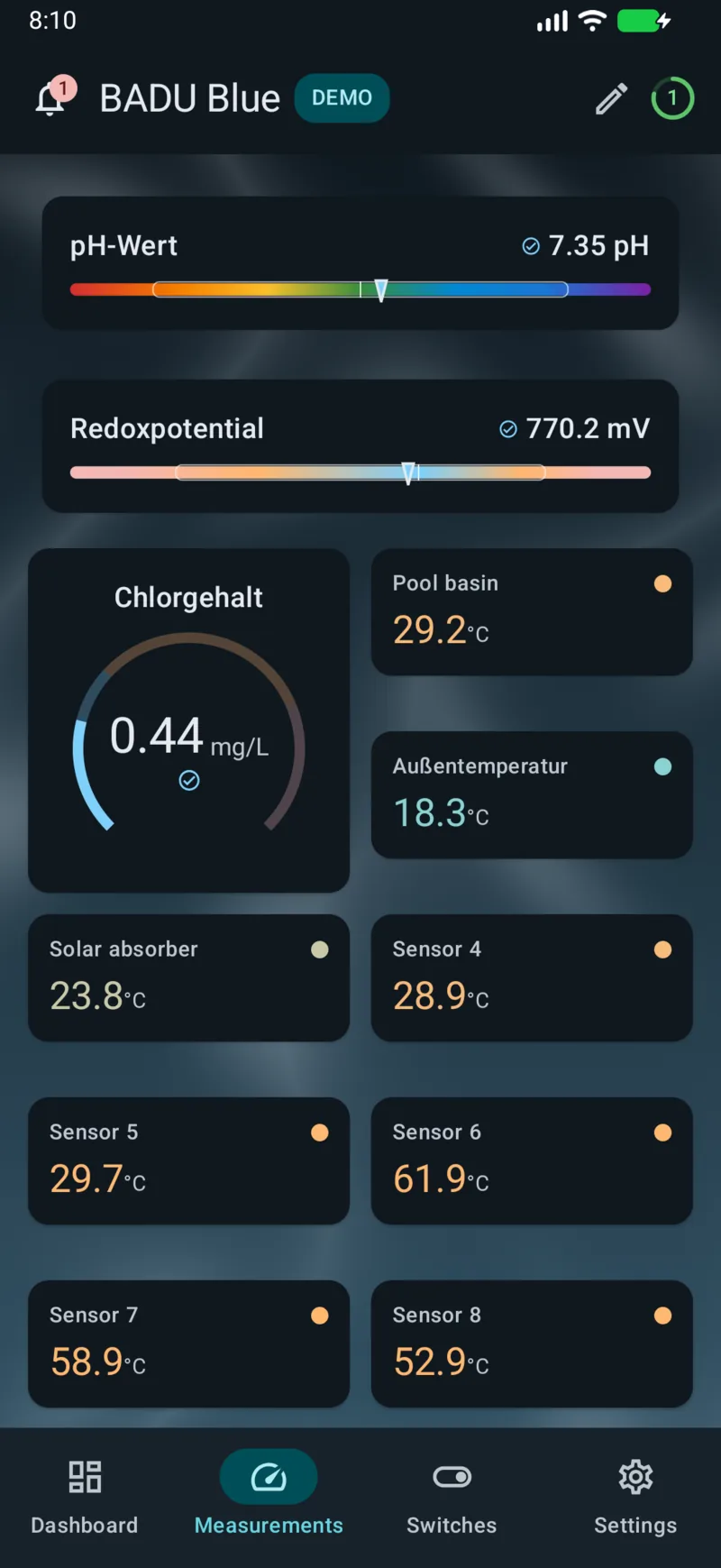
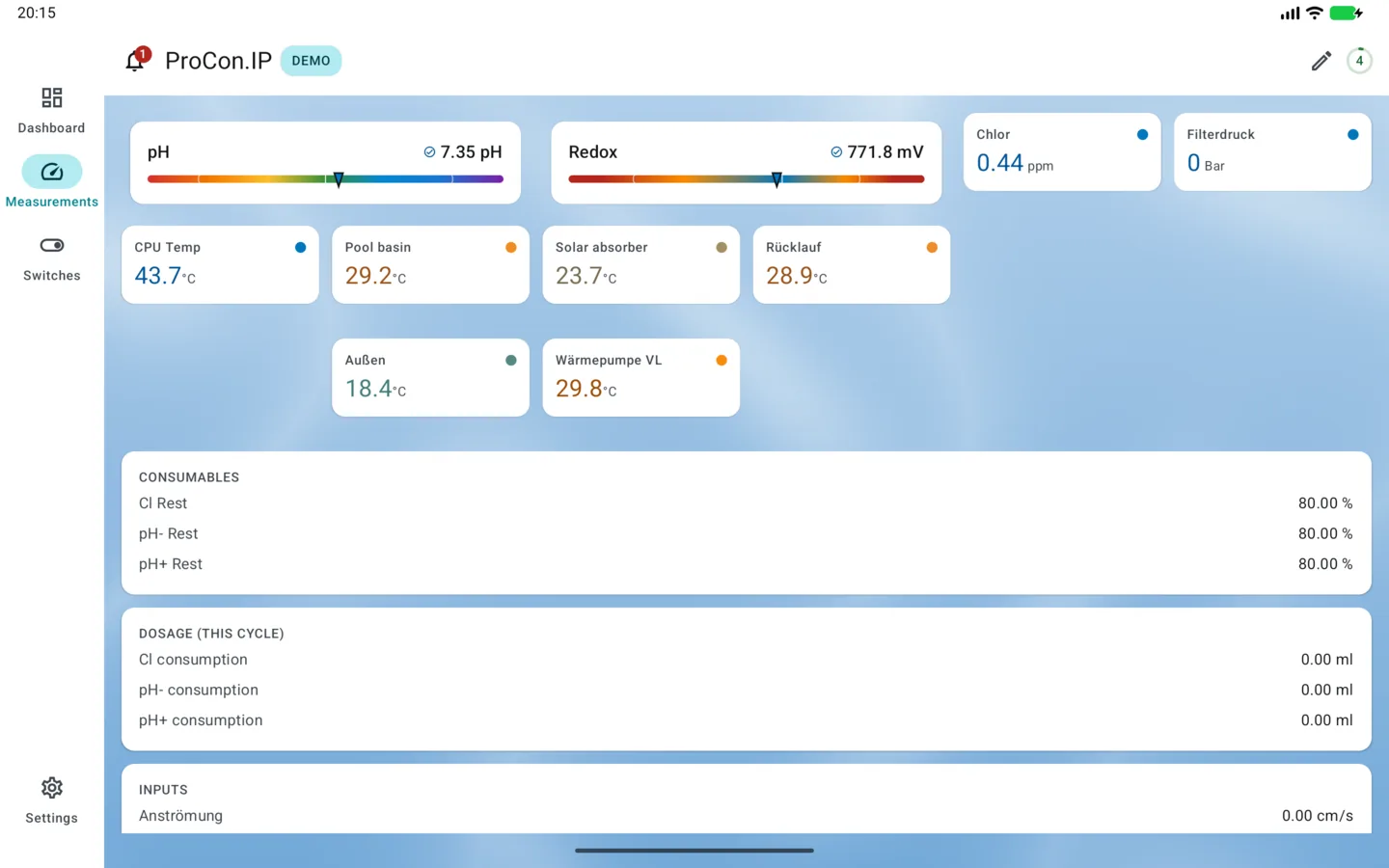
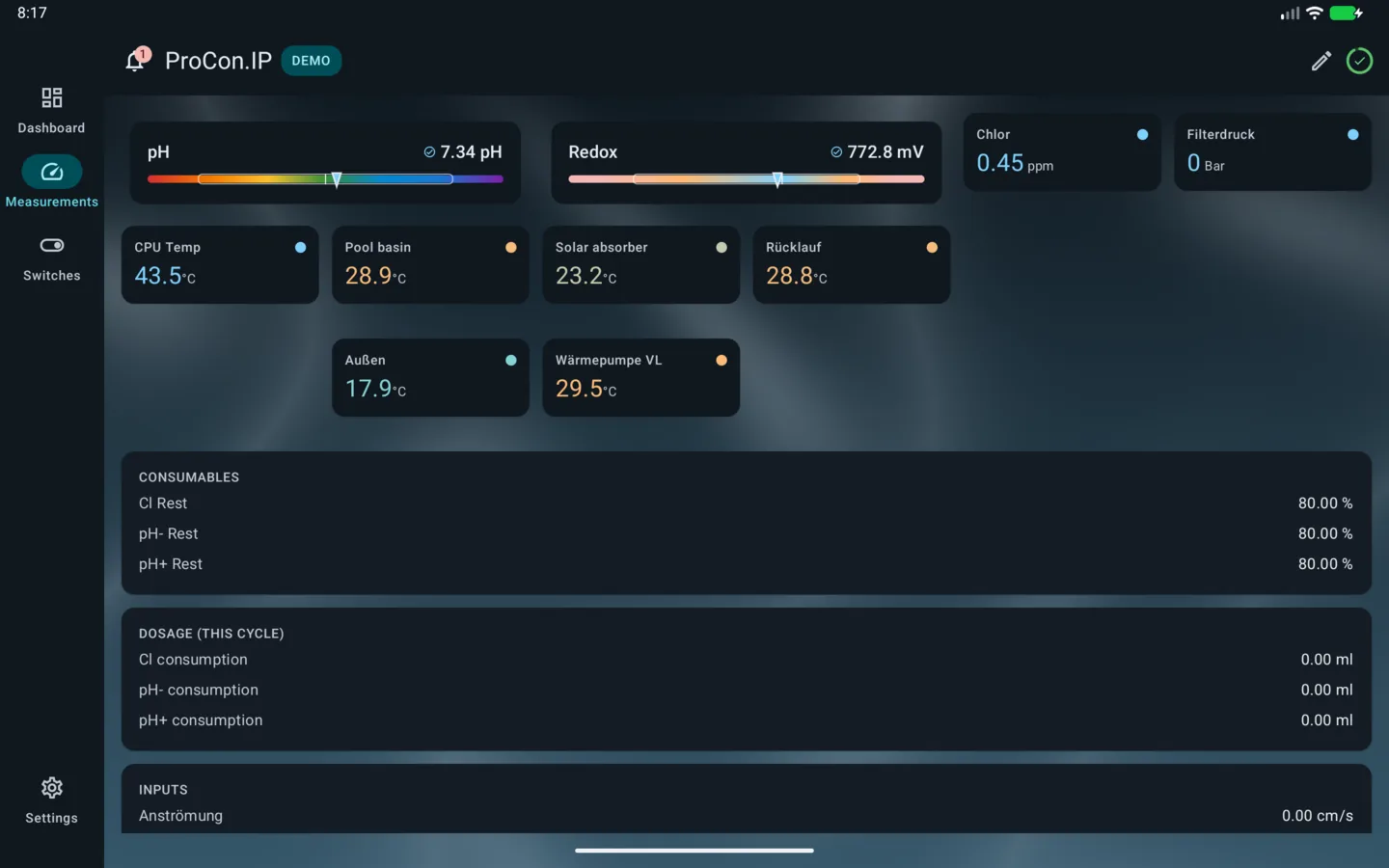
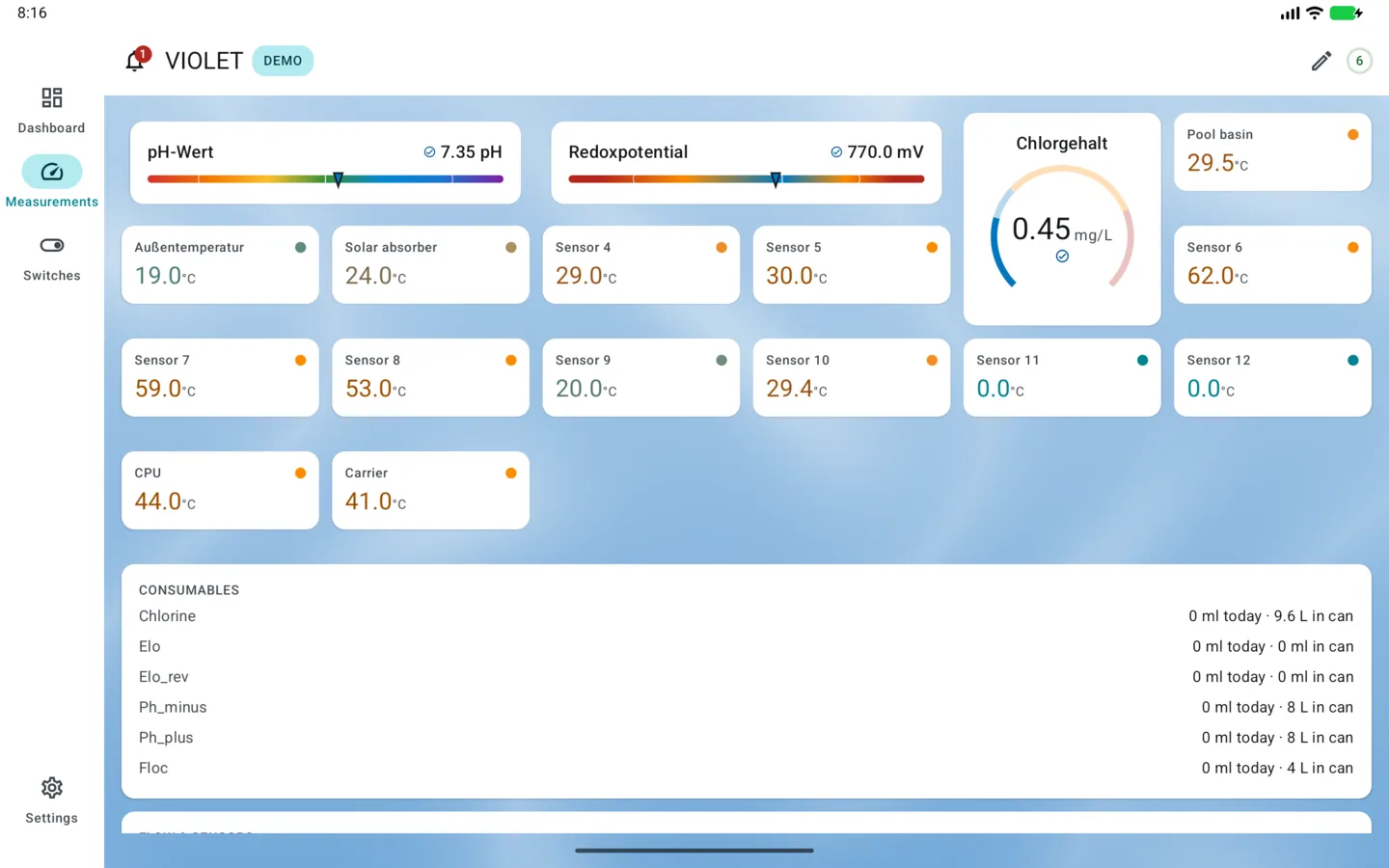
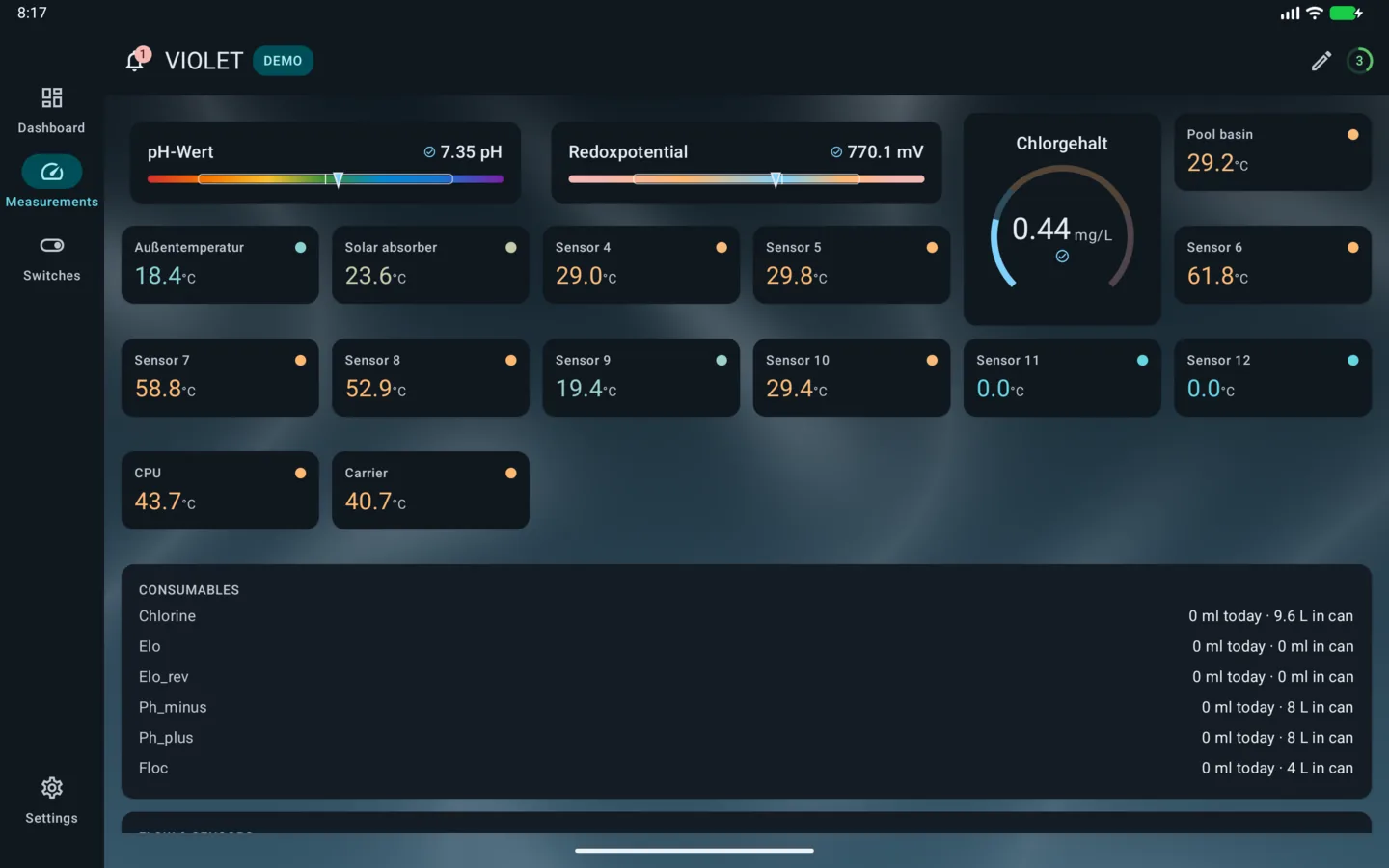
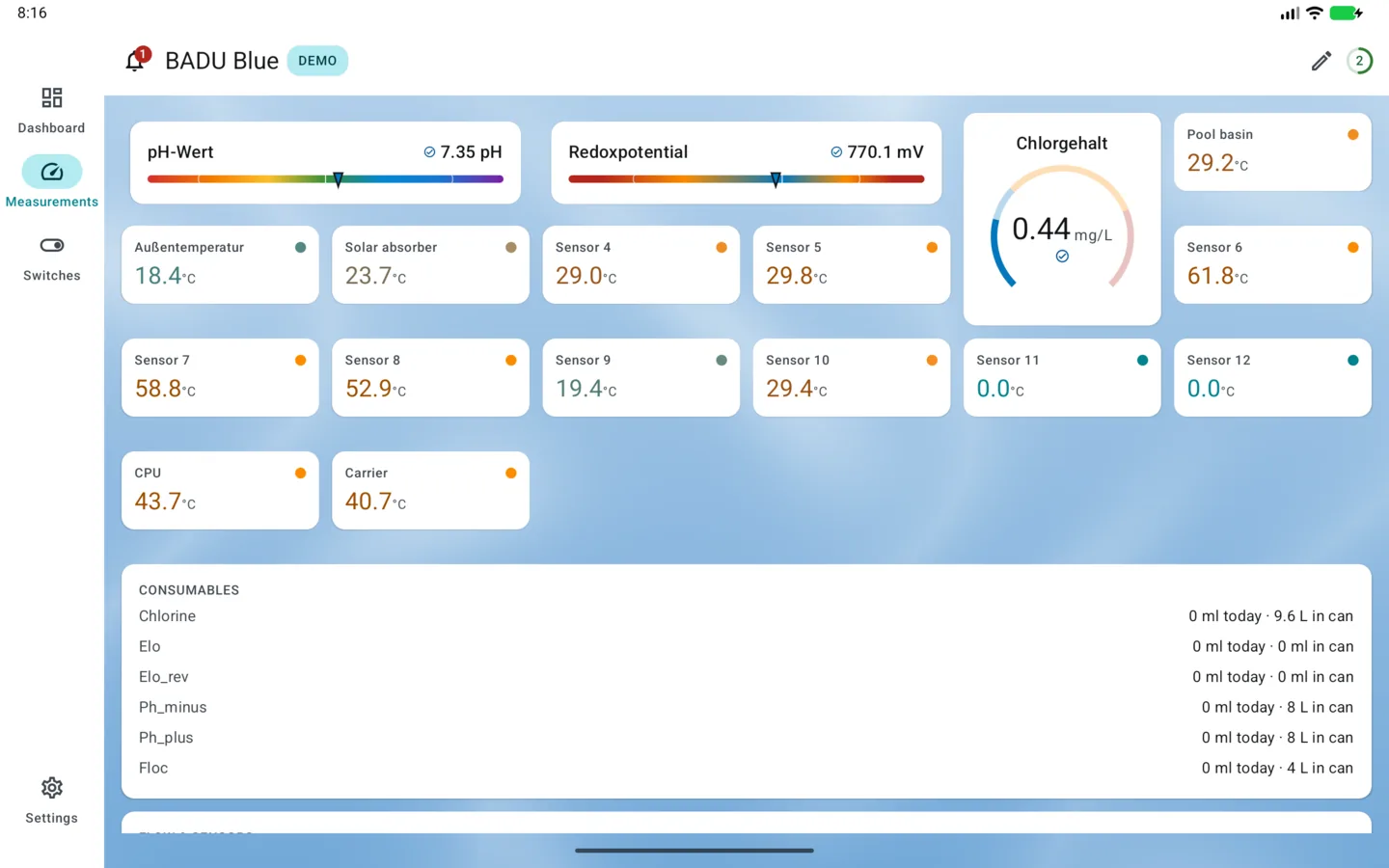
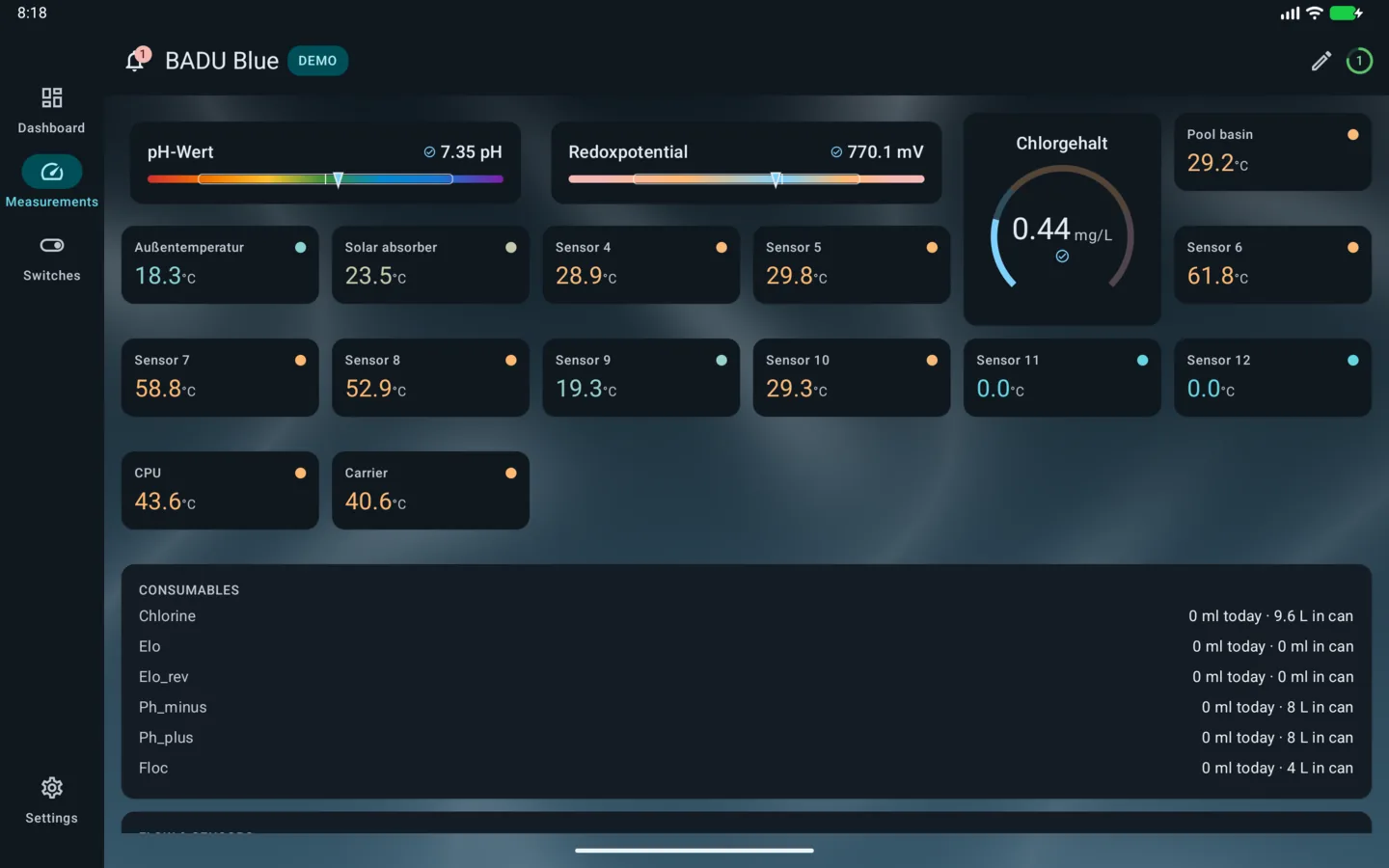
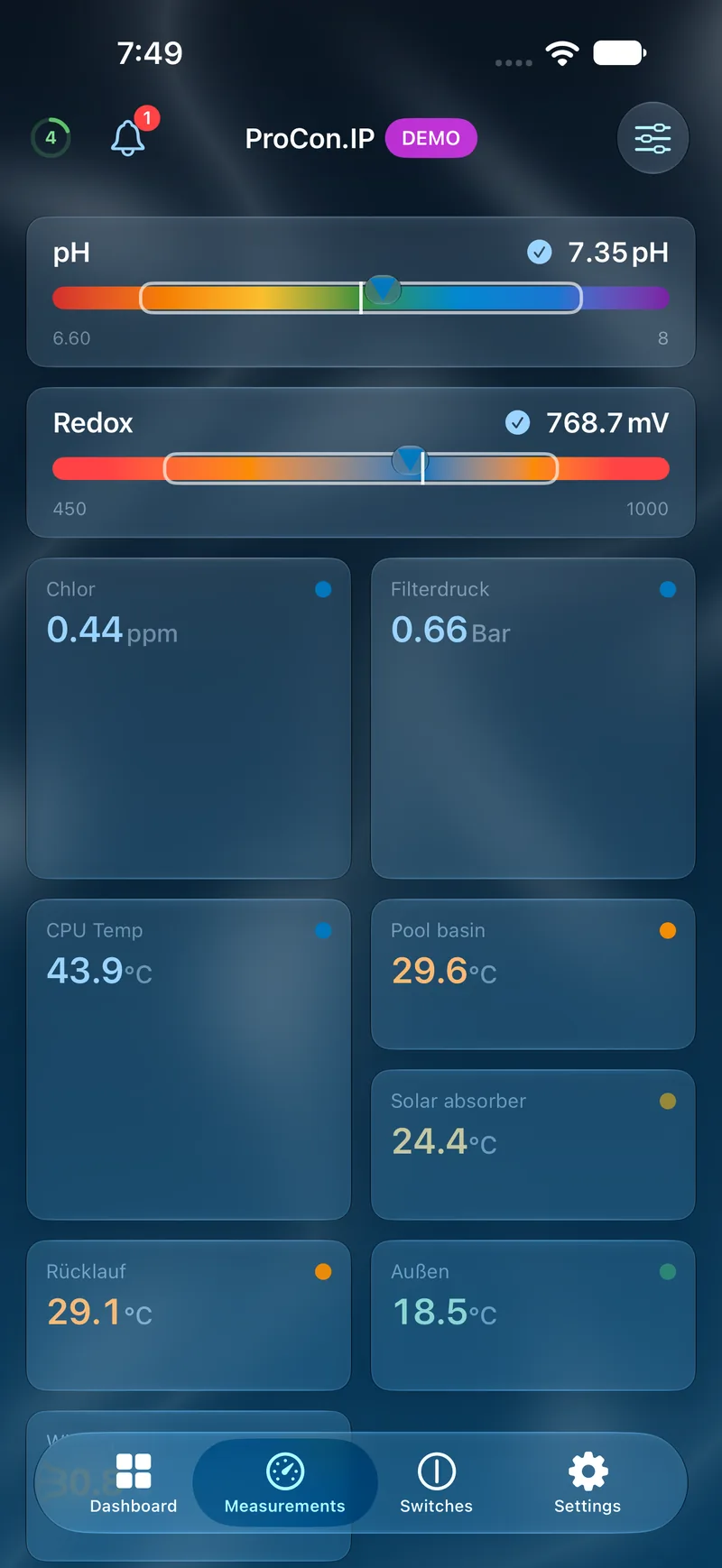
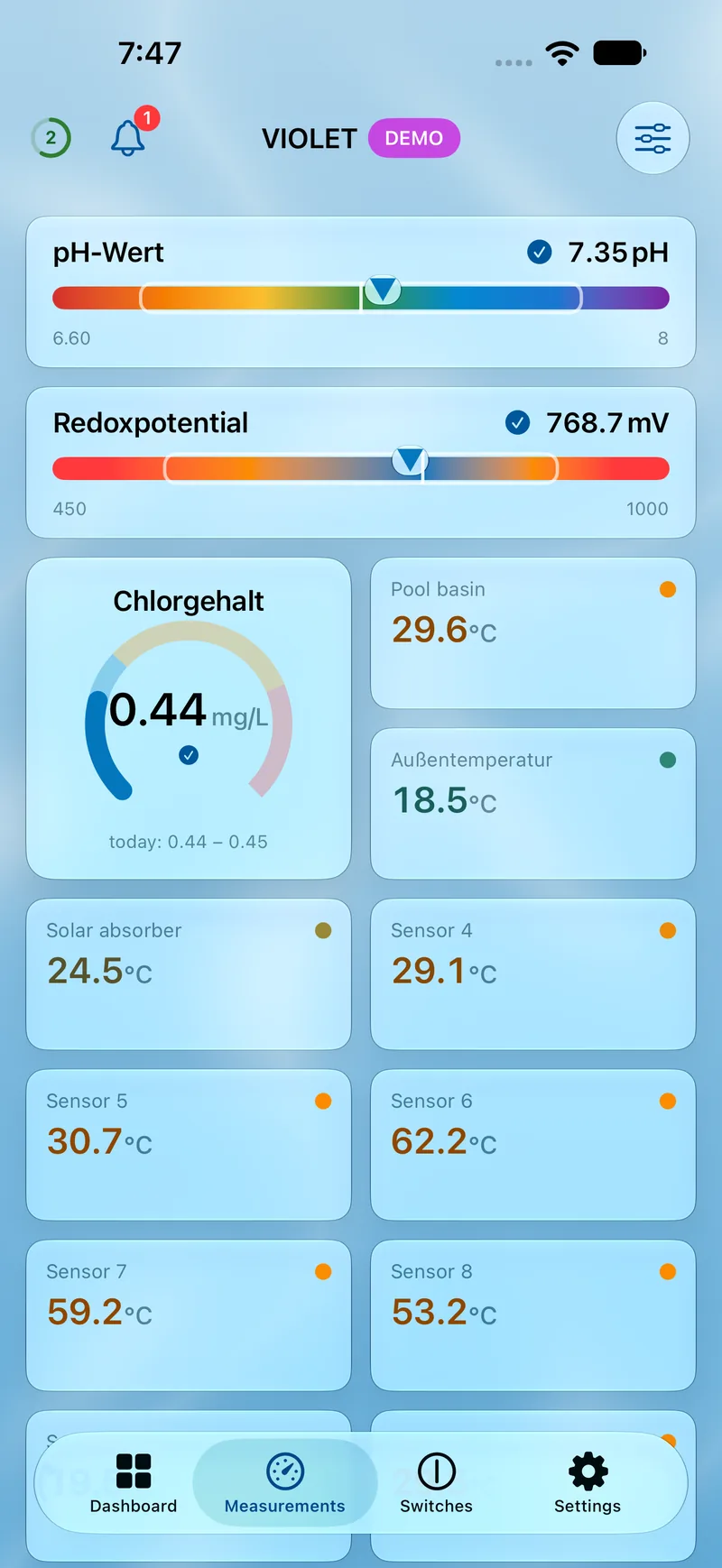
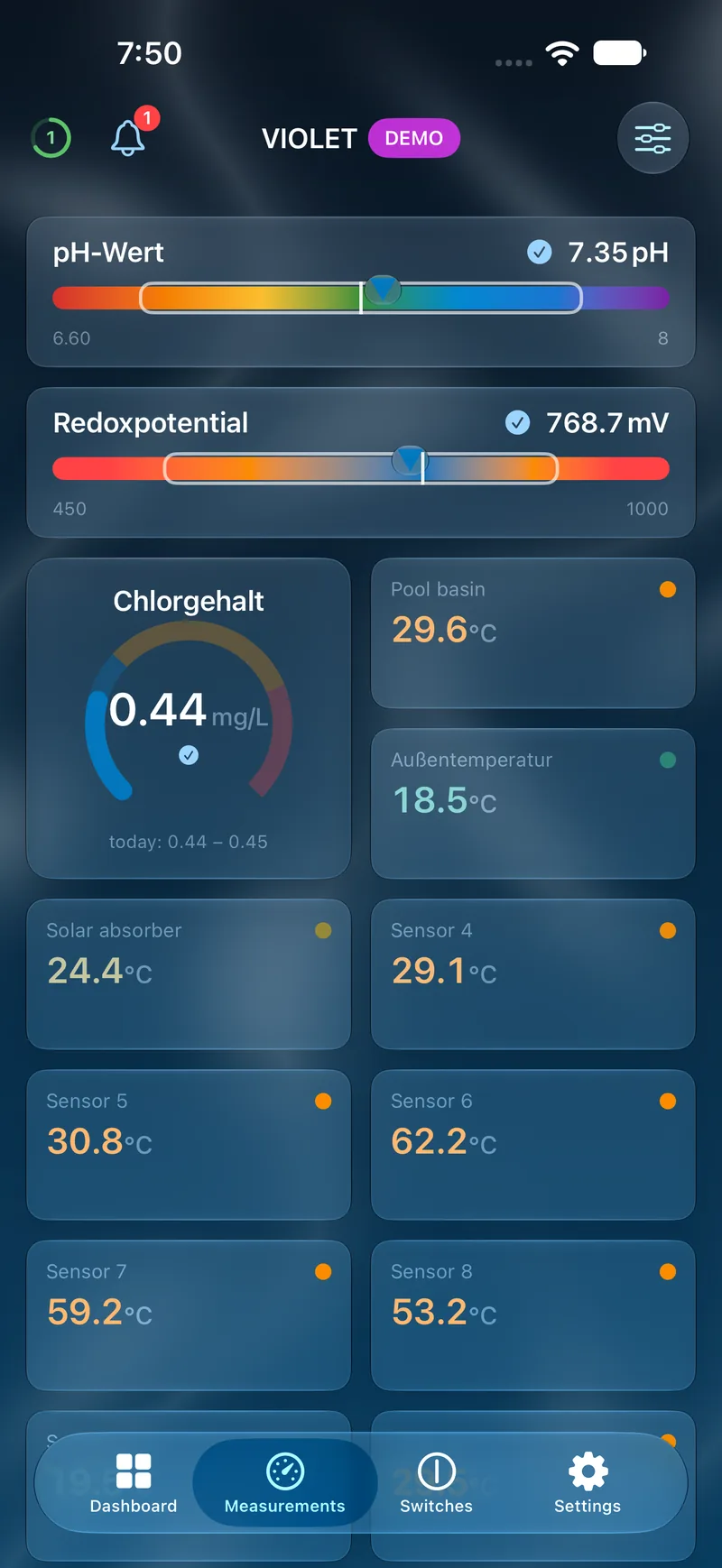
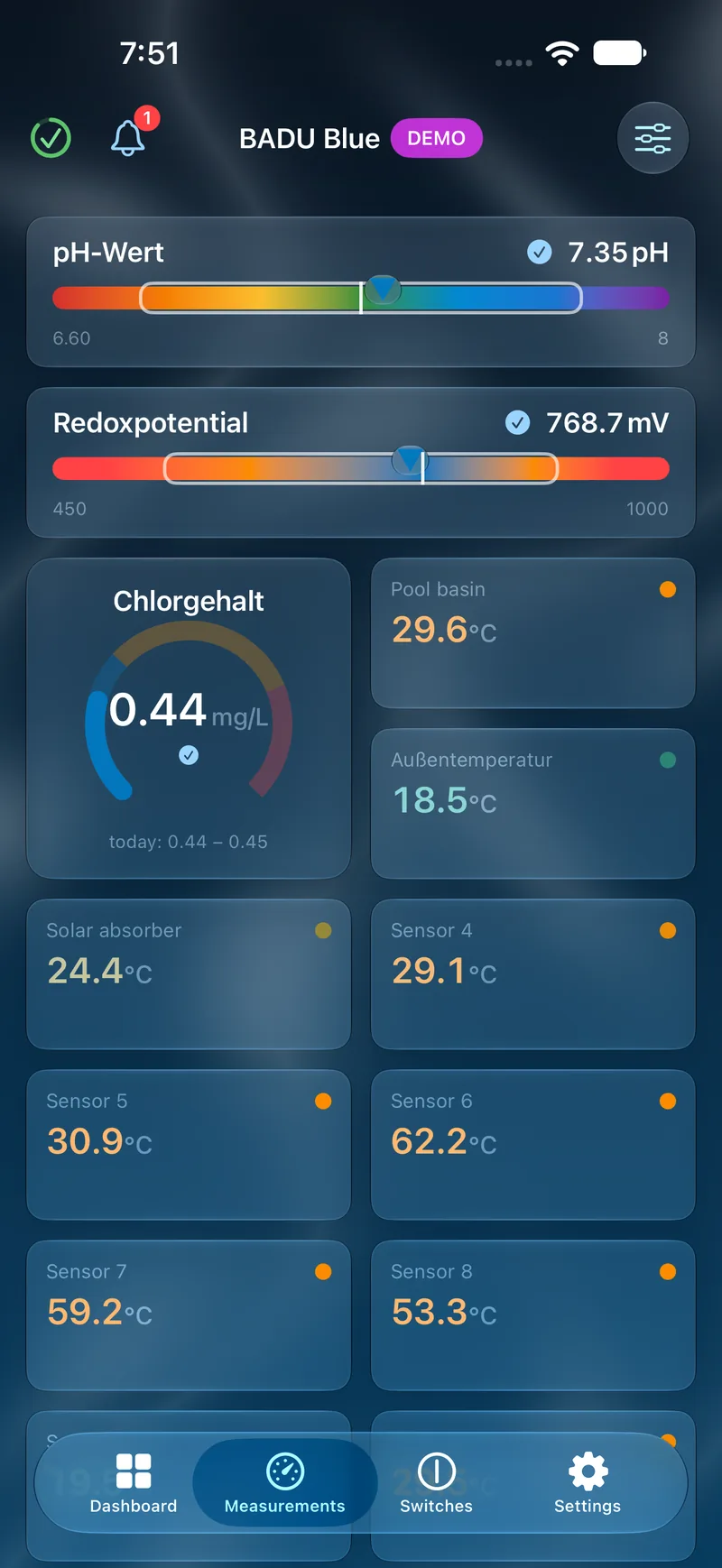
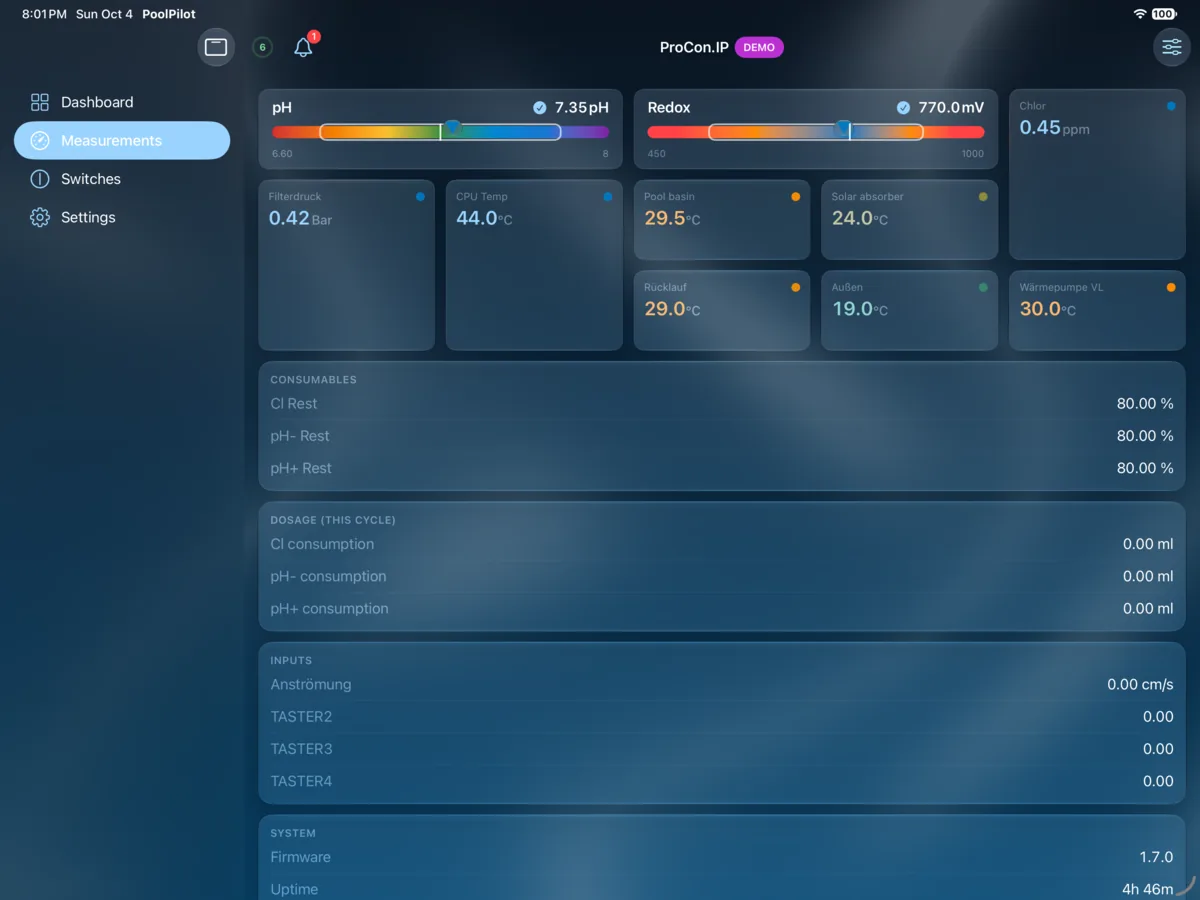
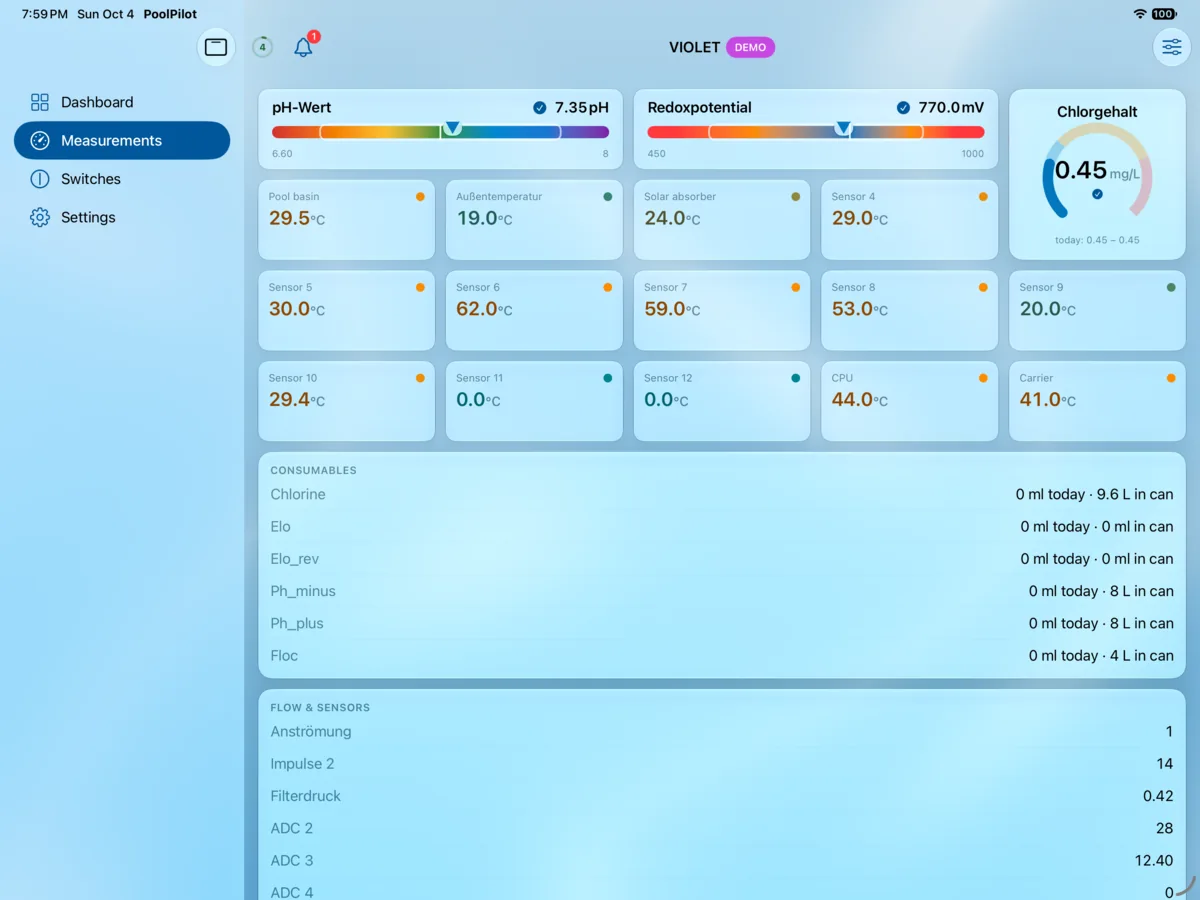
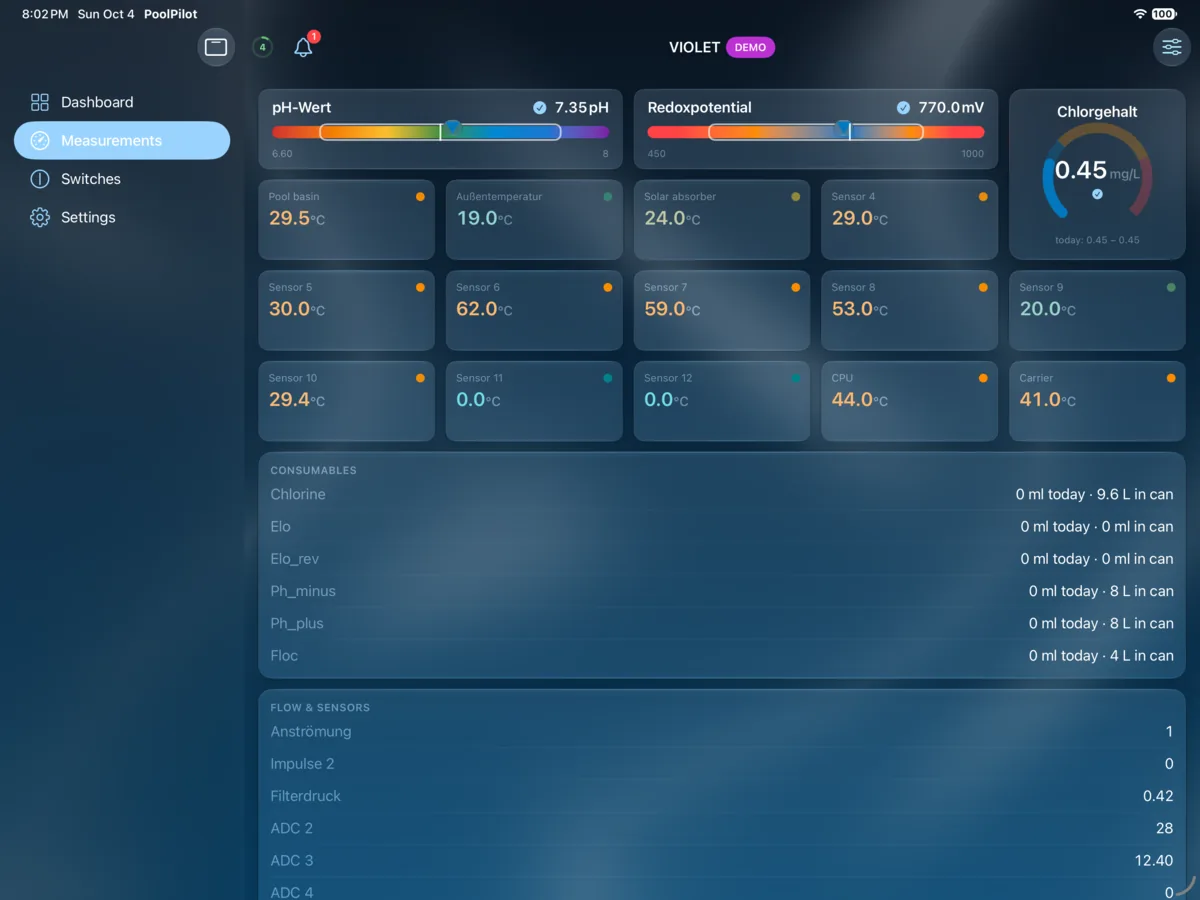
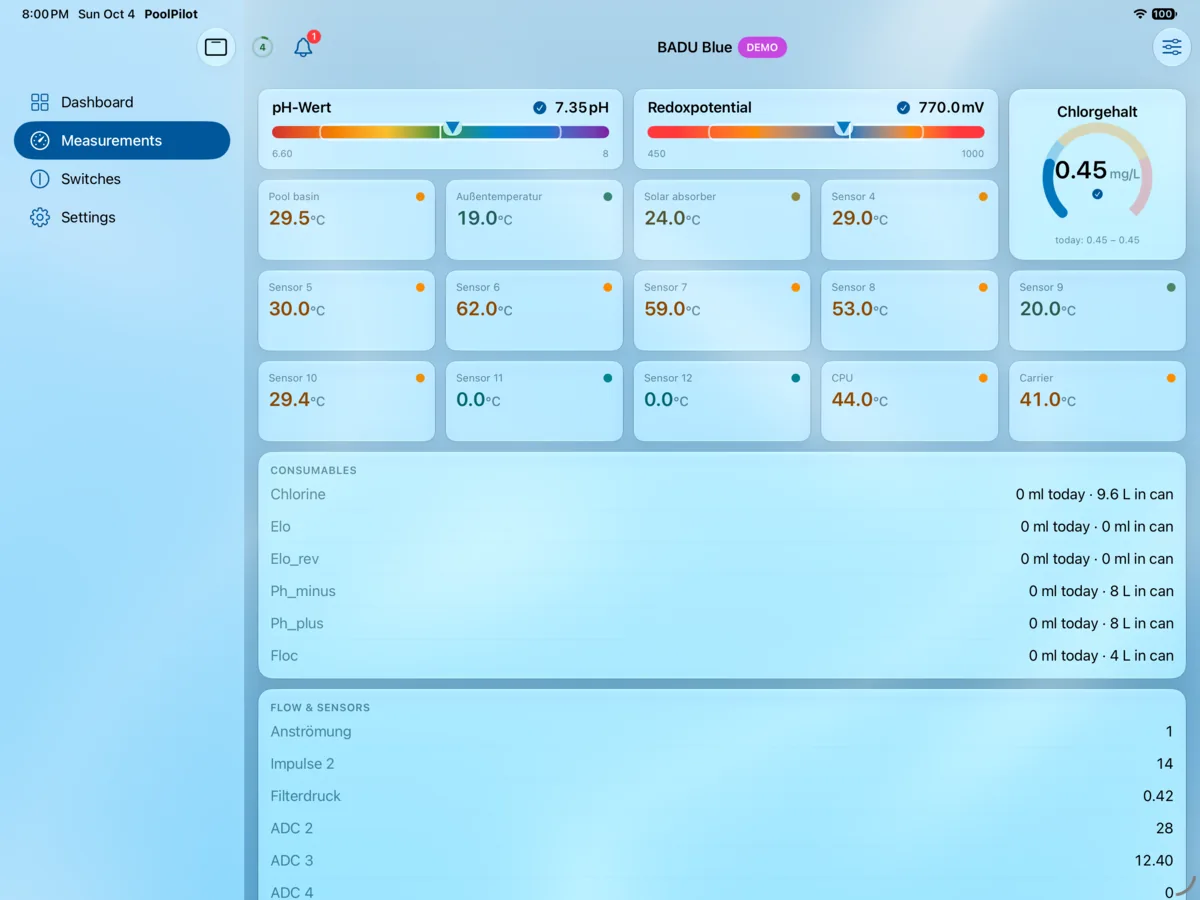
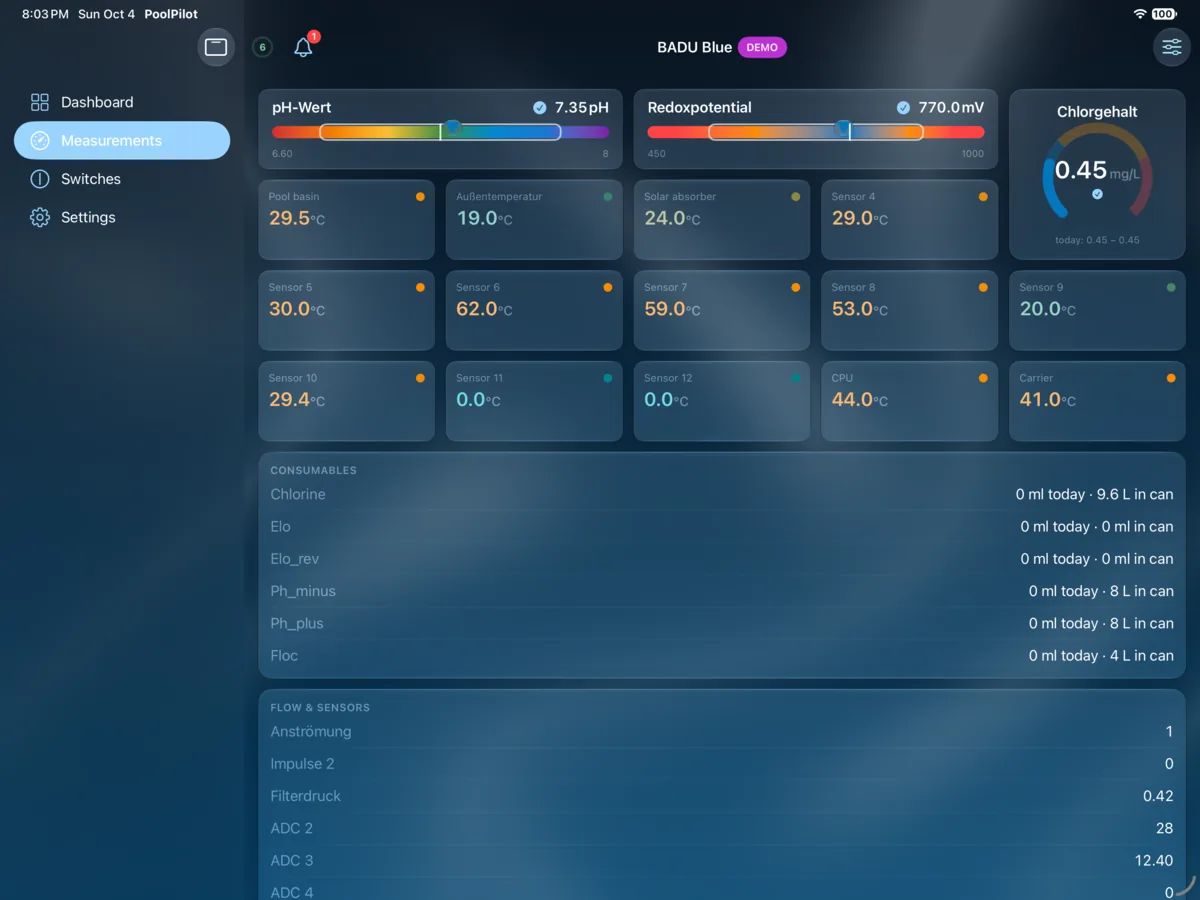
All sensors grouped, with configurable colour-coded chemistry indicators, custom ordering and per-sensor visibility.
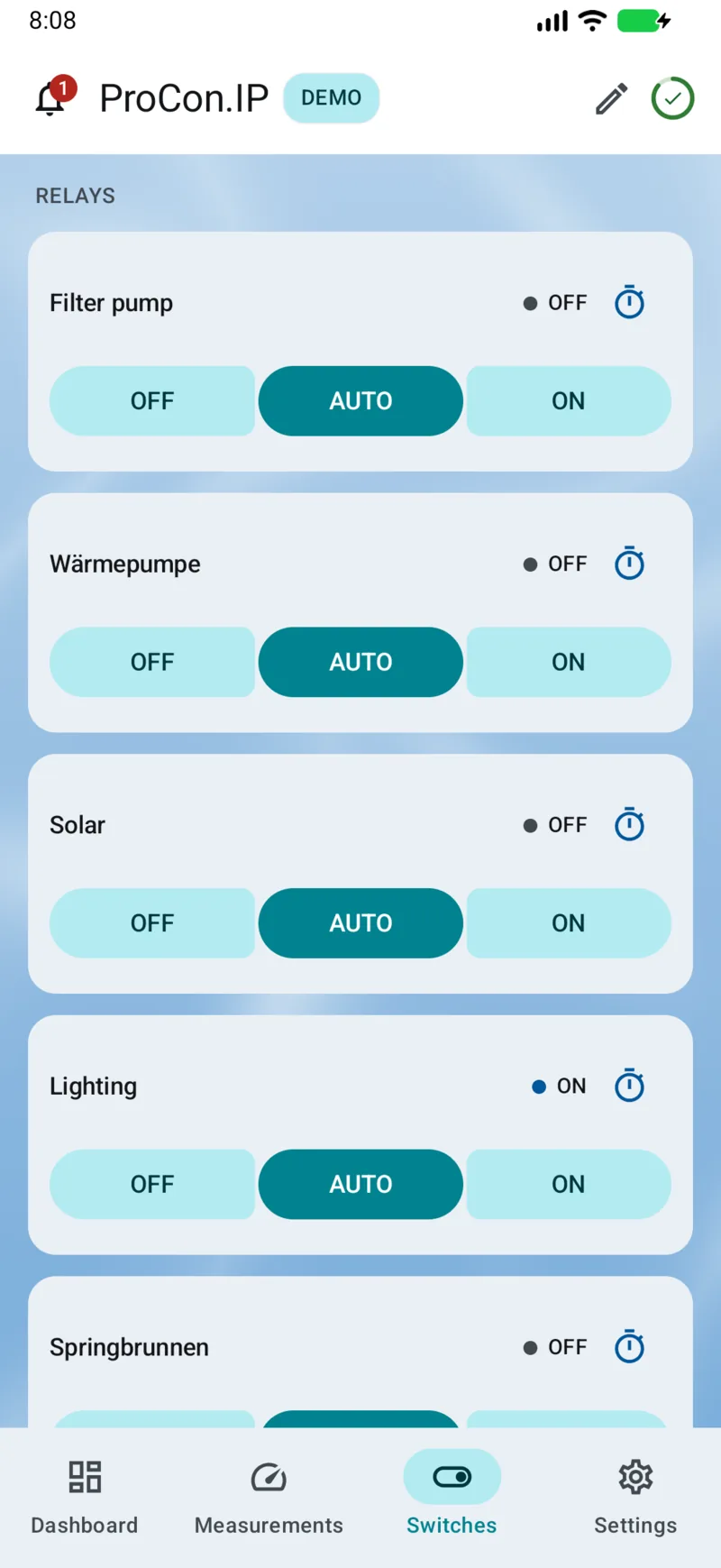
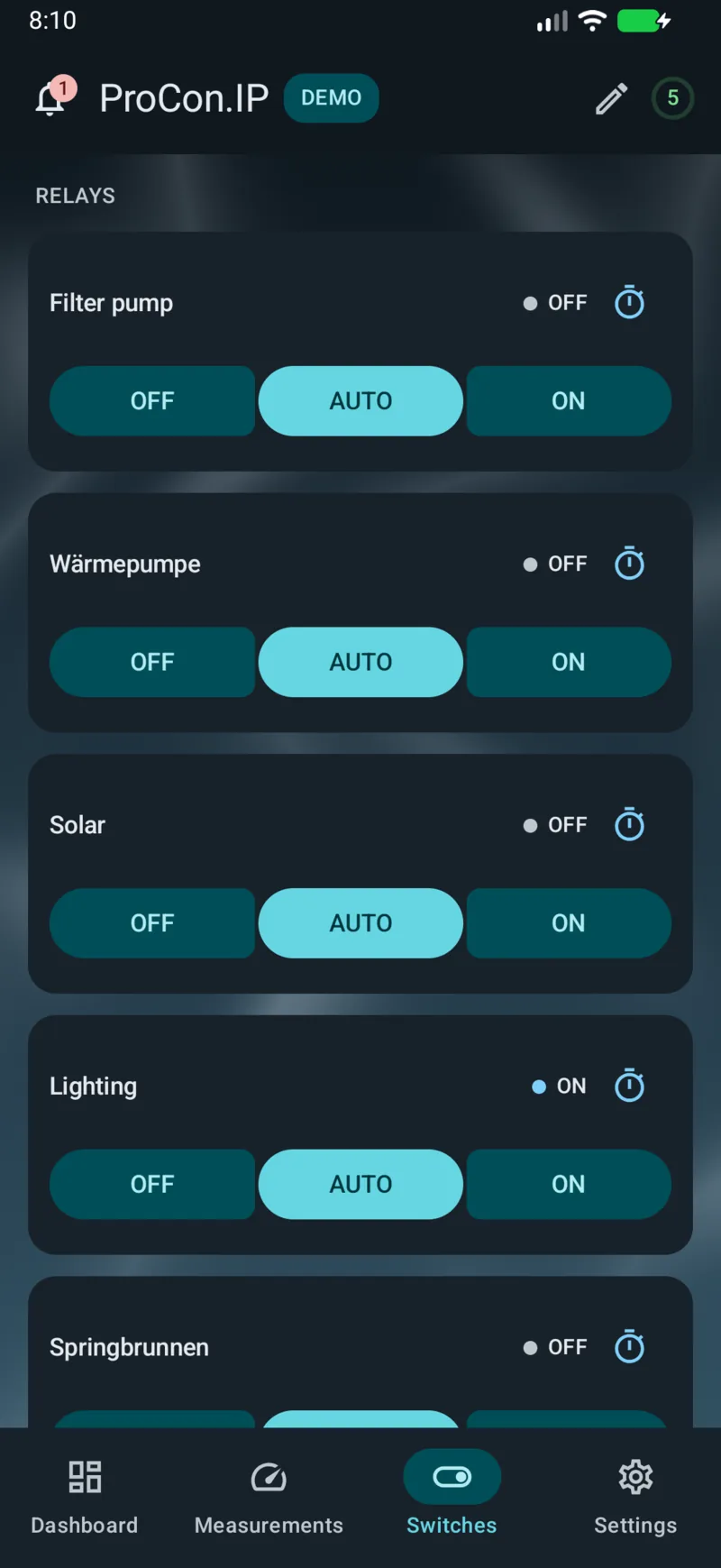
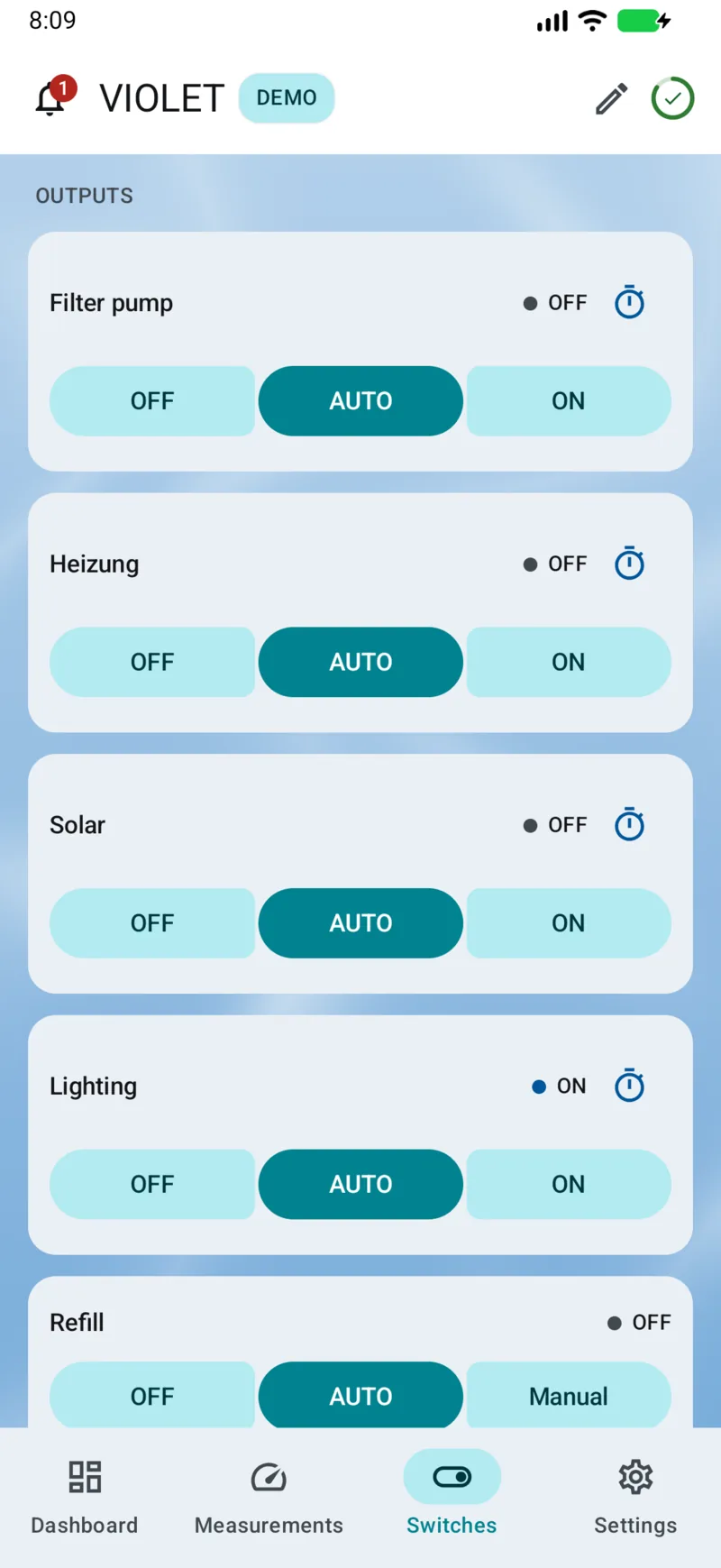
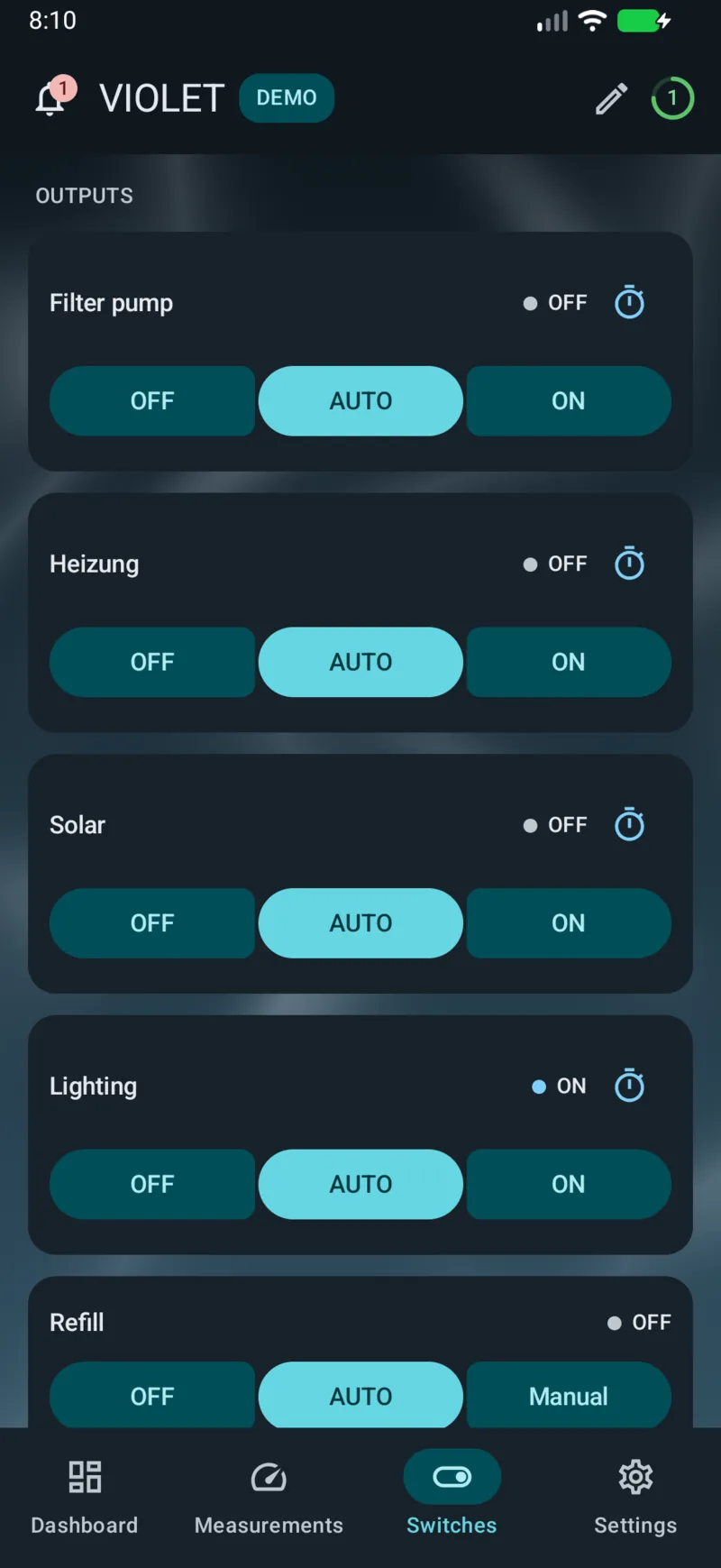
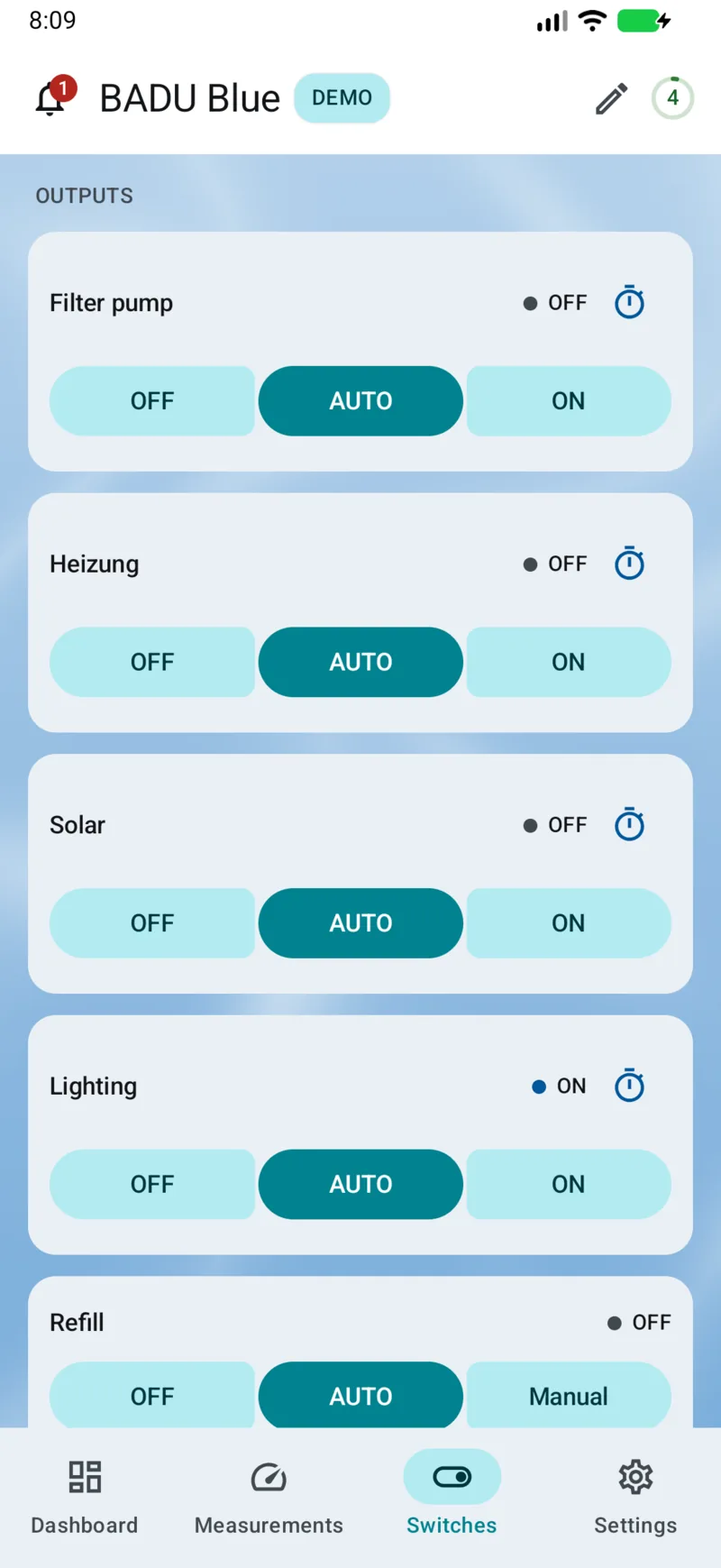
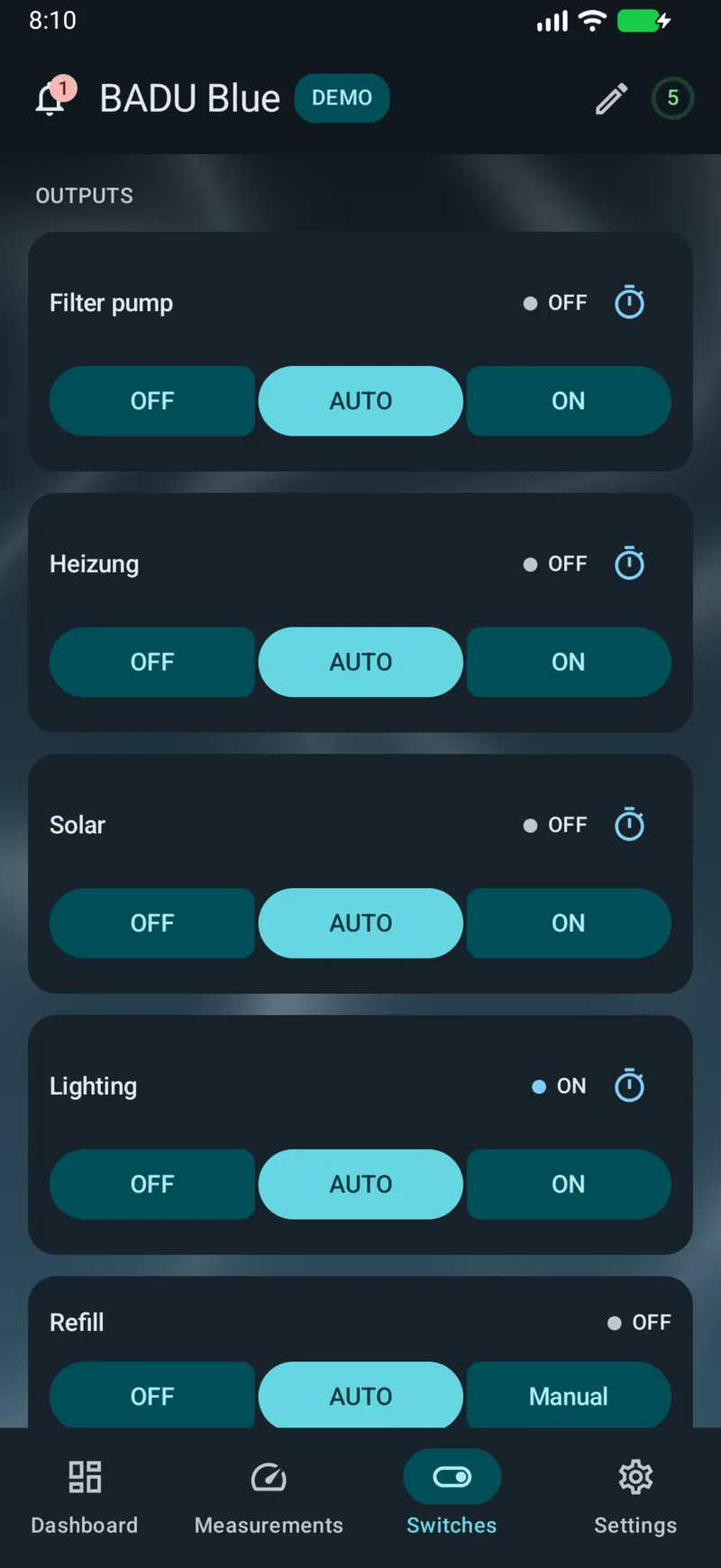
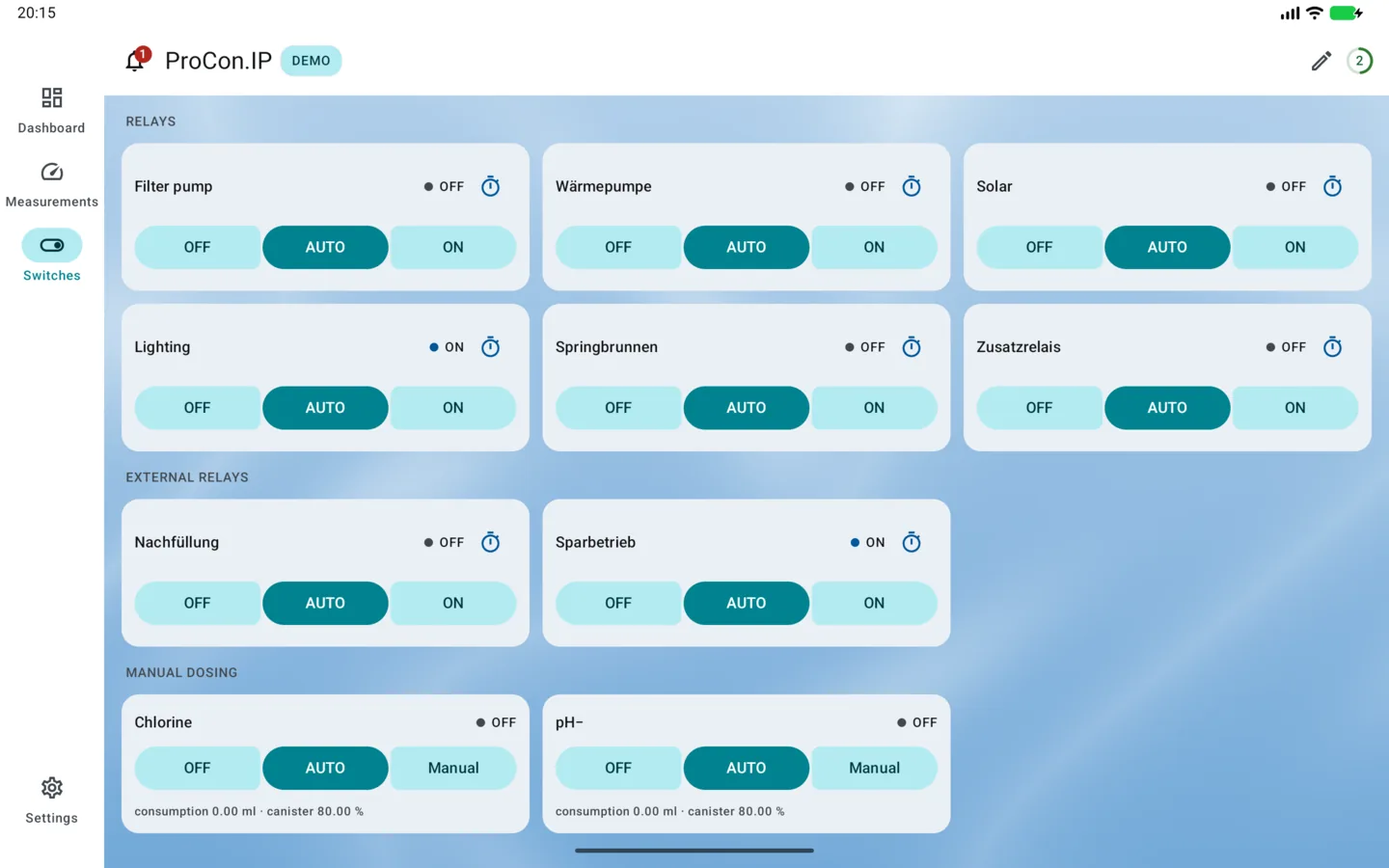
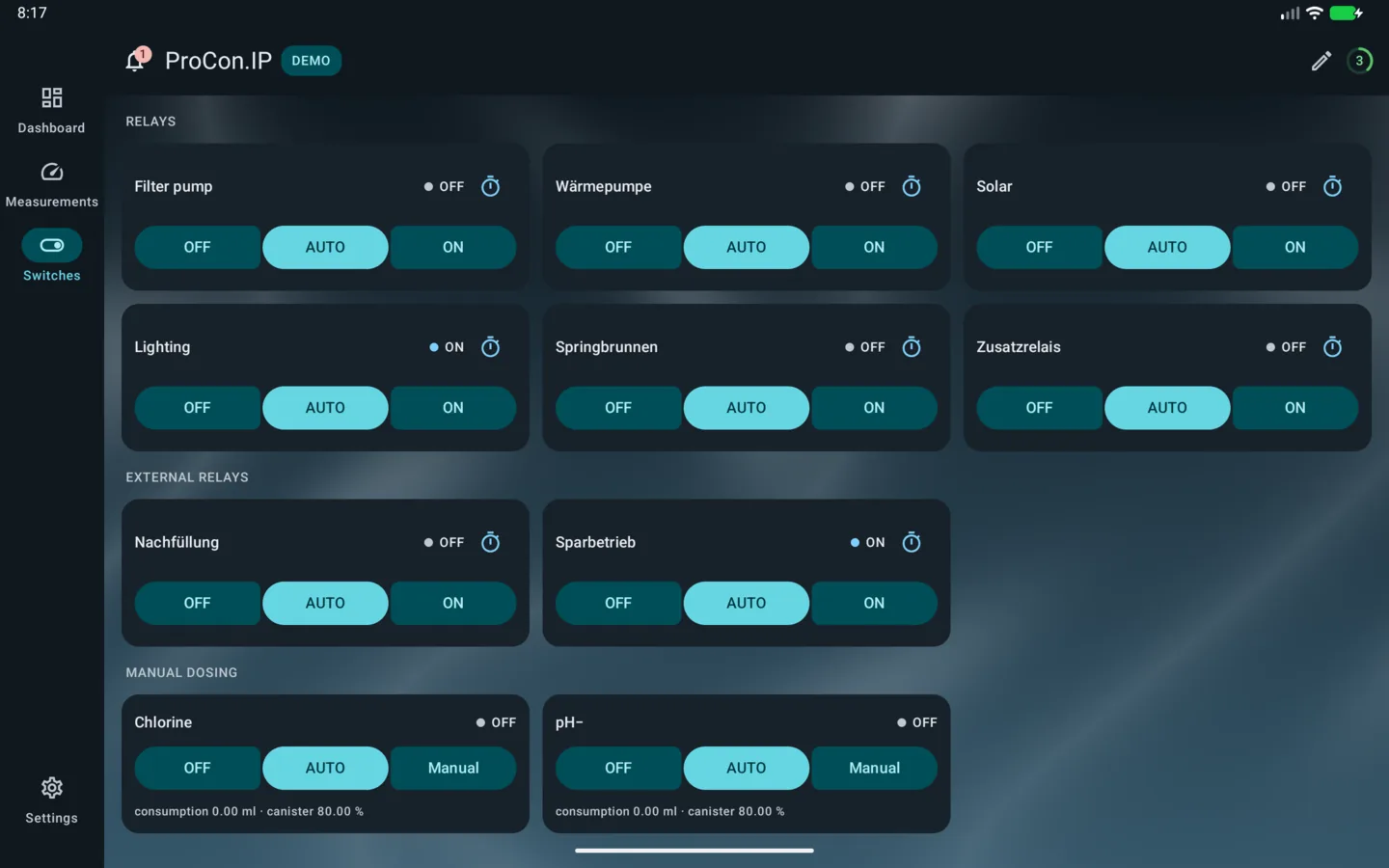
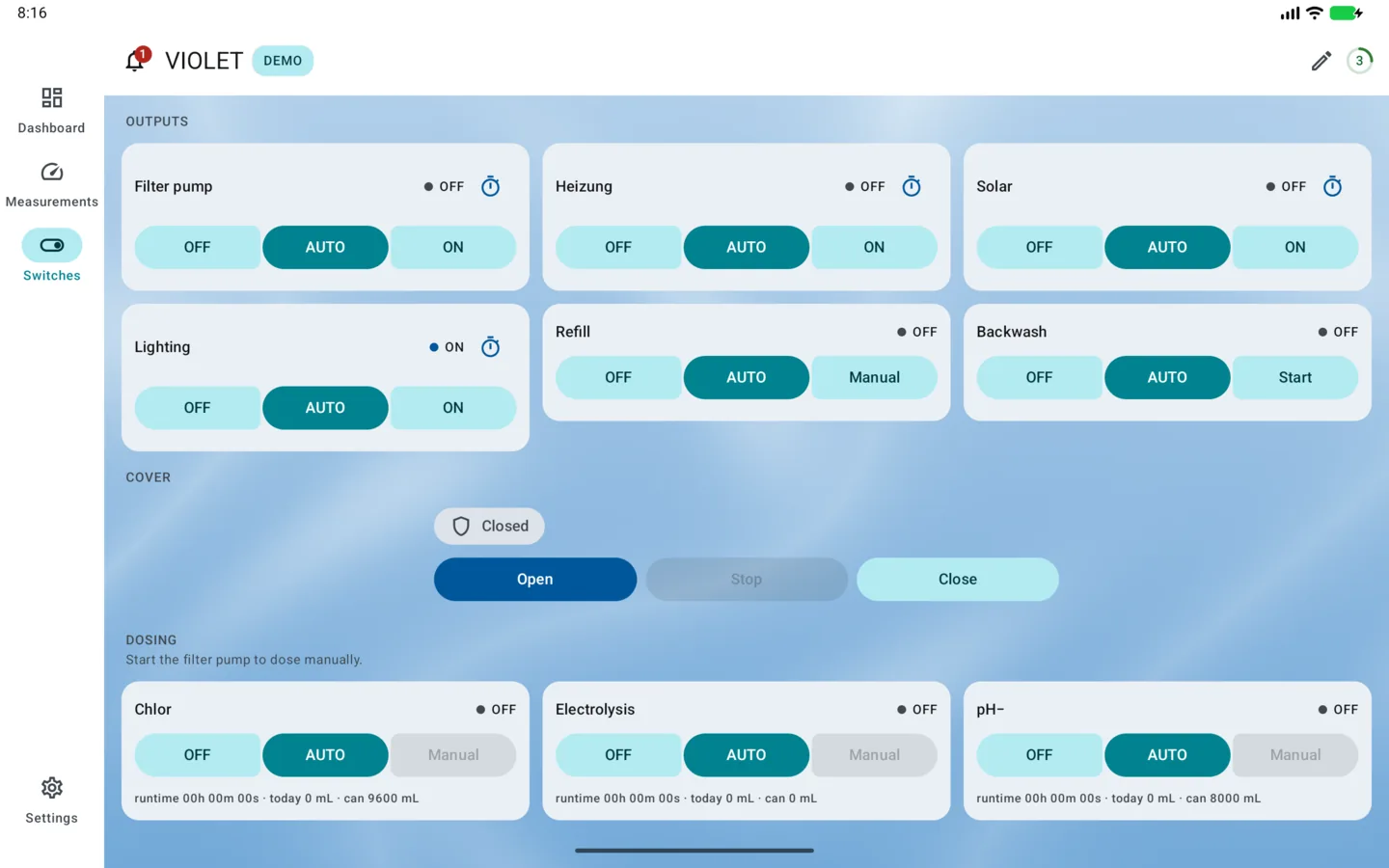
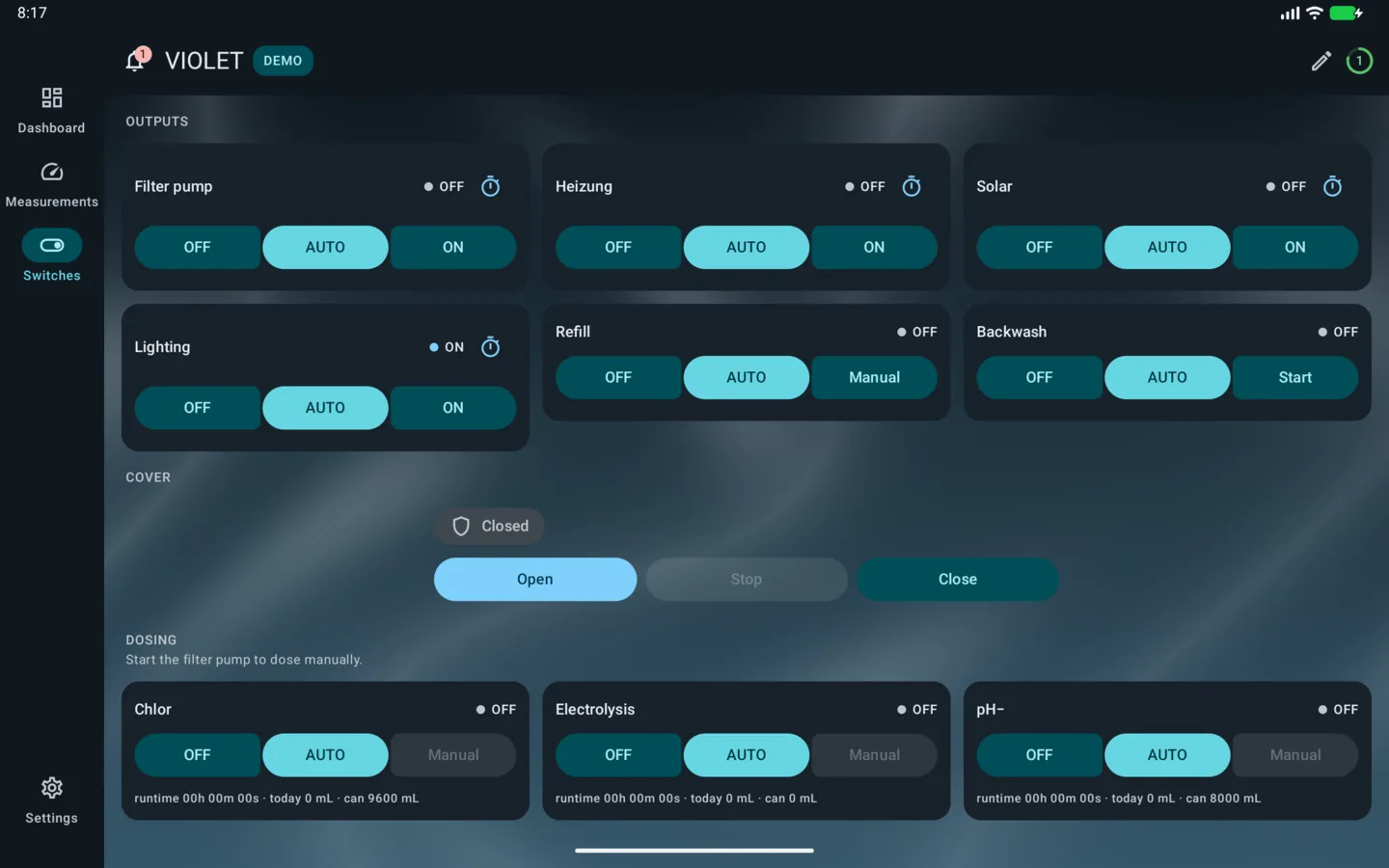
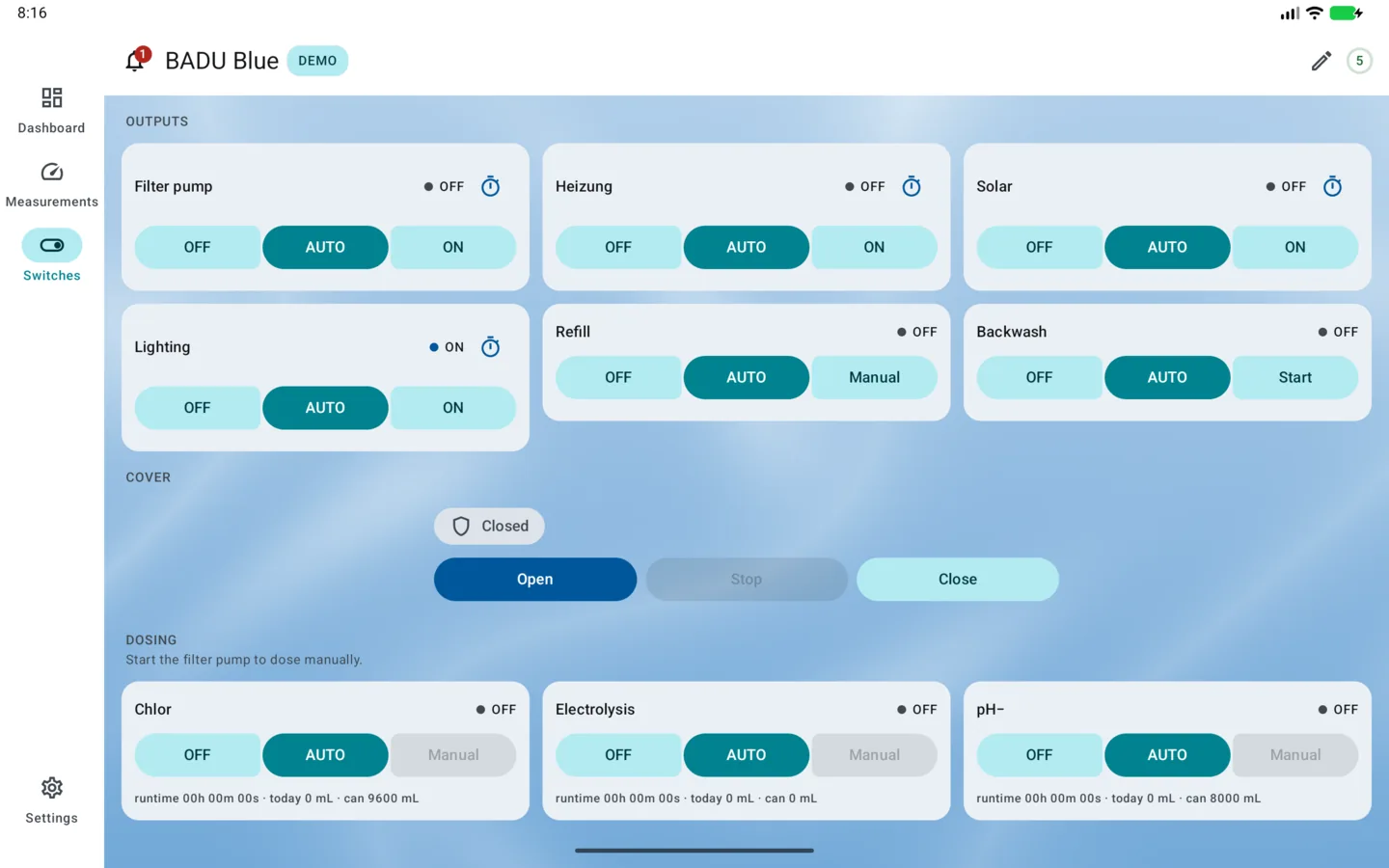
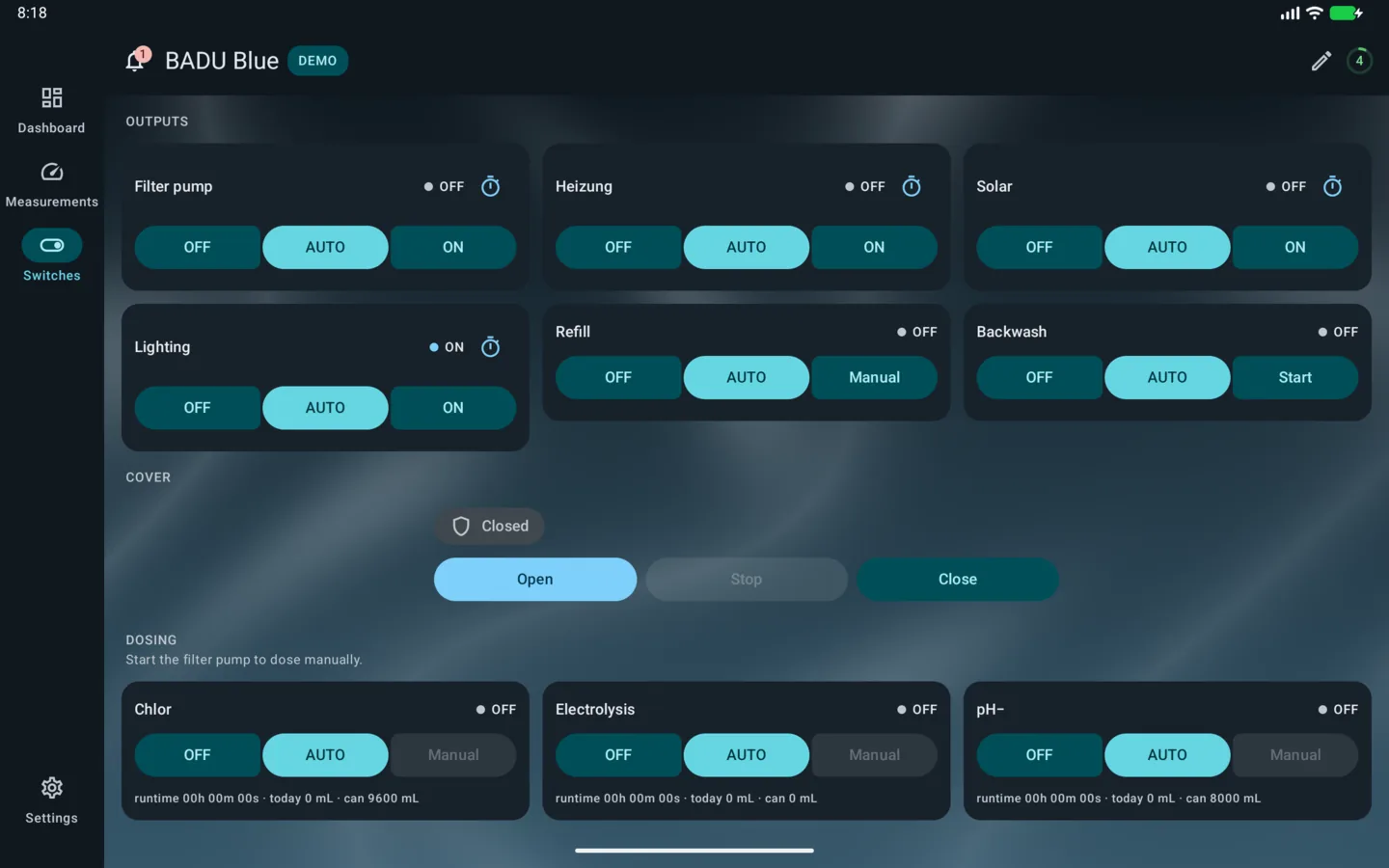
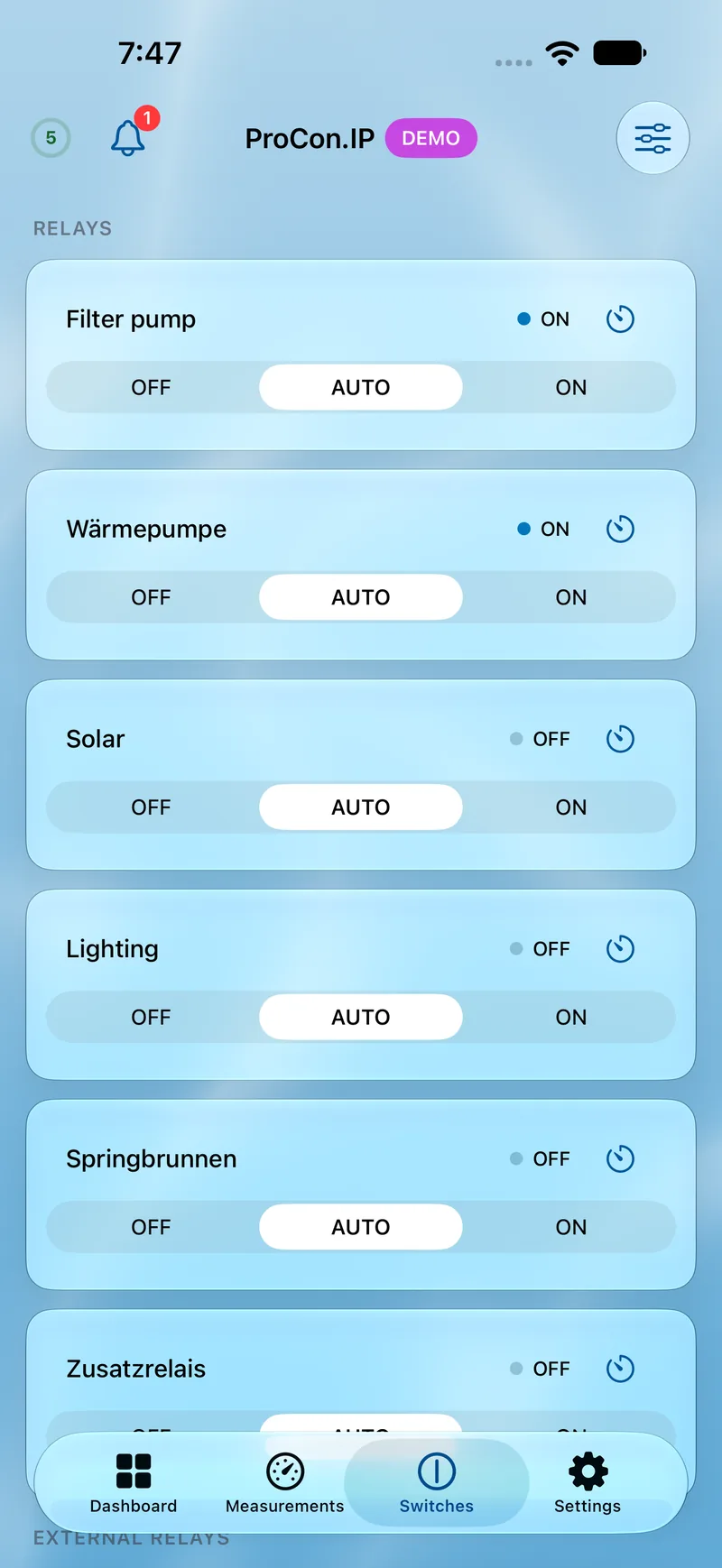
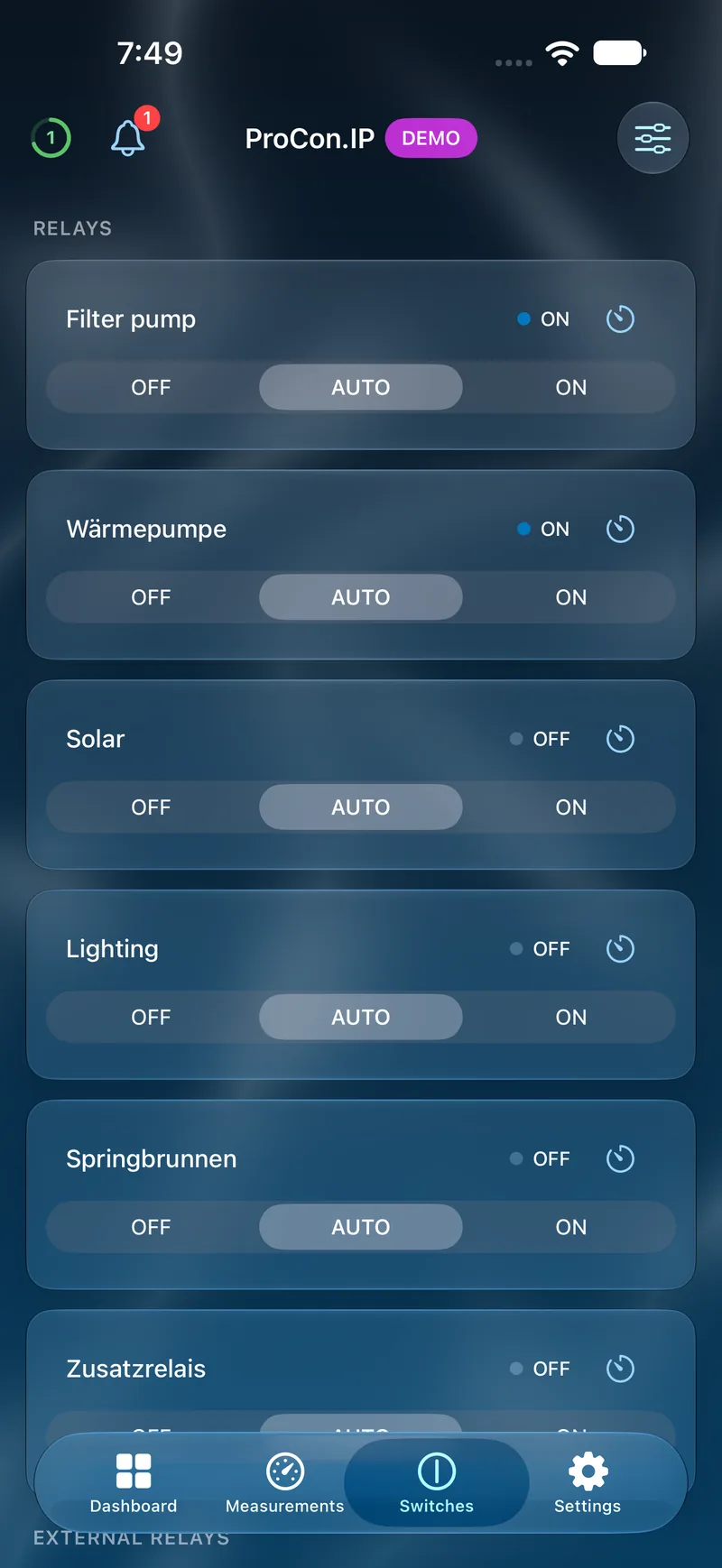
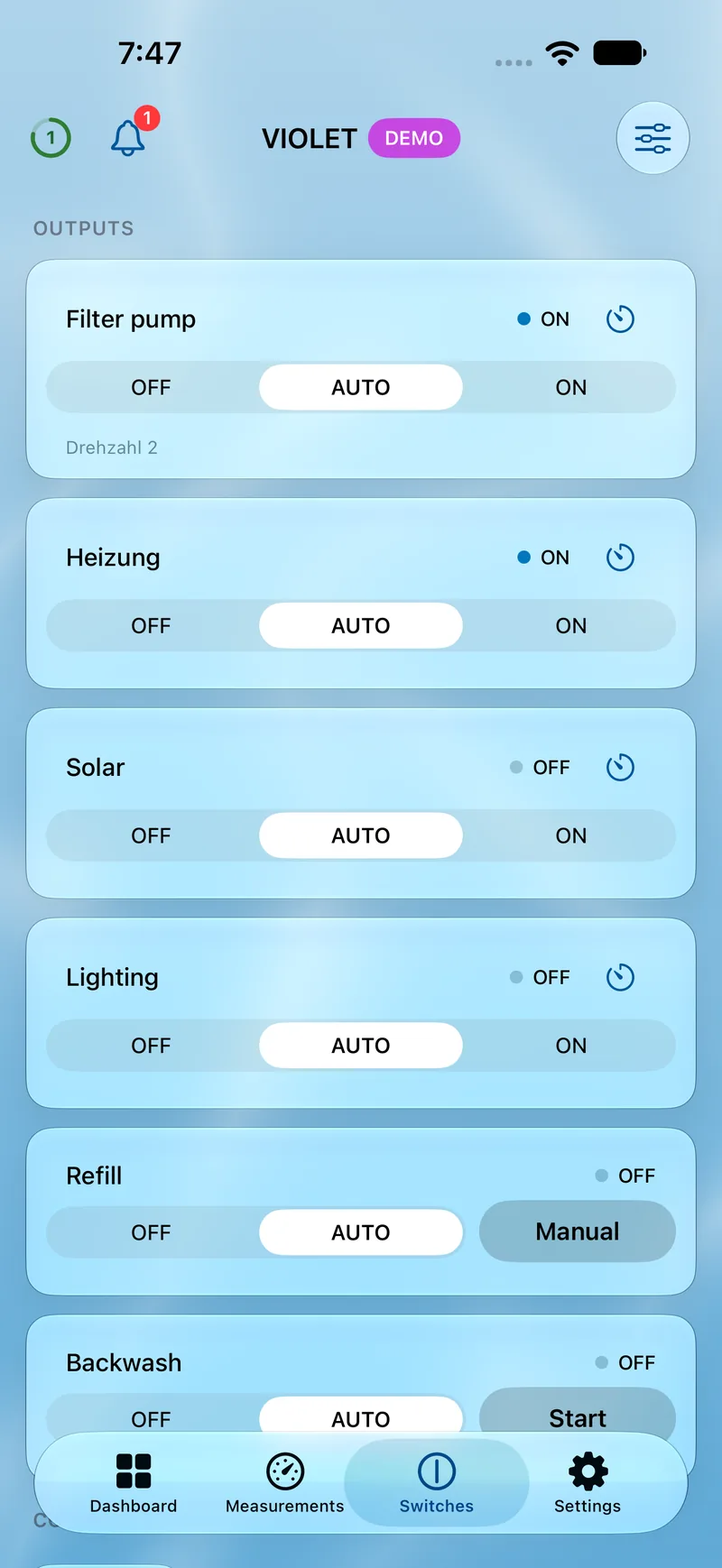
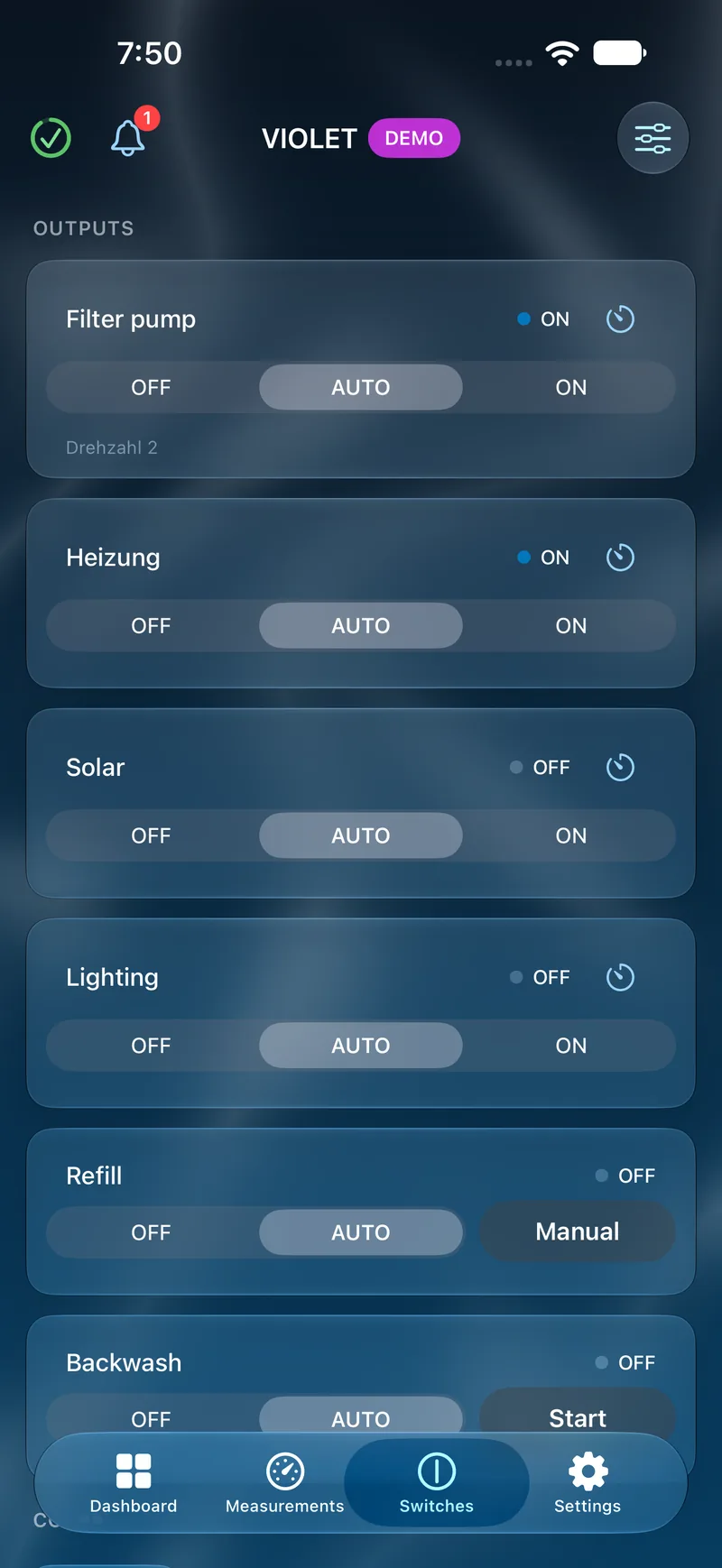
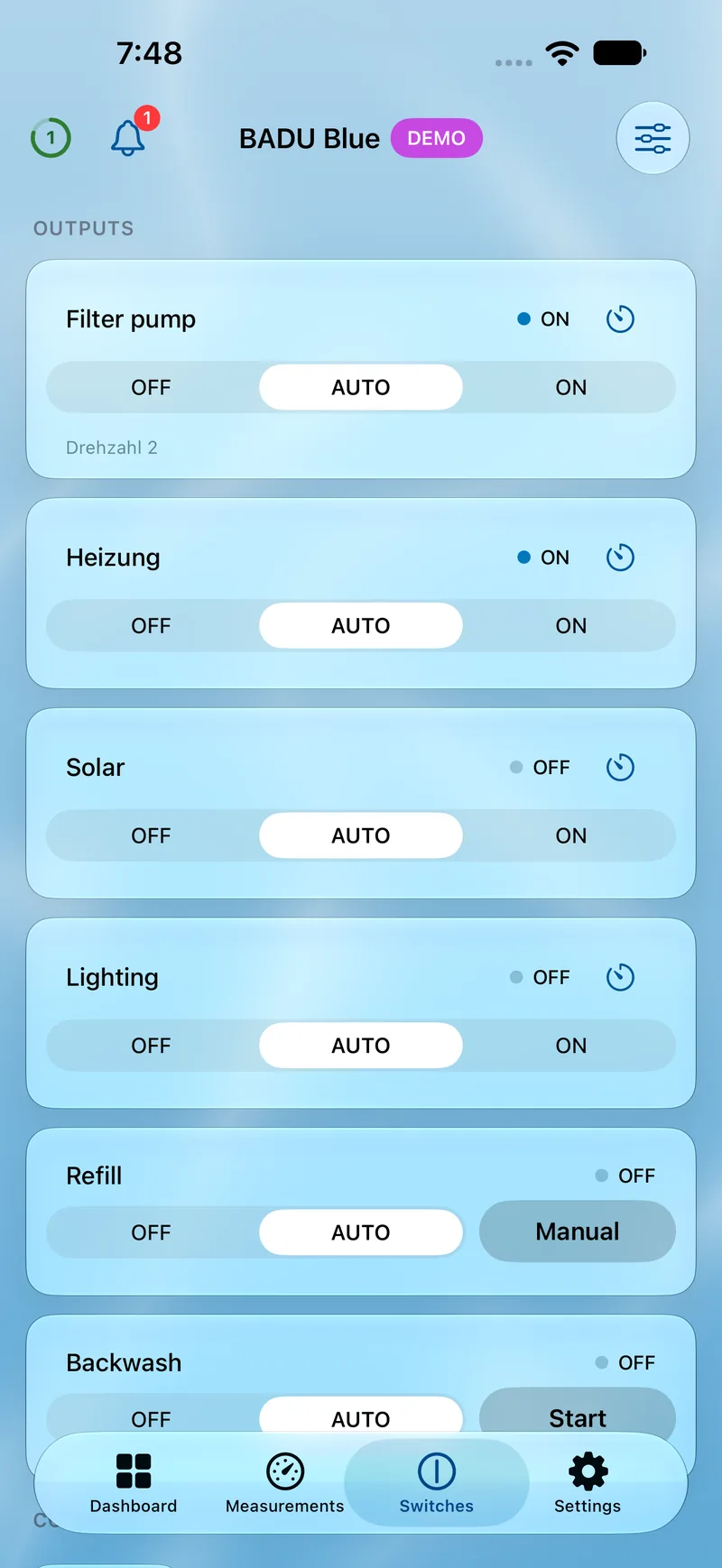
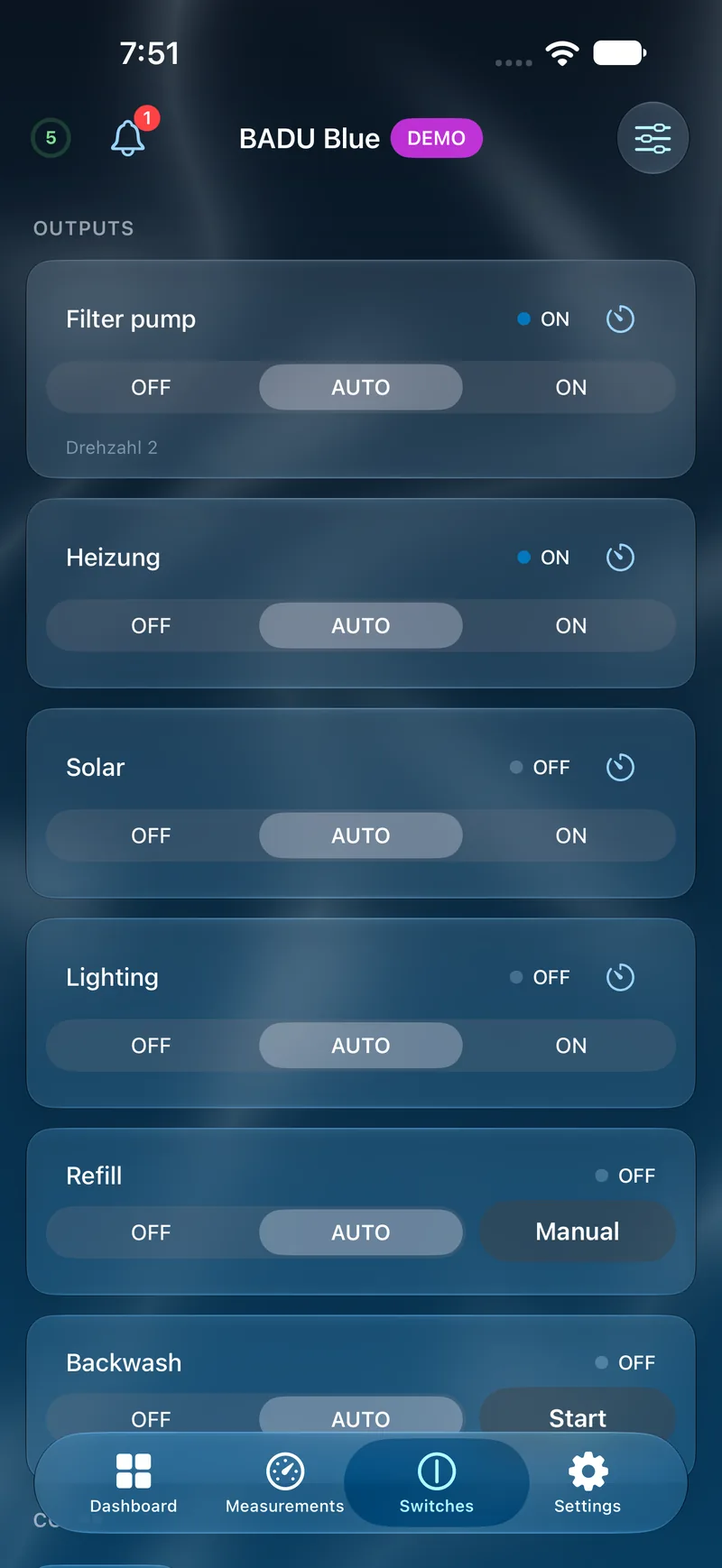
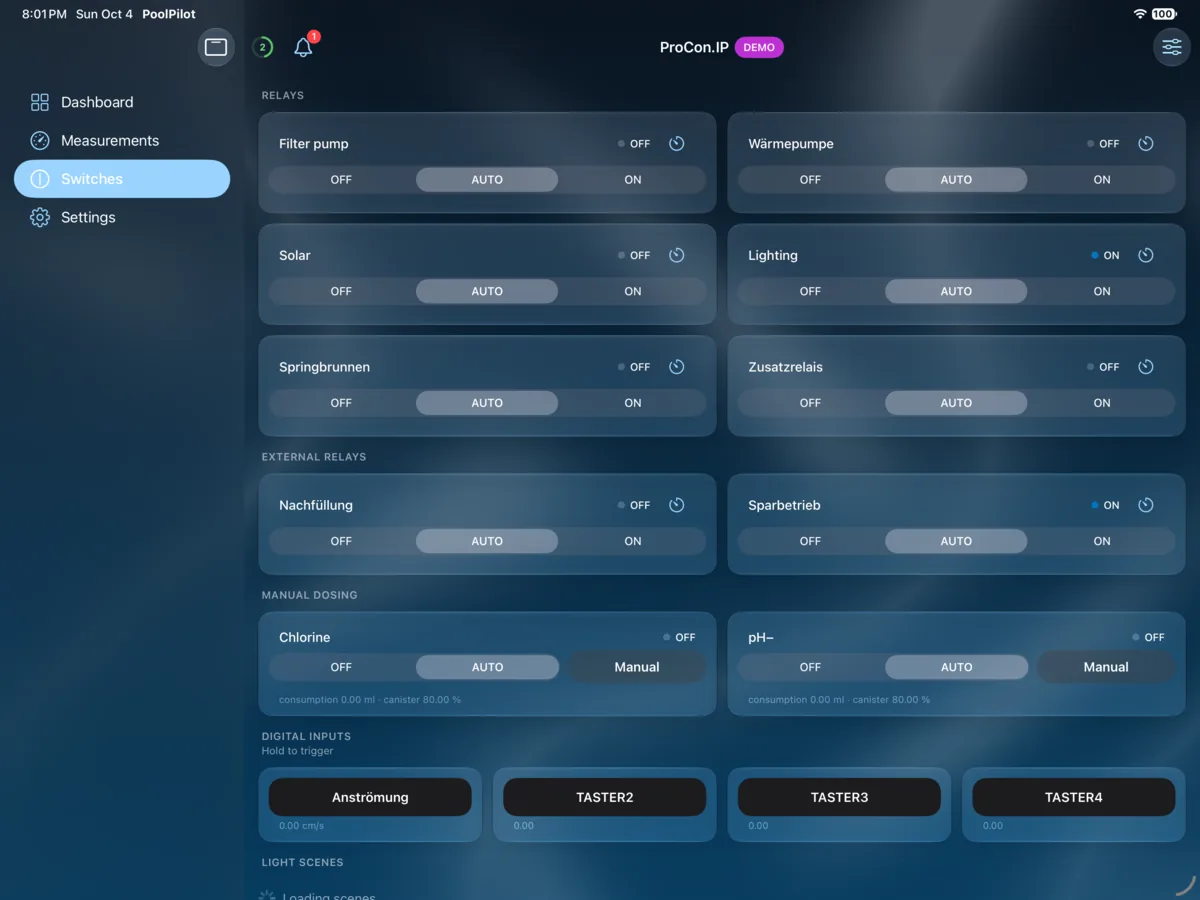
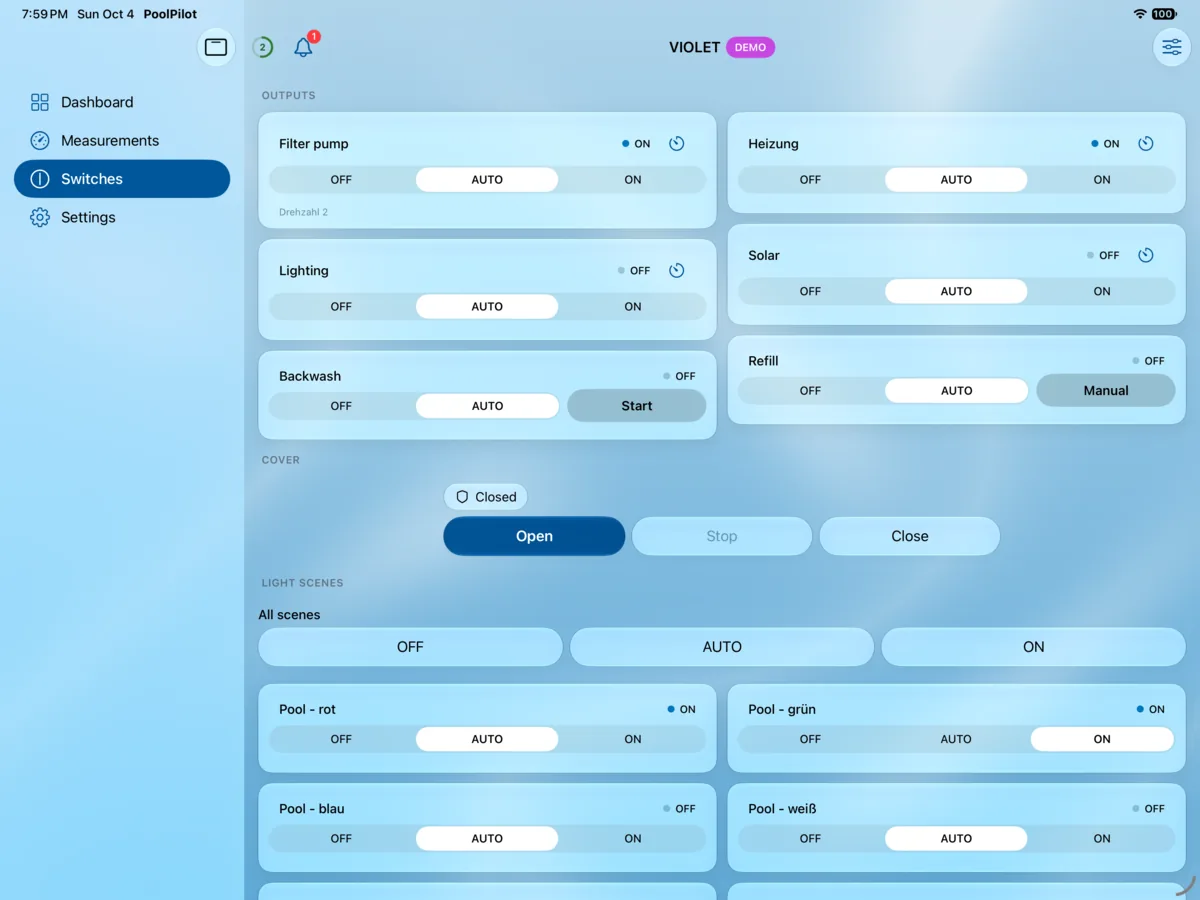
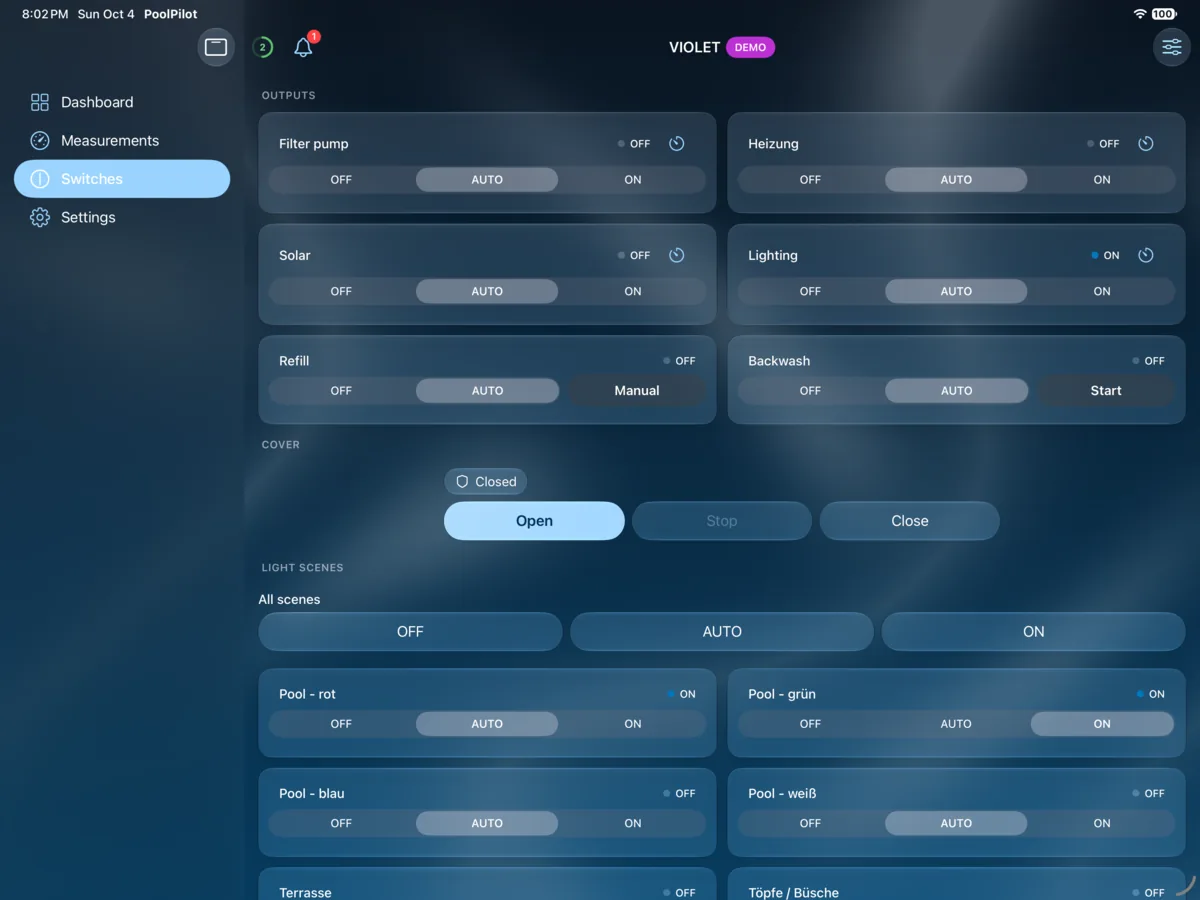
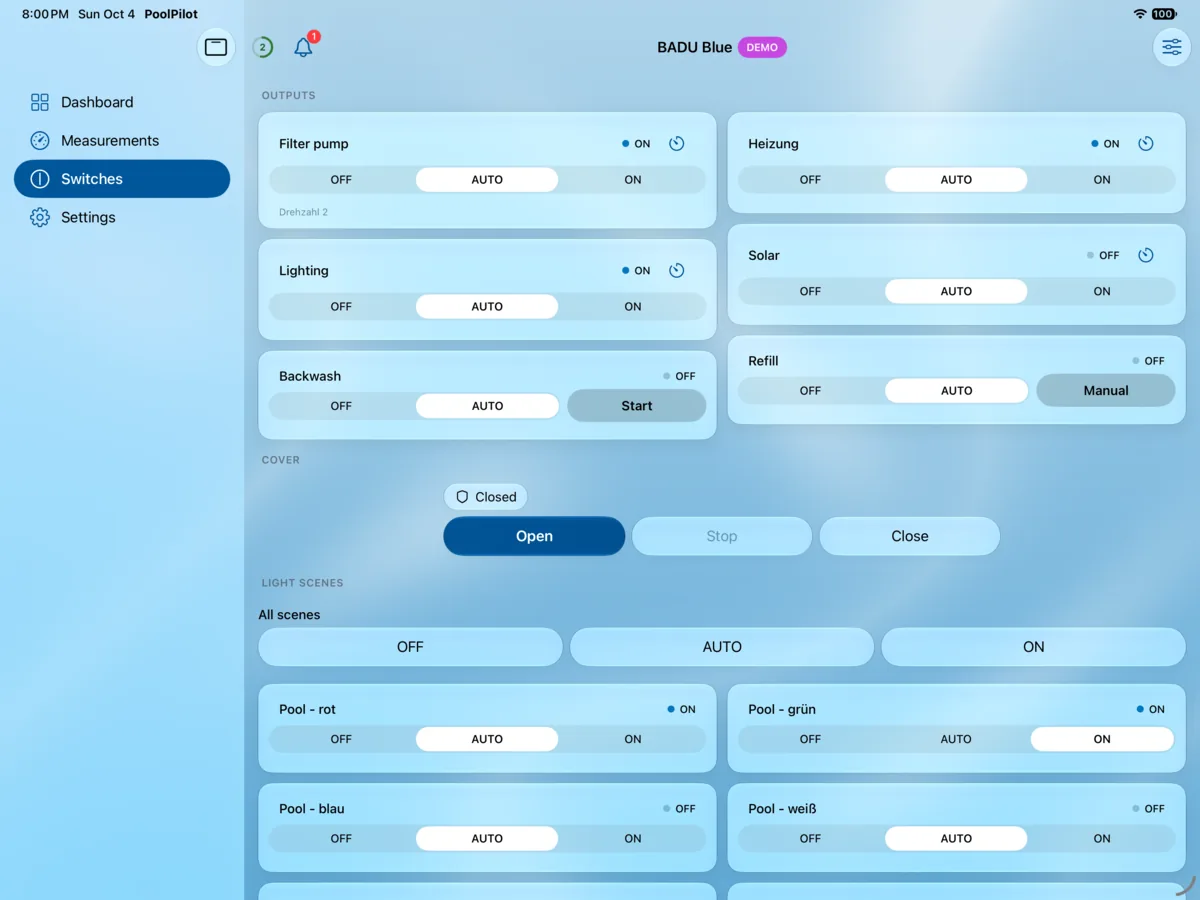
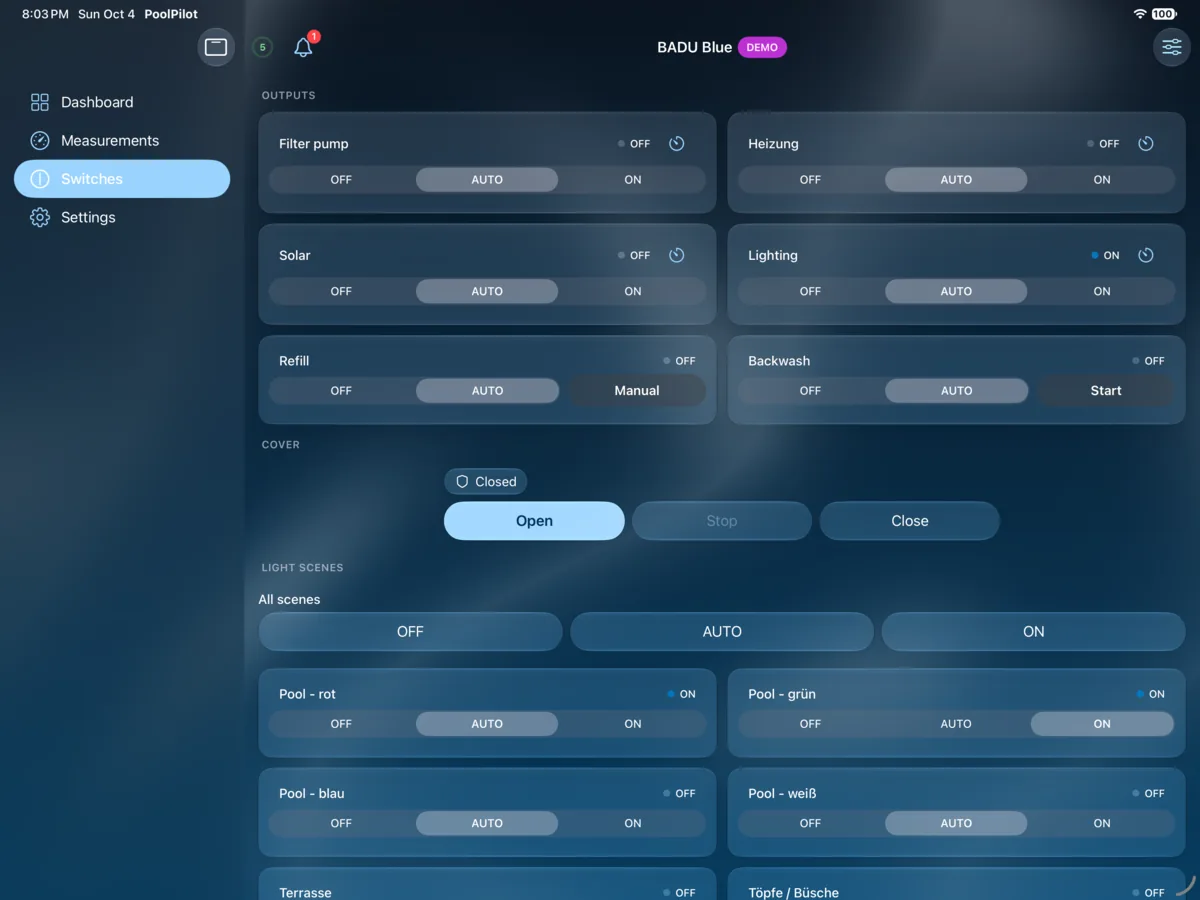
Control lighting, dose manually, open & close the pool cover, switch relays (also with timer via long-press) and more — all in one place.
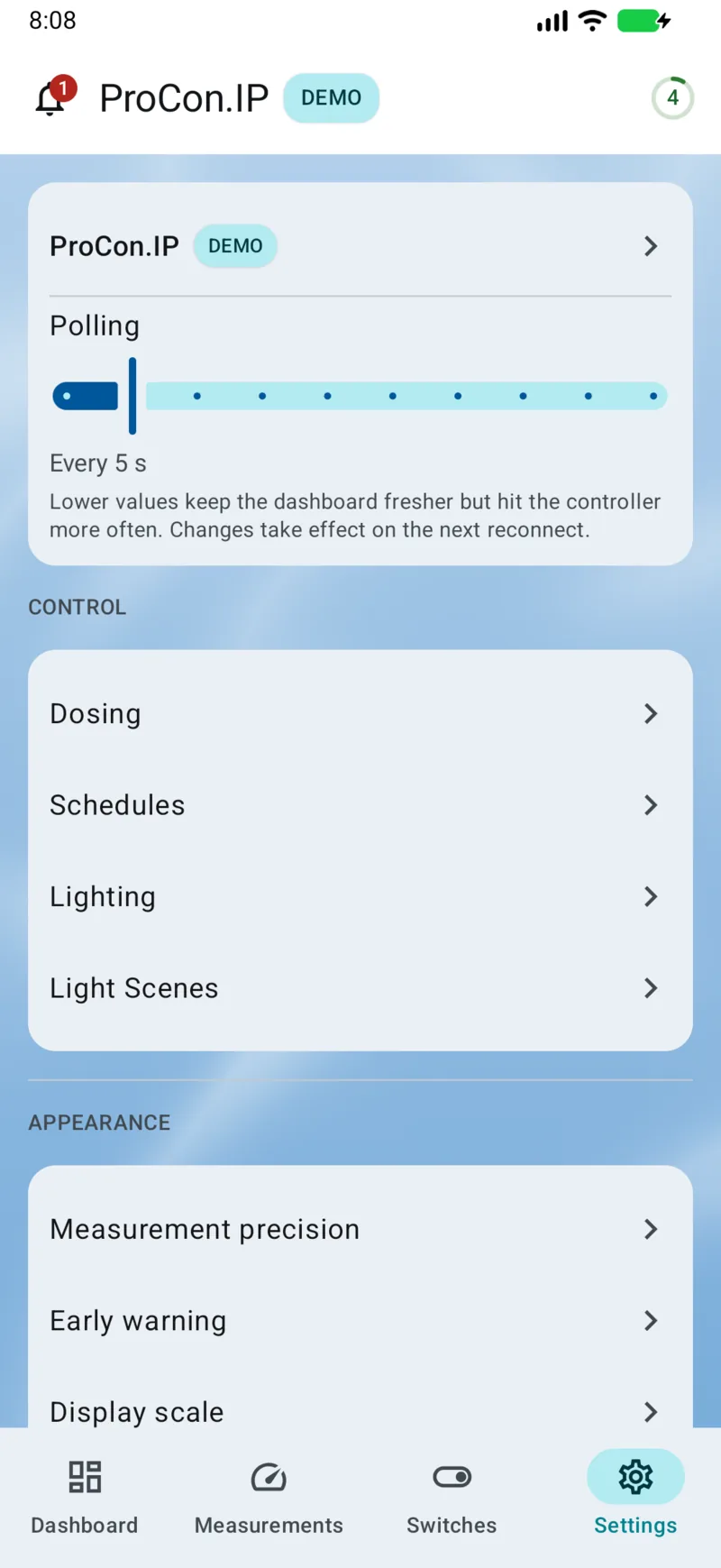
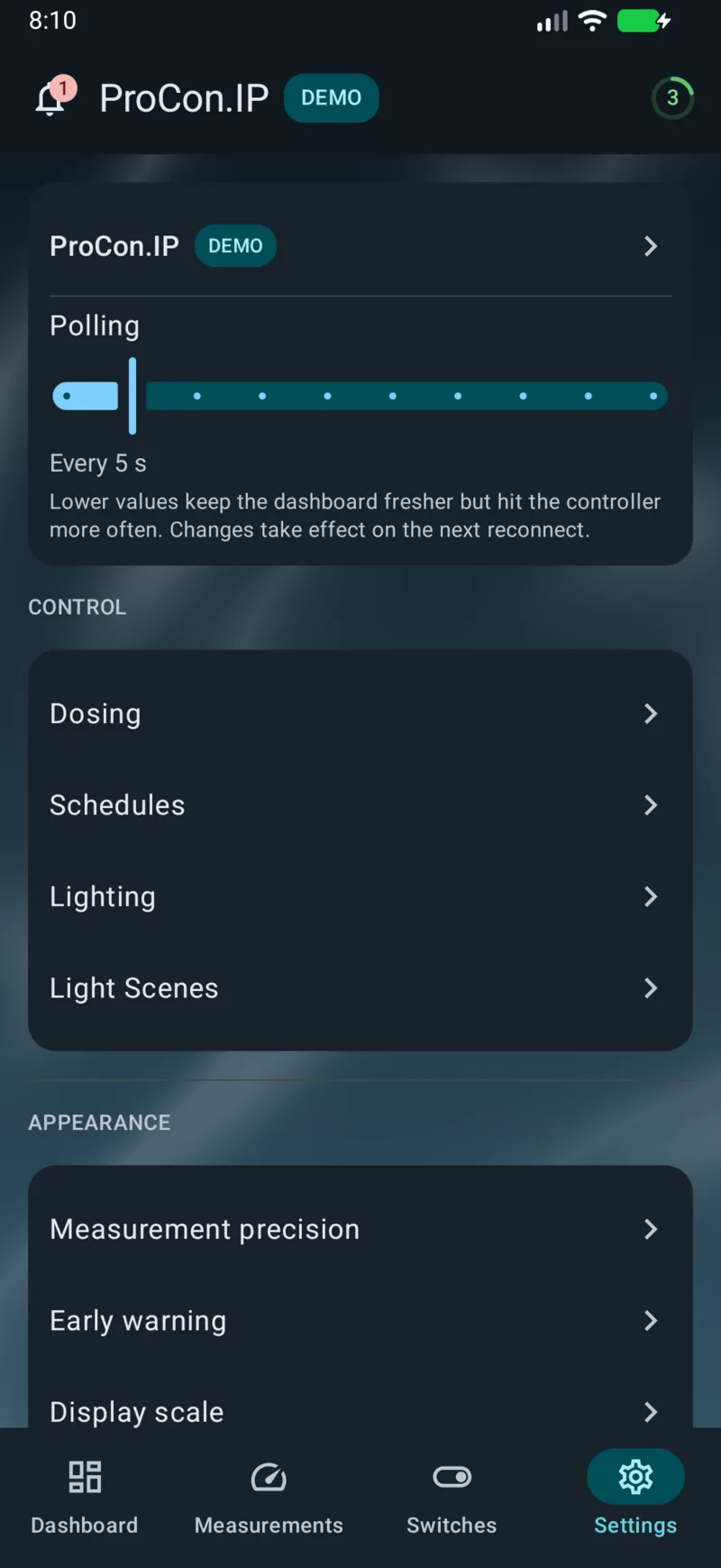
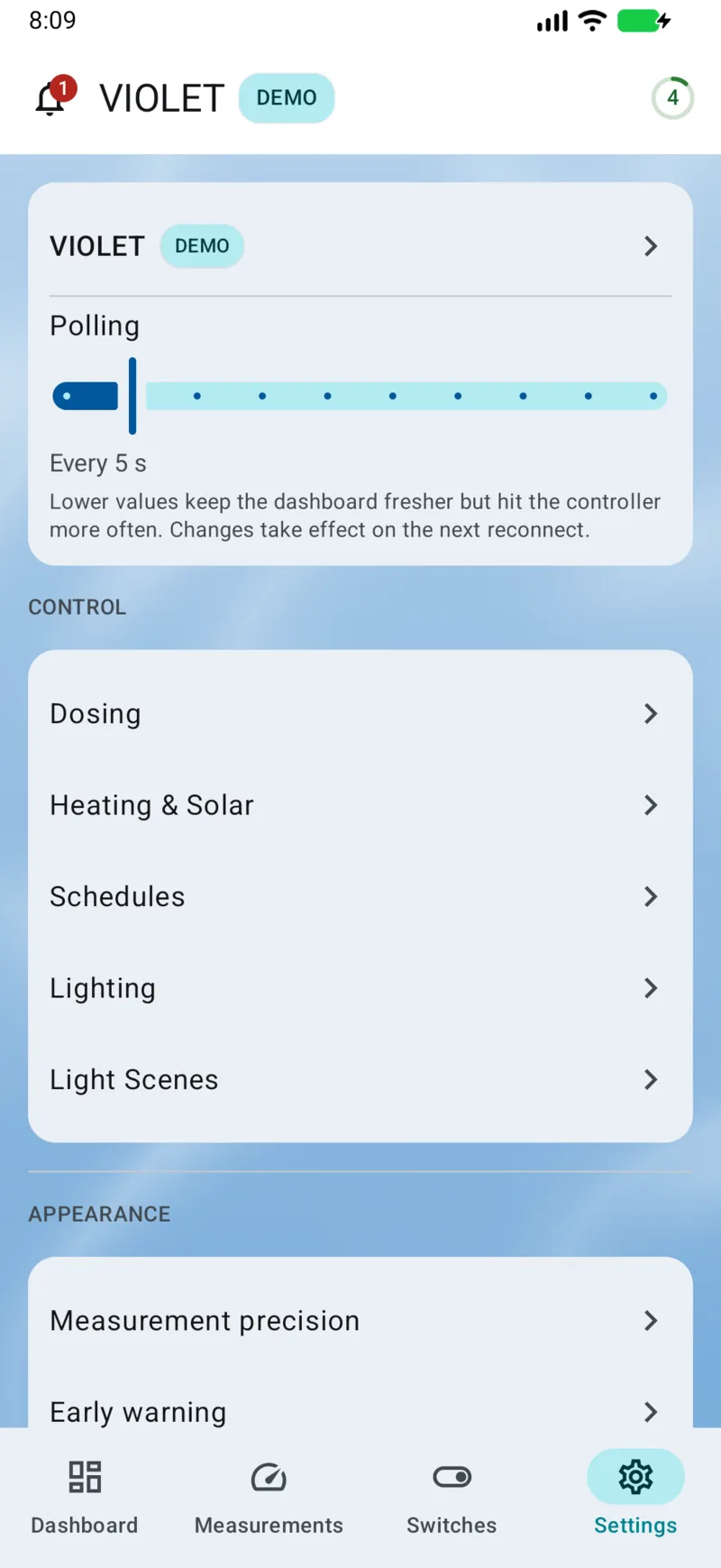
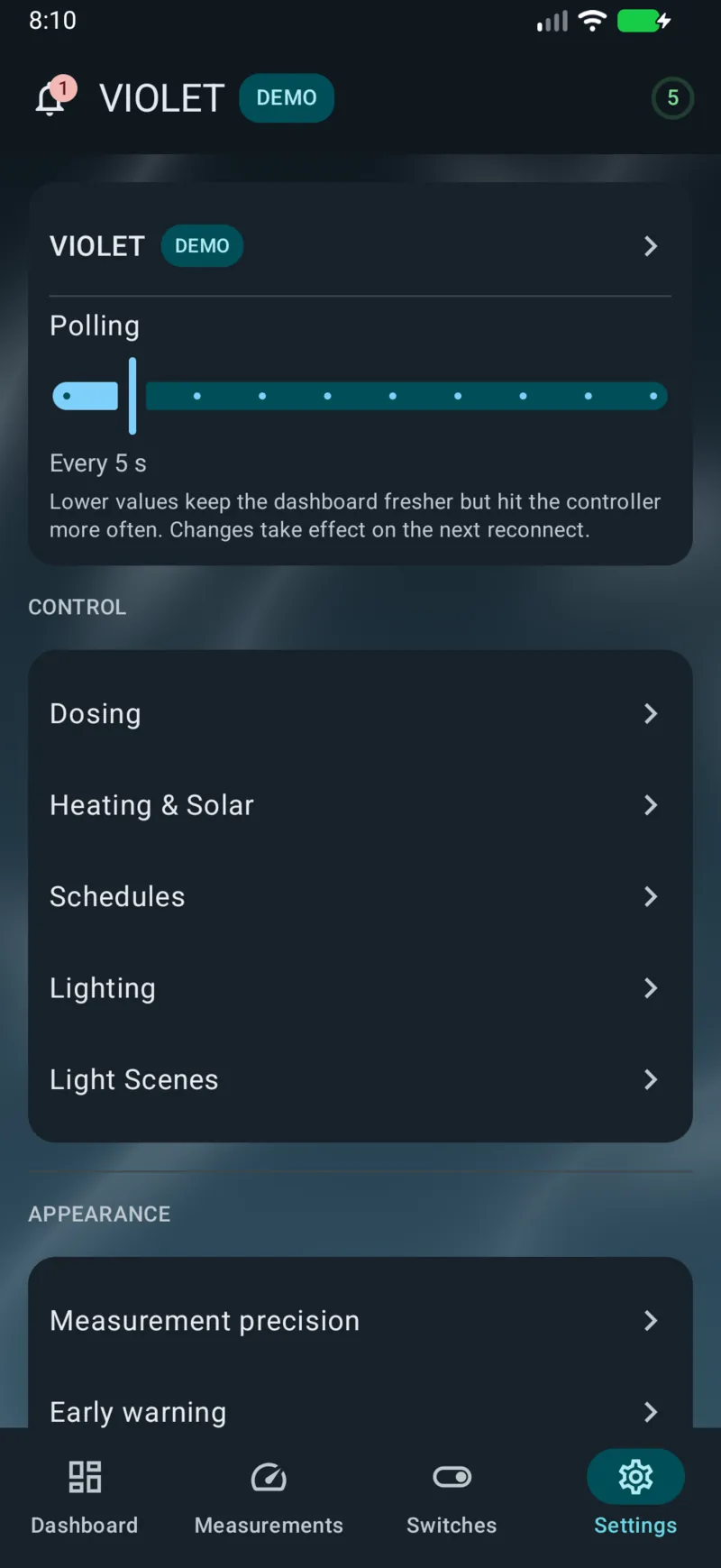
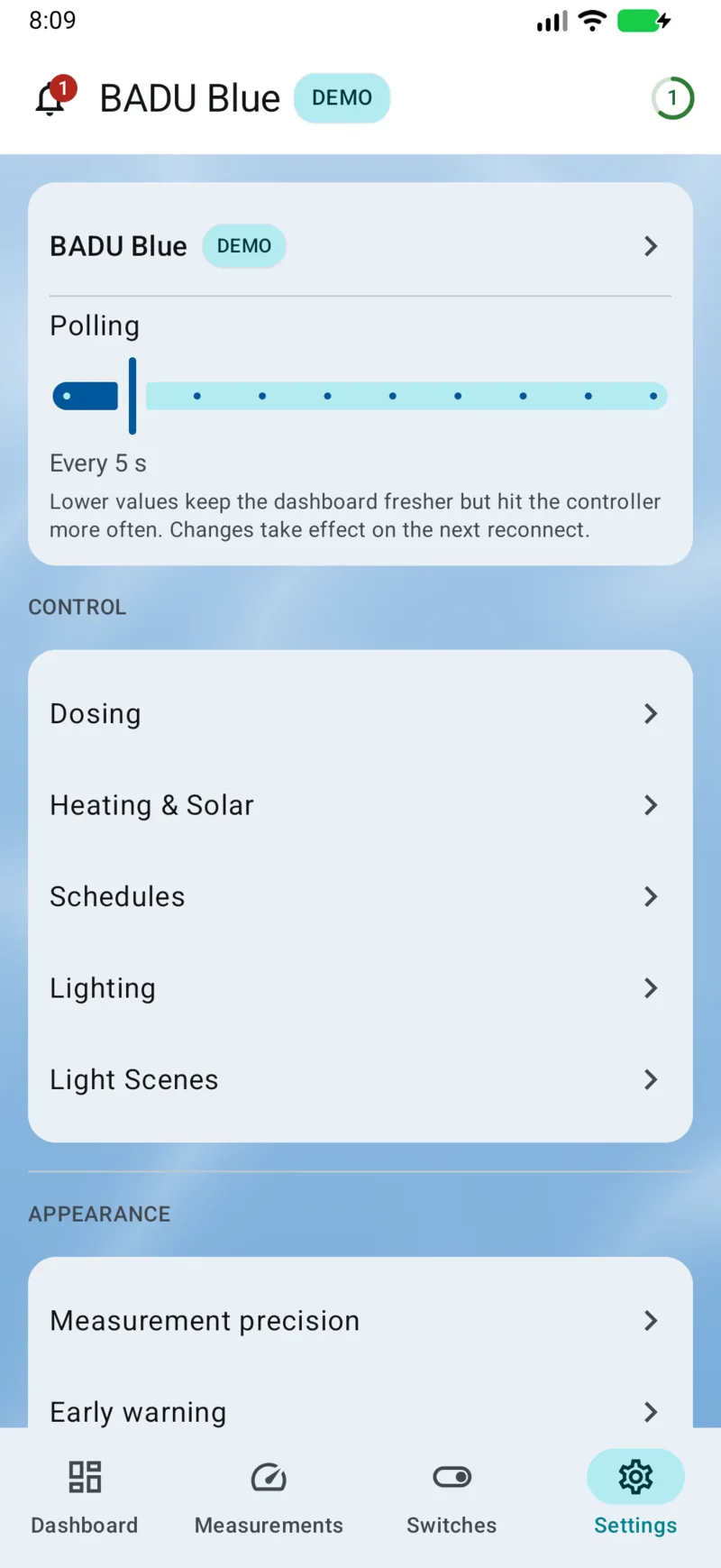
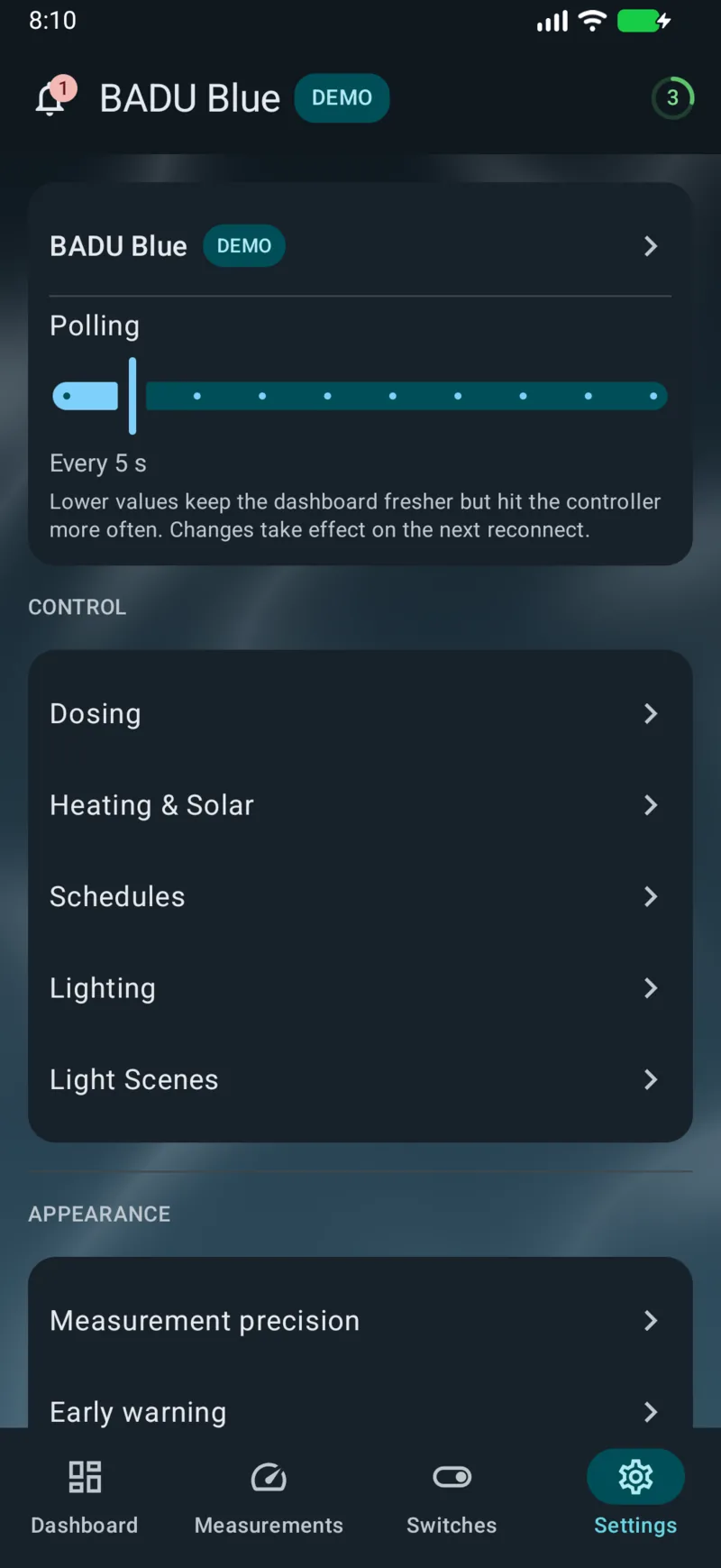
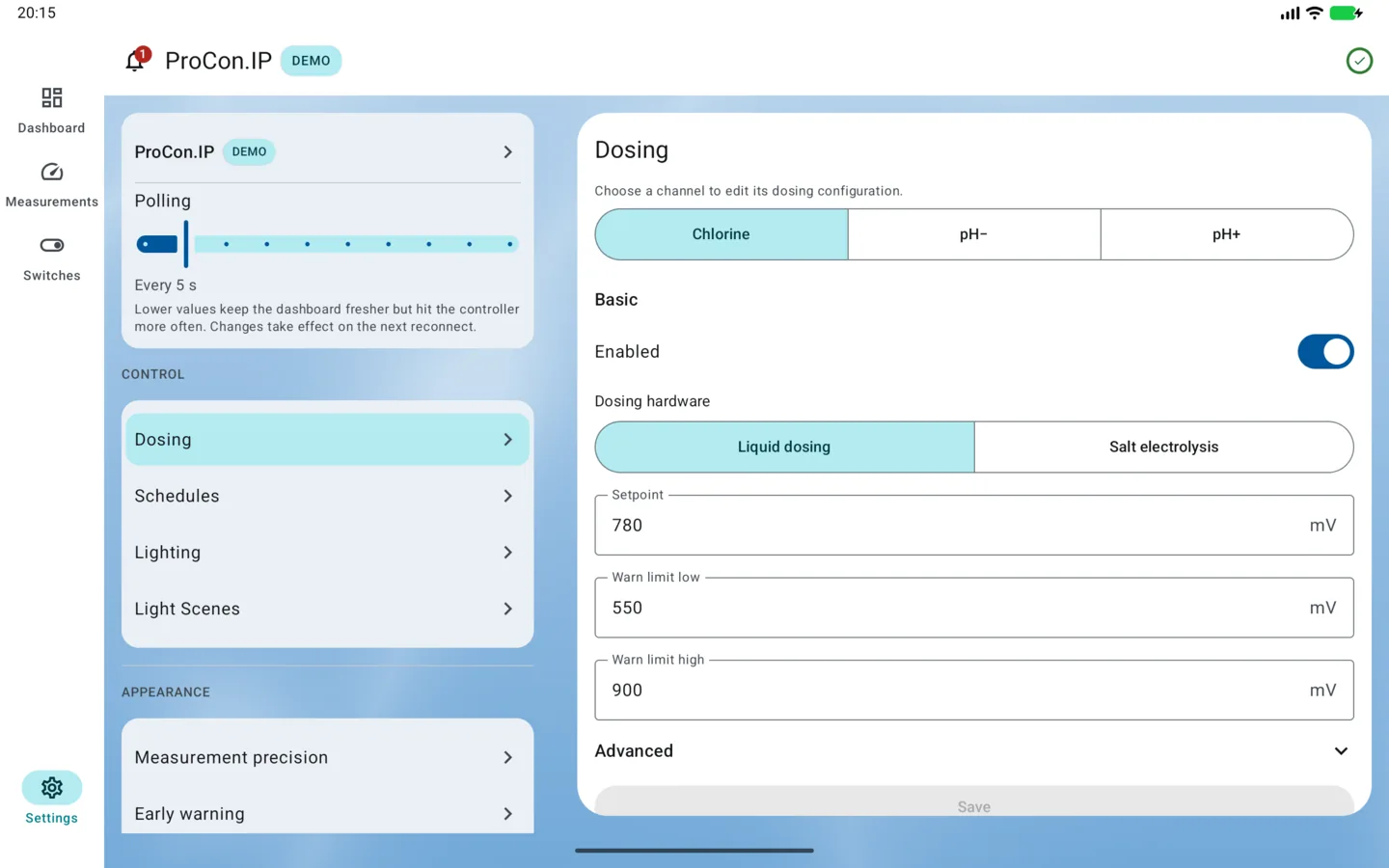
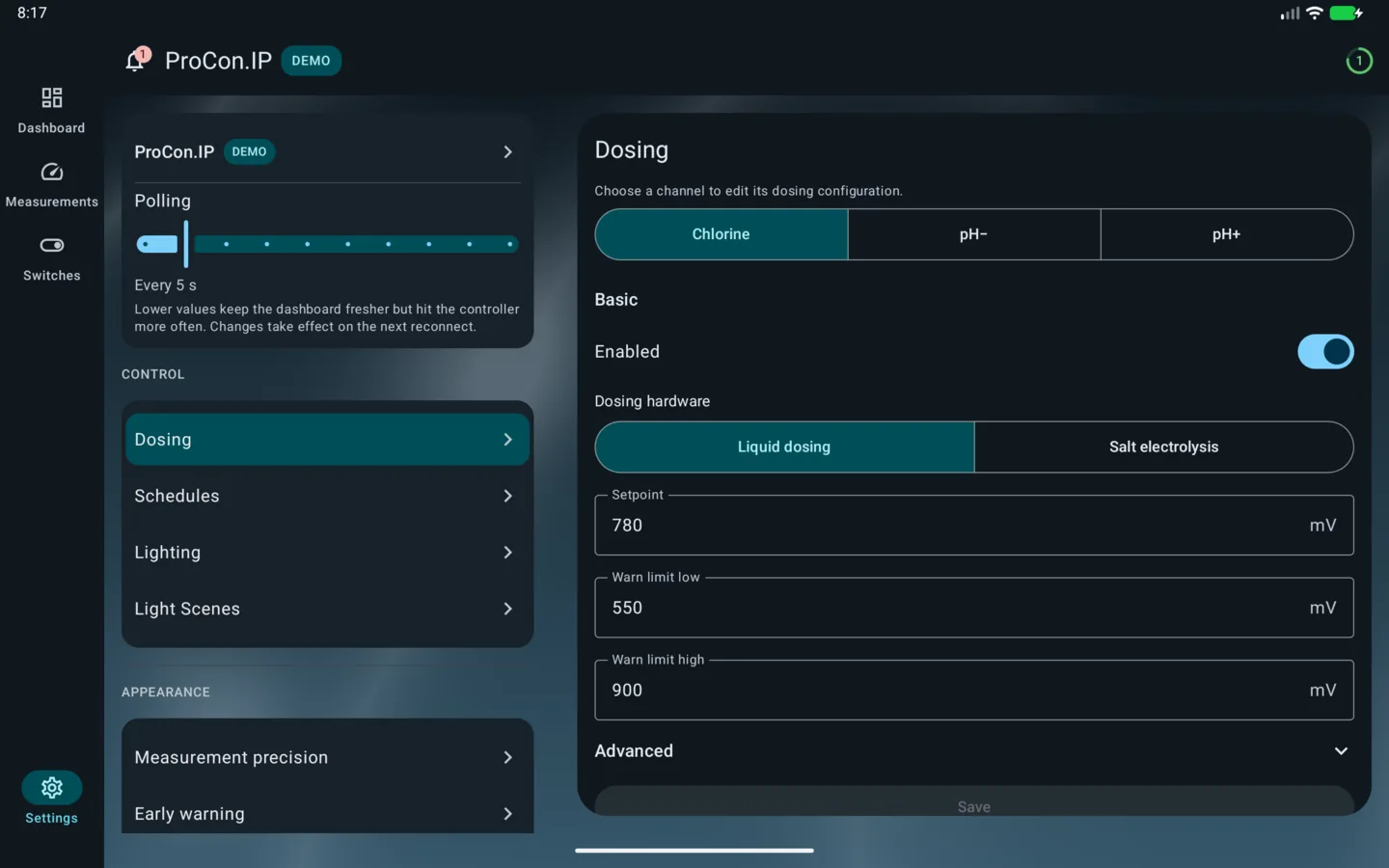
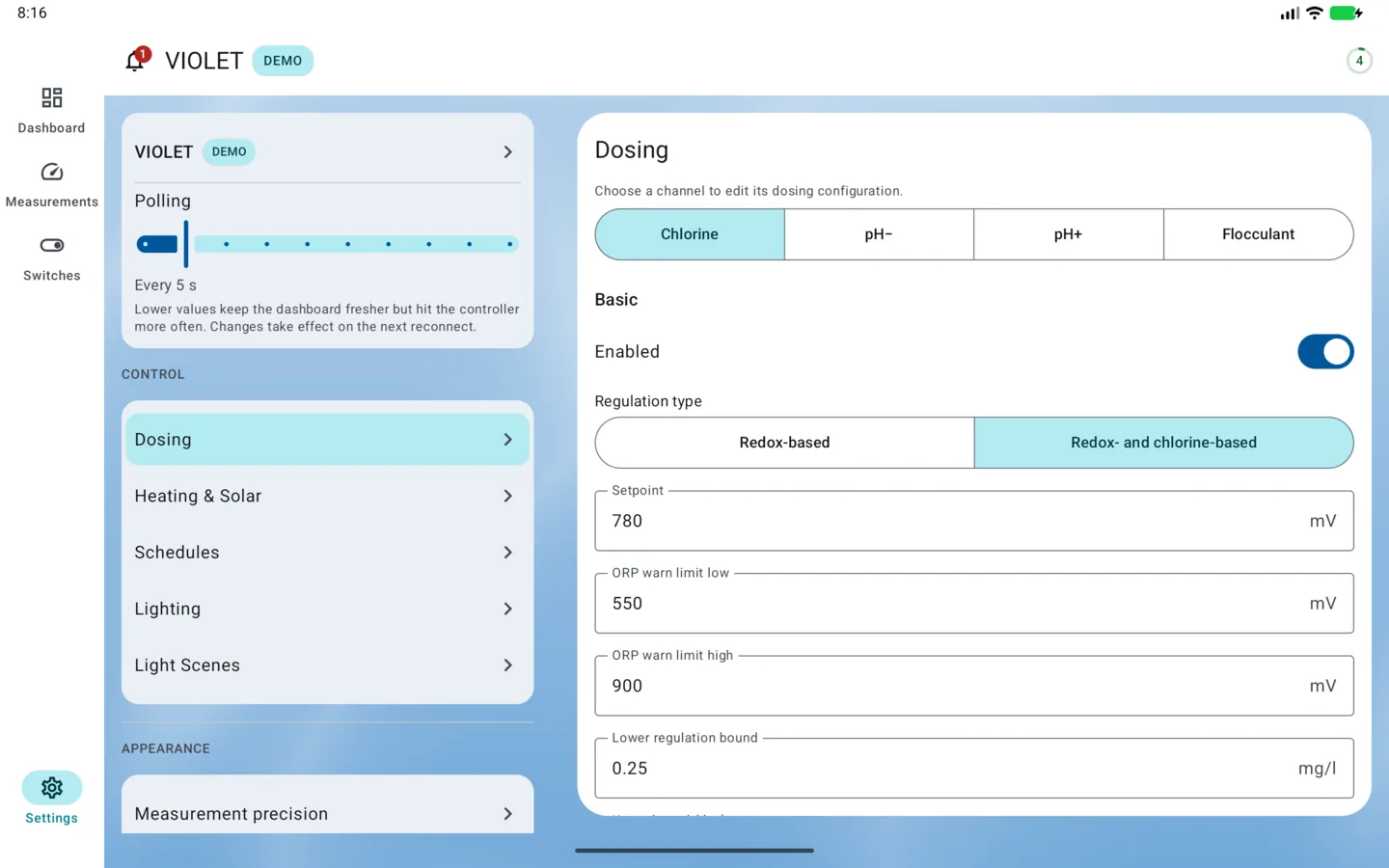
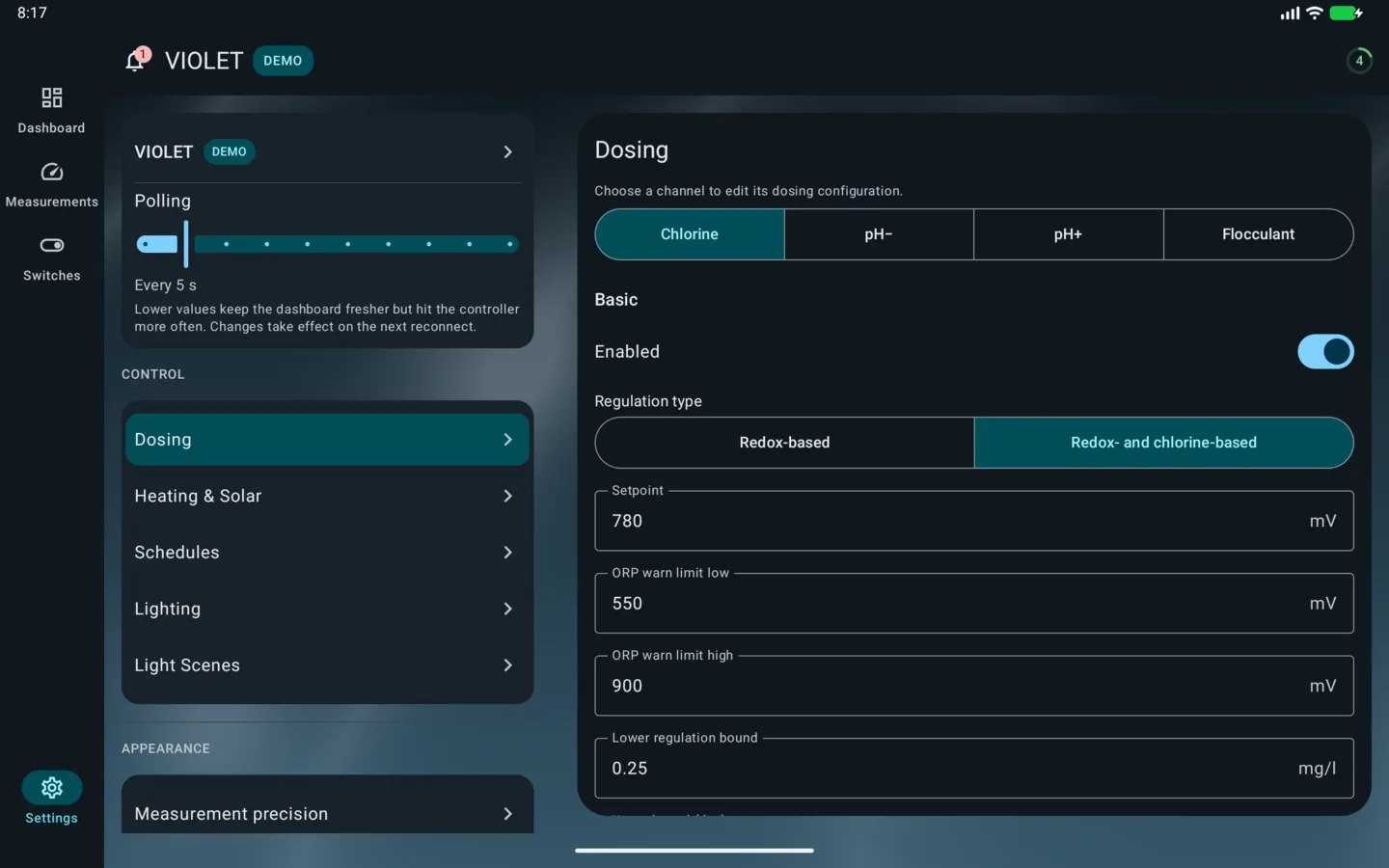
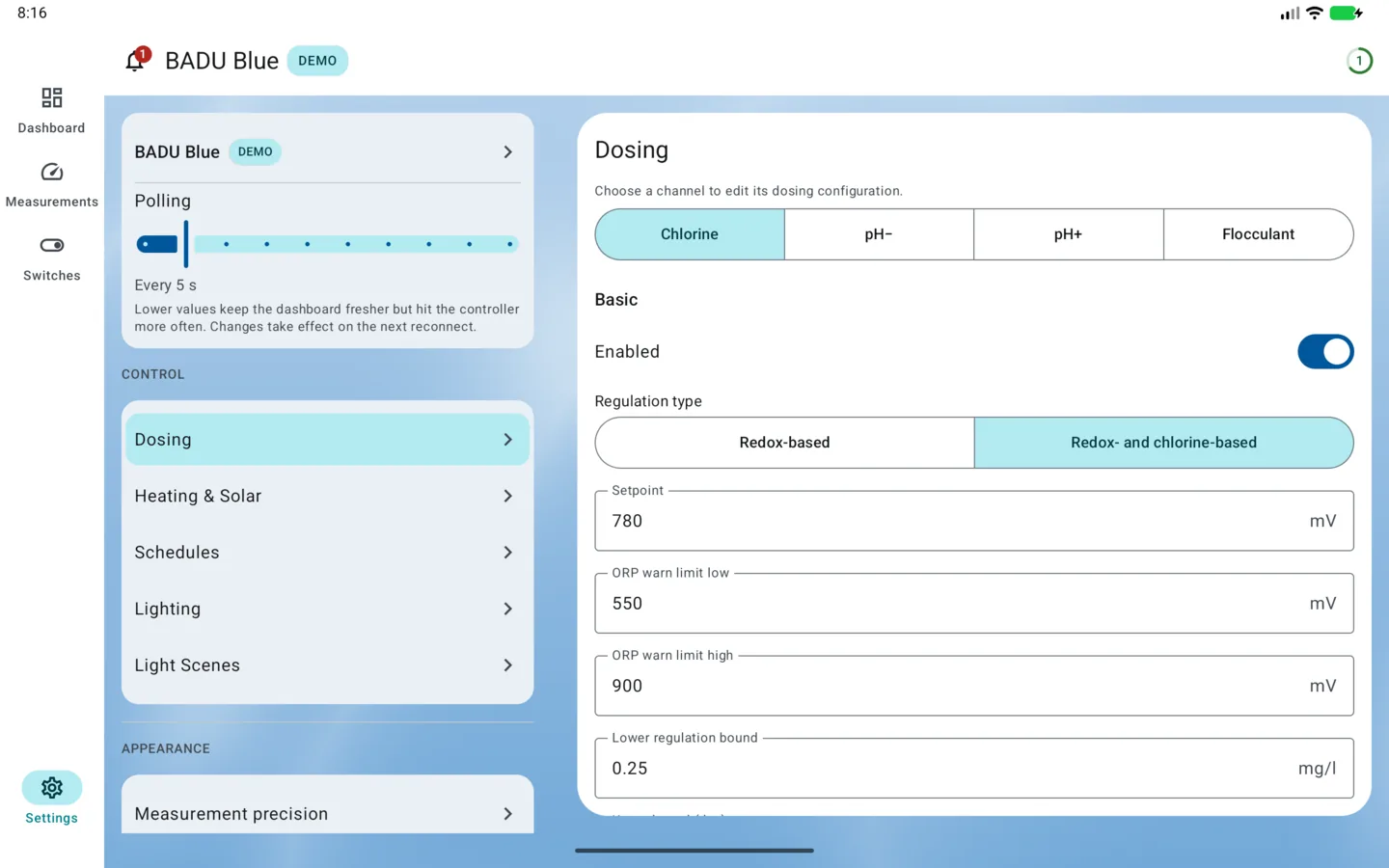
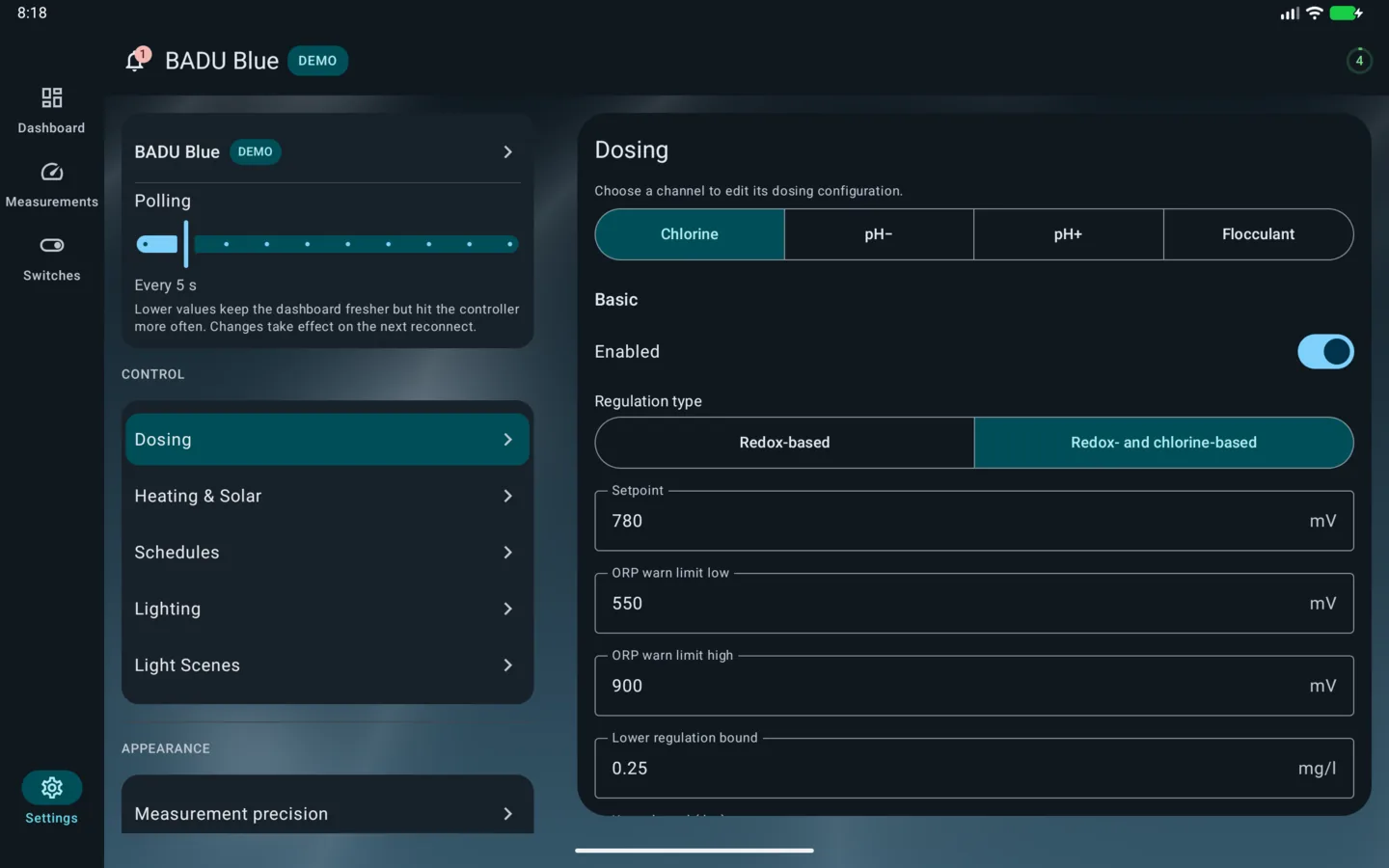
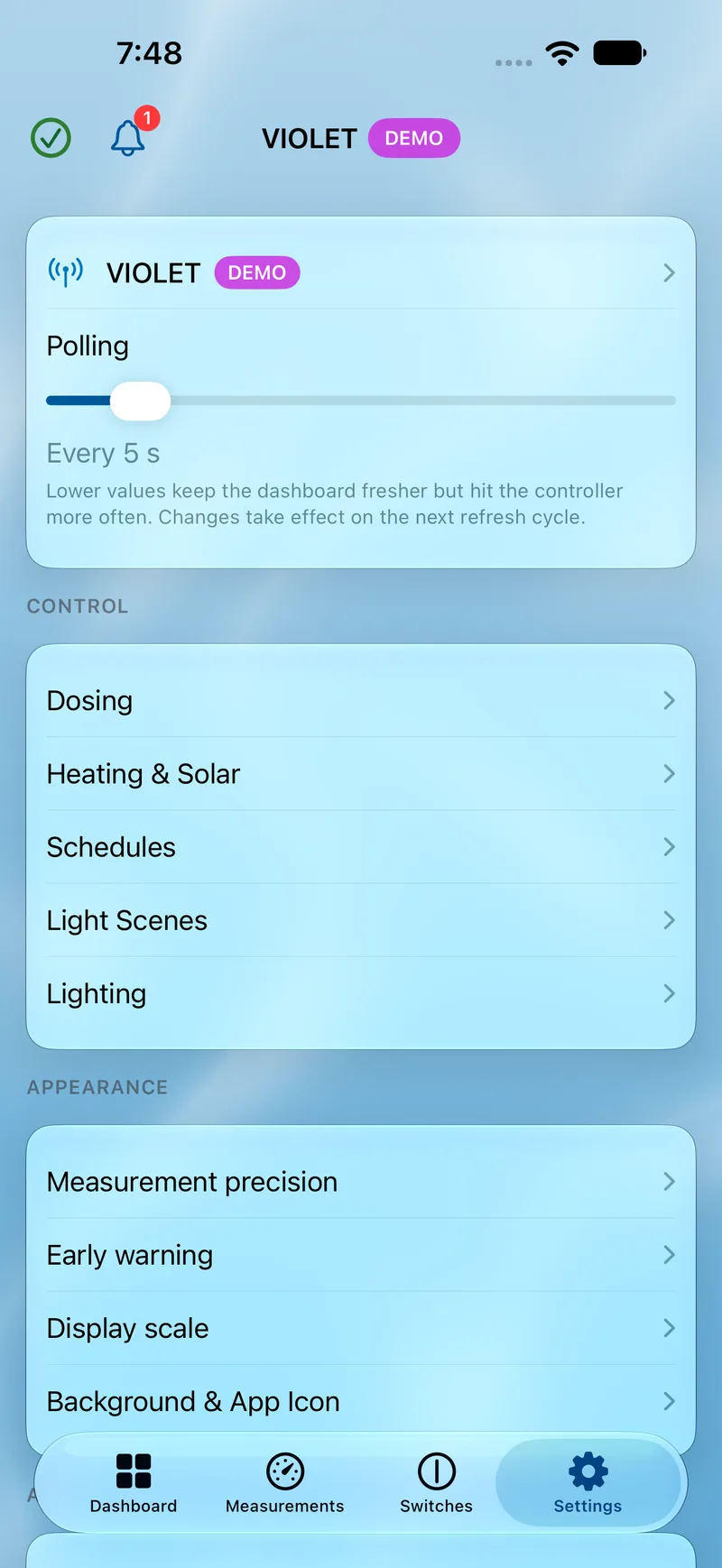
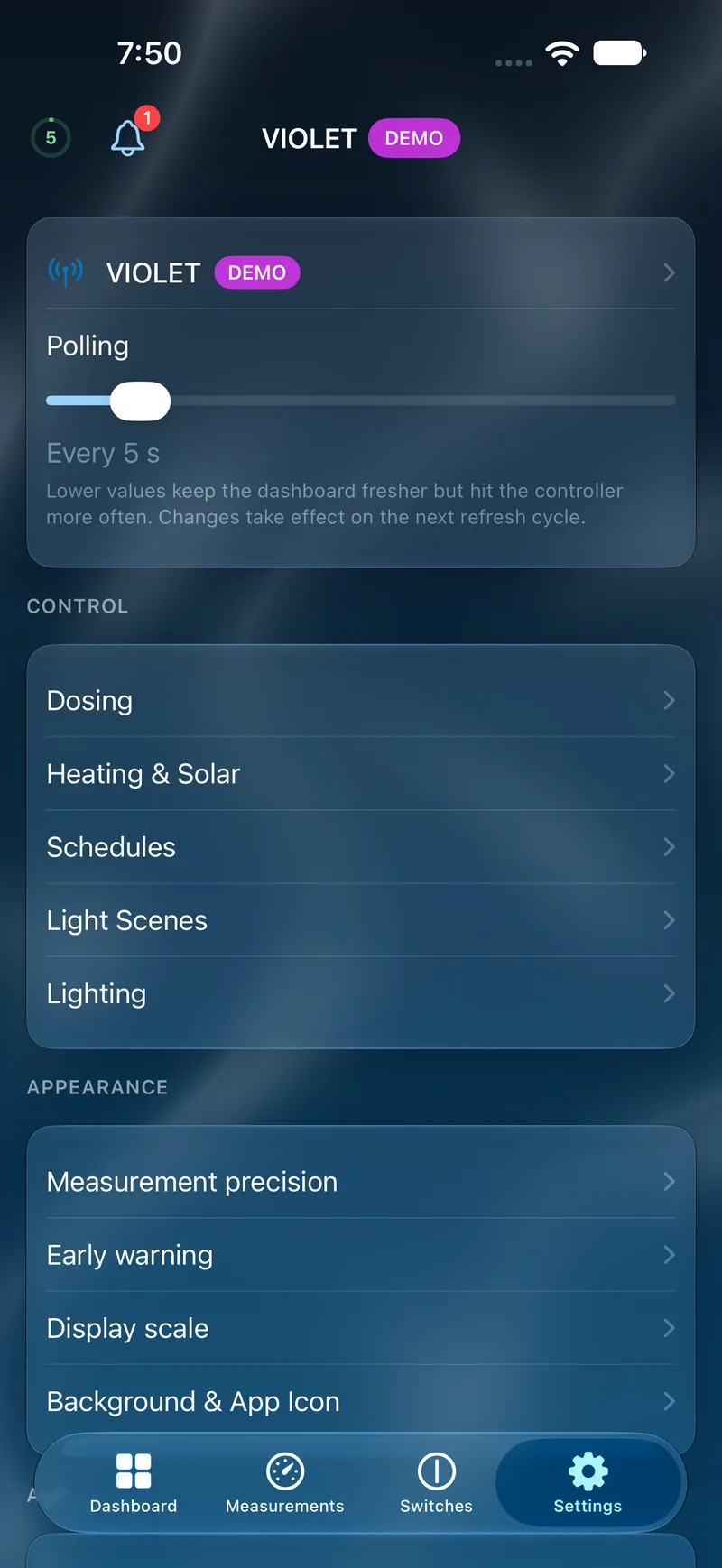
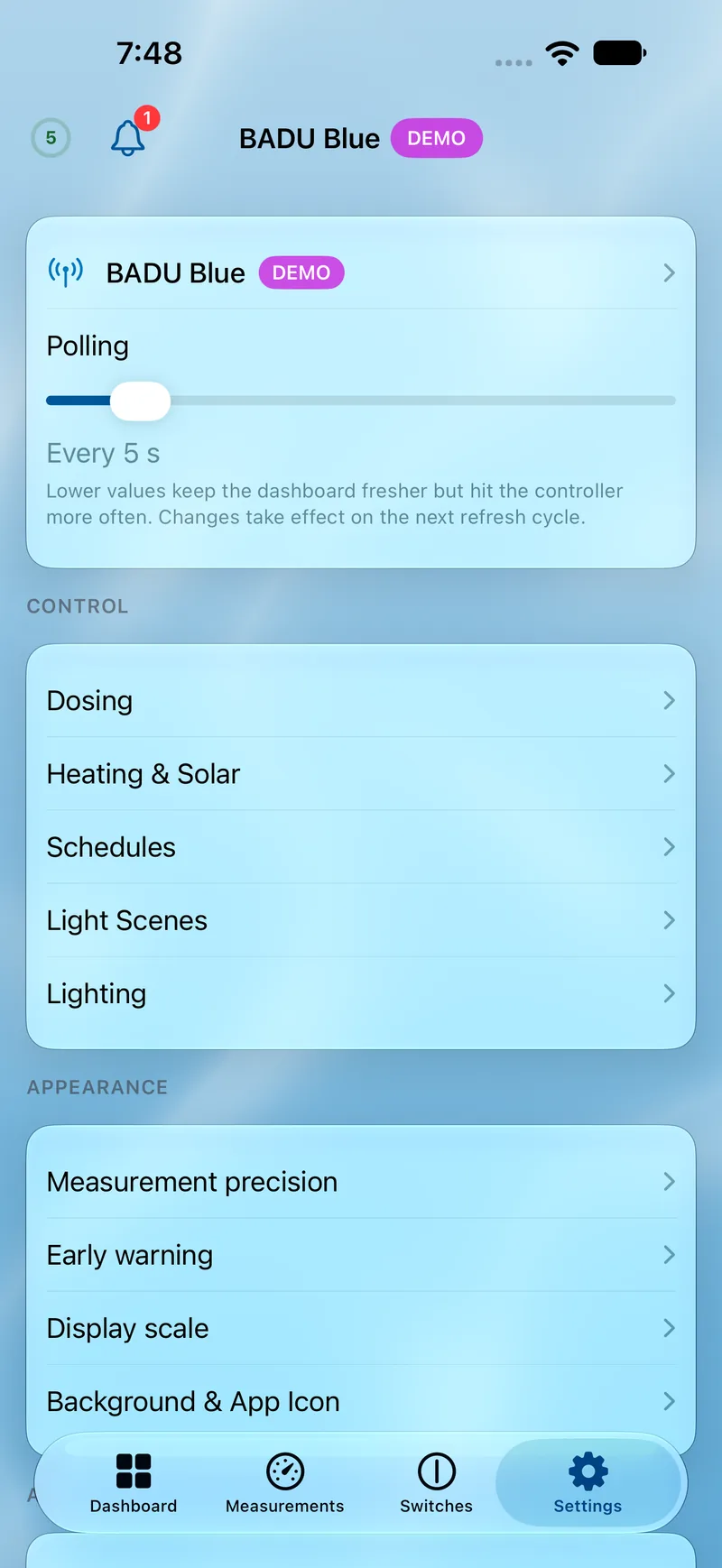
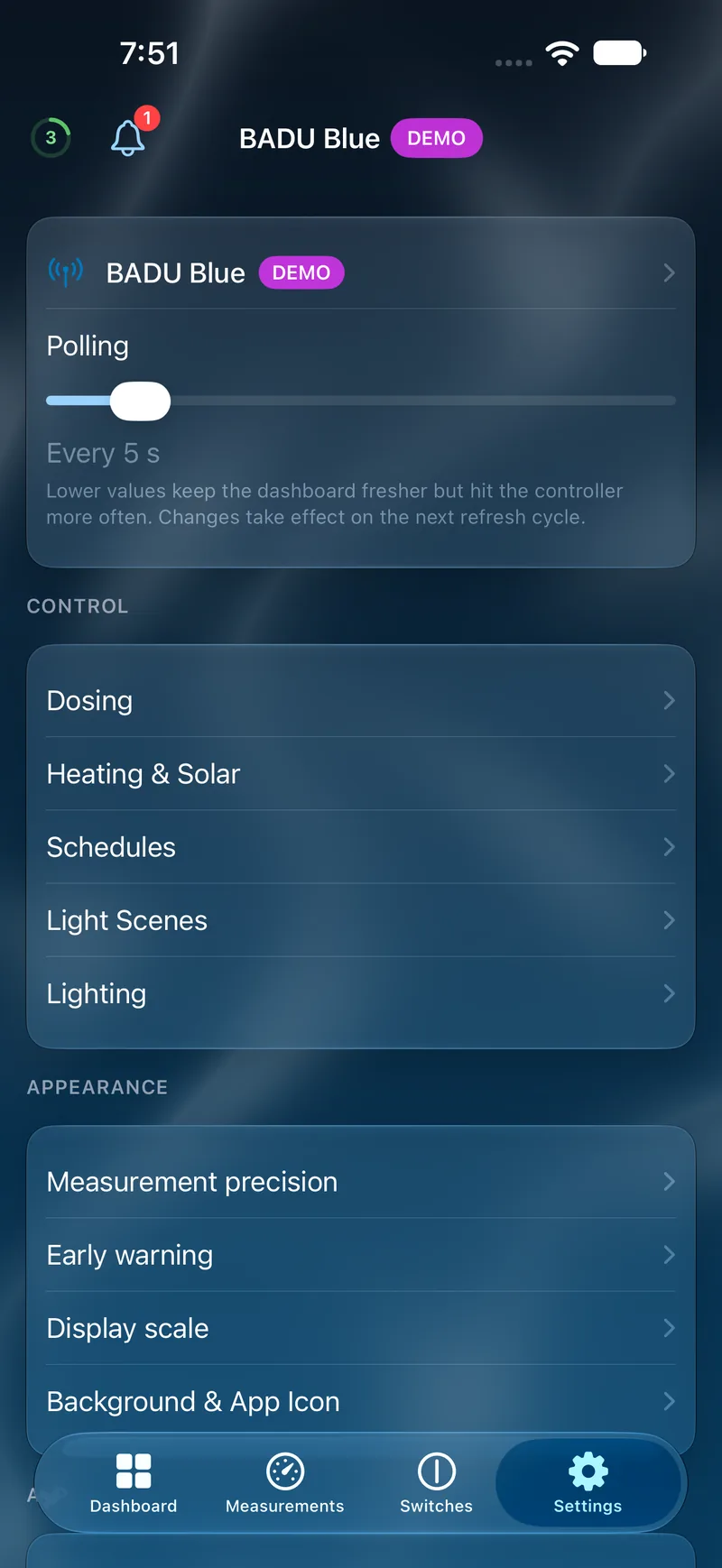
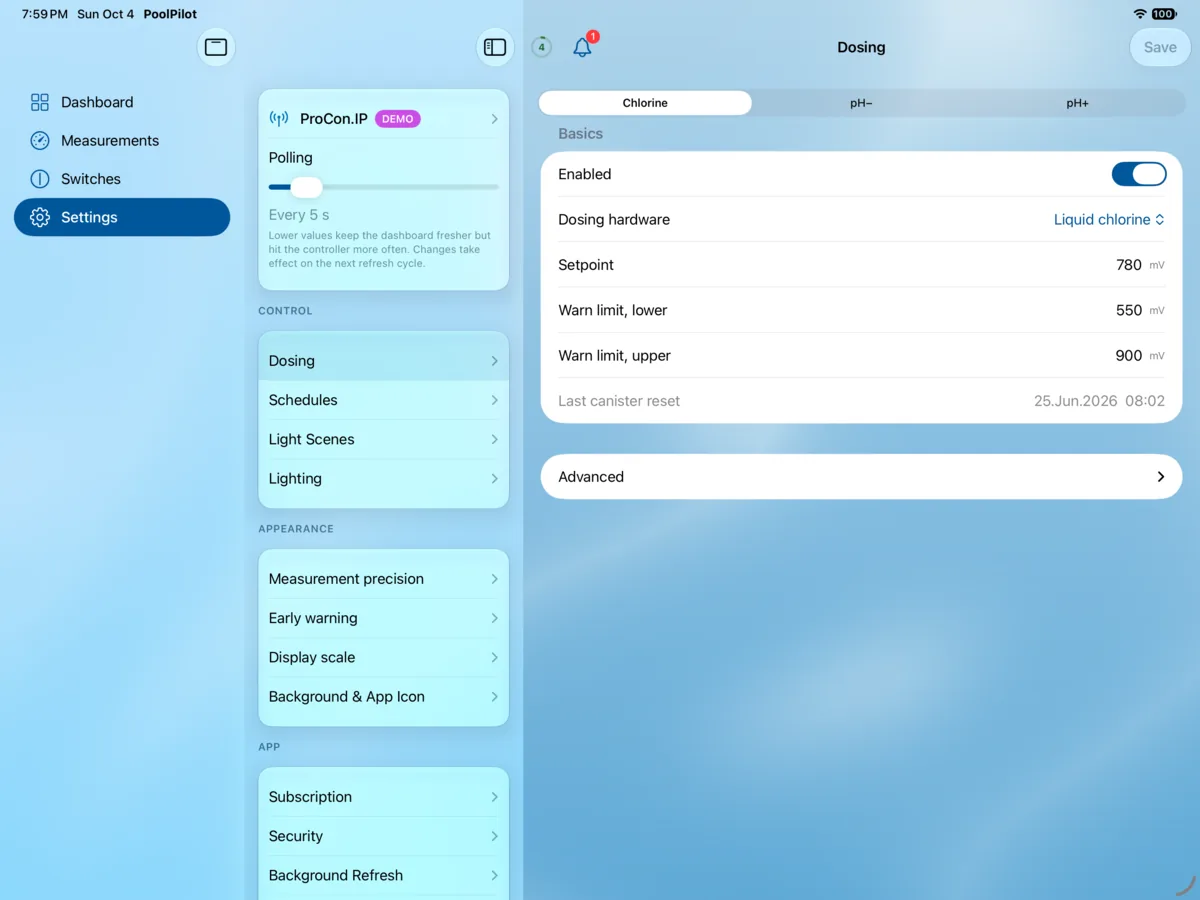
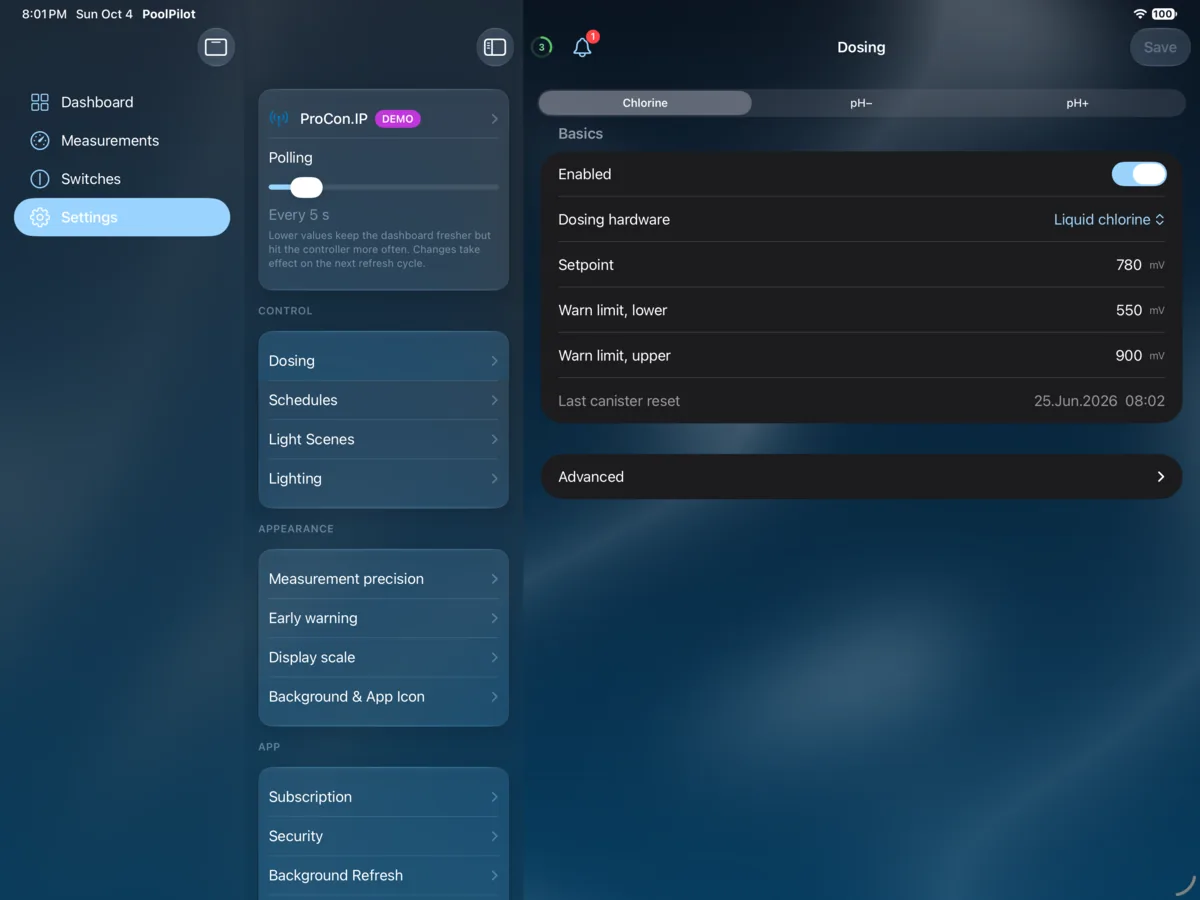
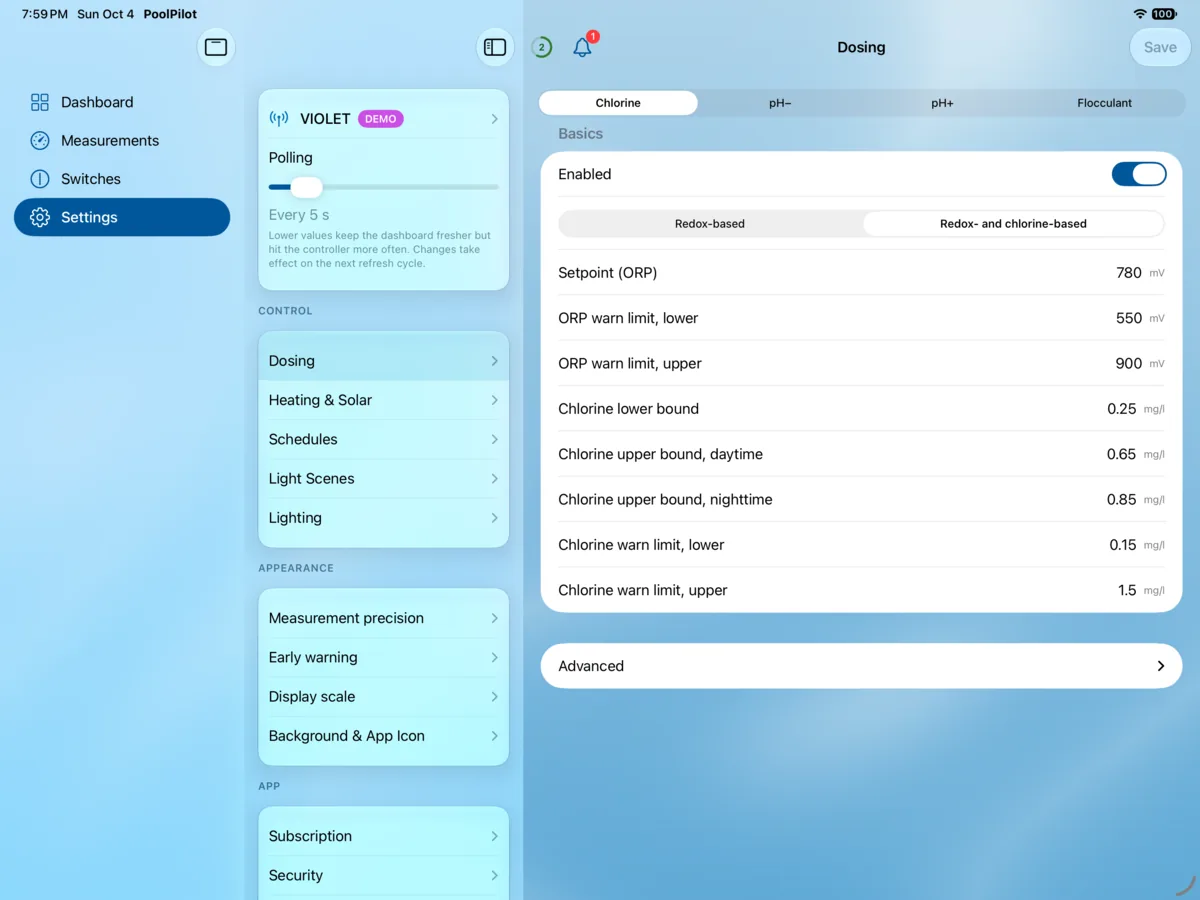
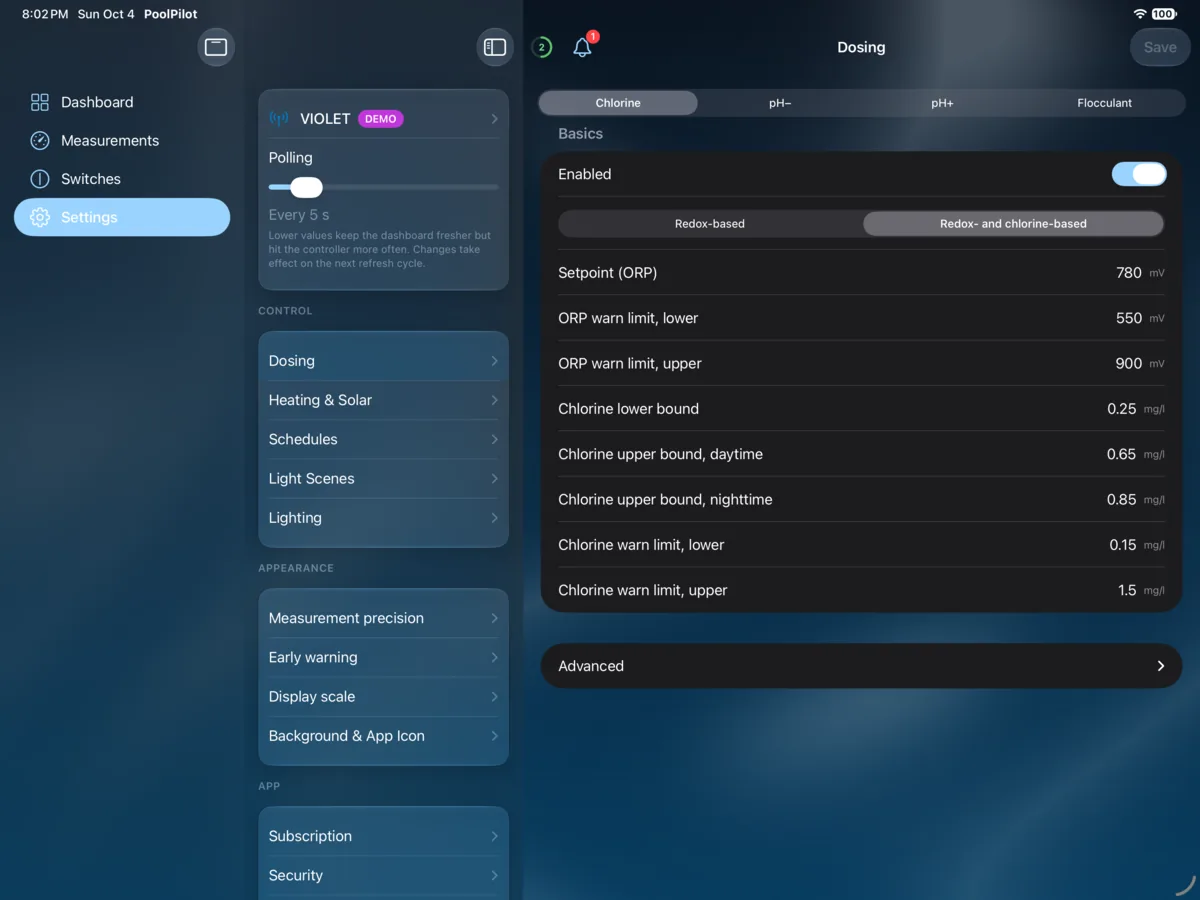
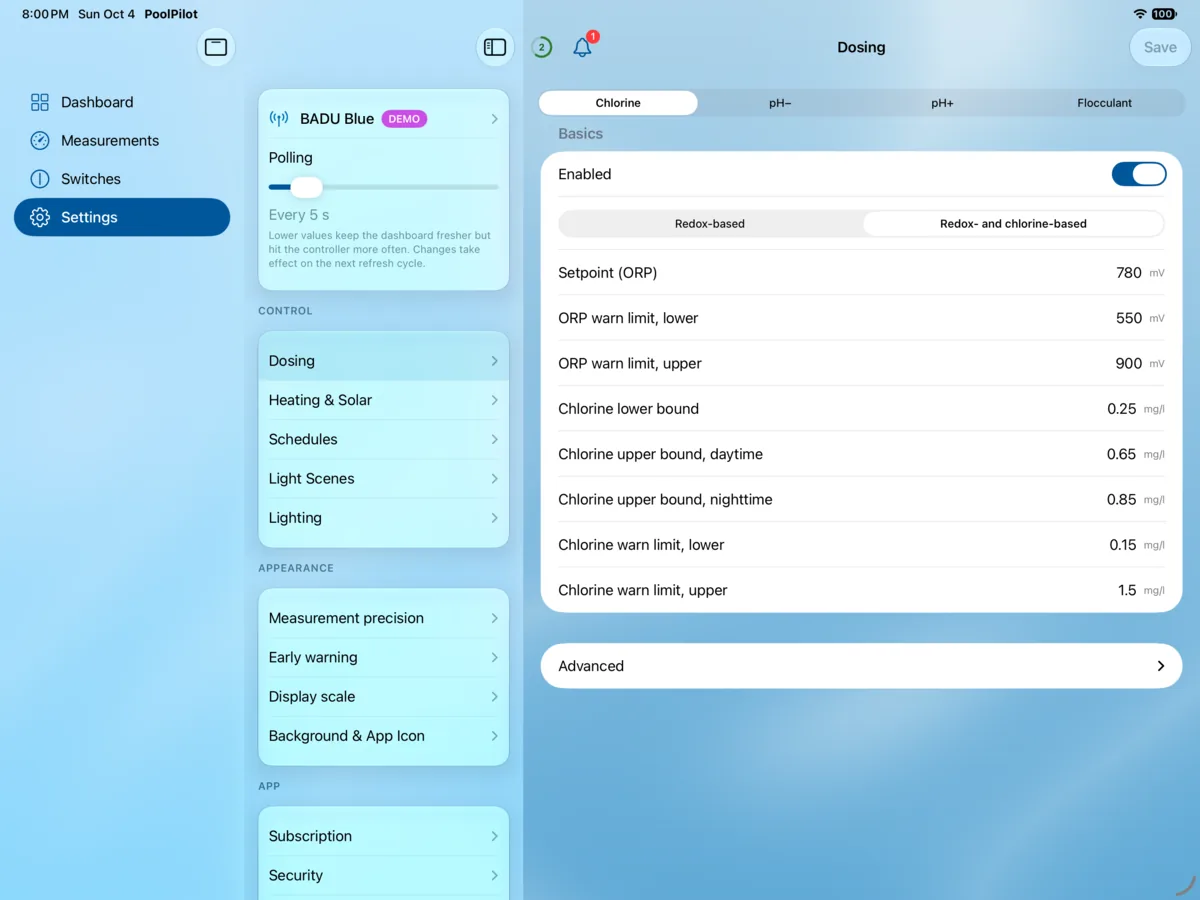
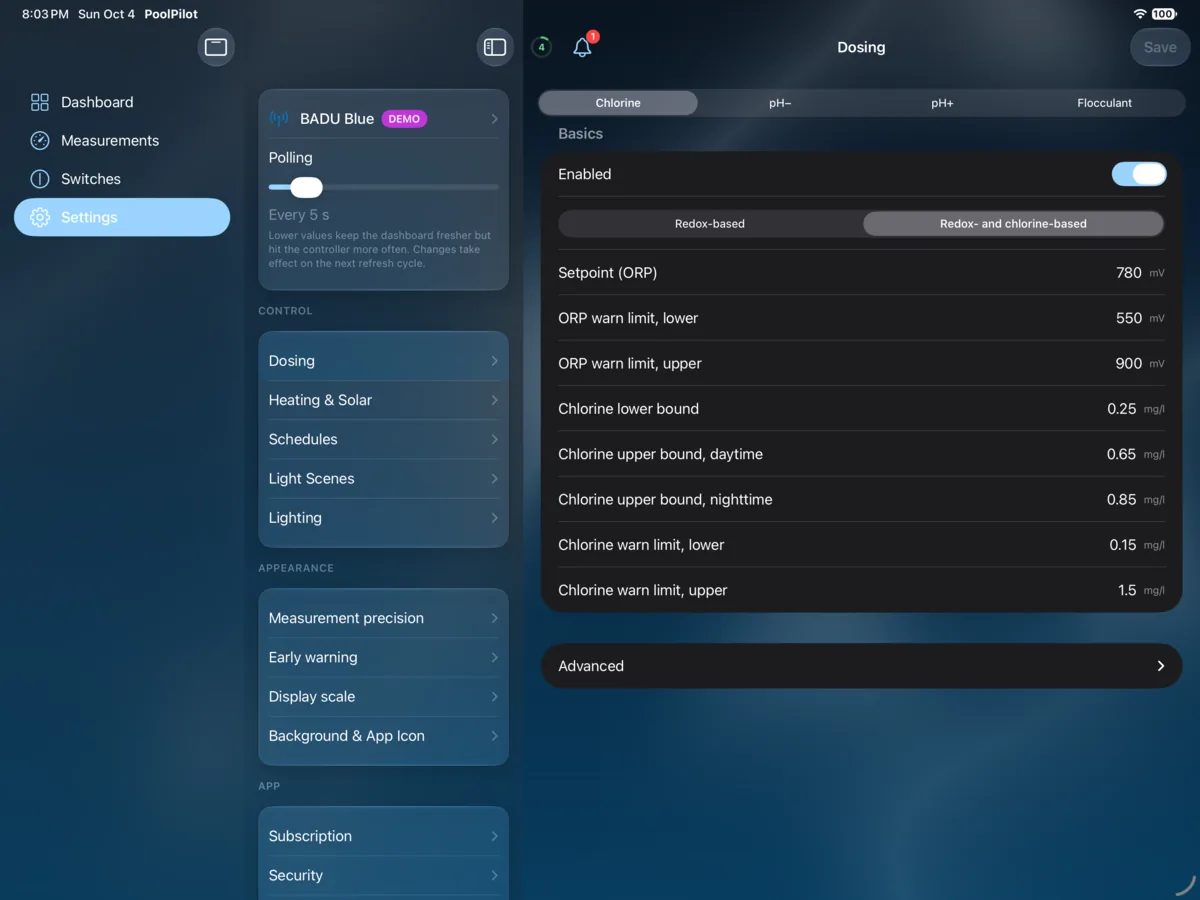
All key settings like dosing control, heater and solar absorber, time control and light scenes — directly in the app.
A peek inside the app
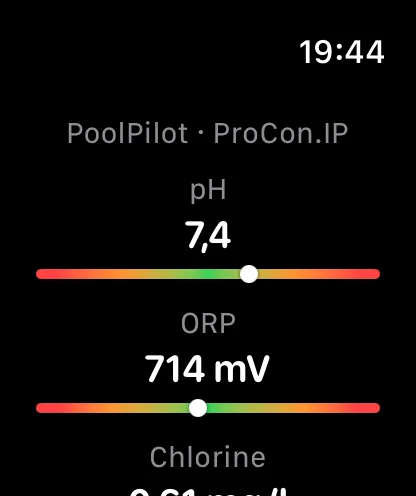
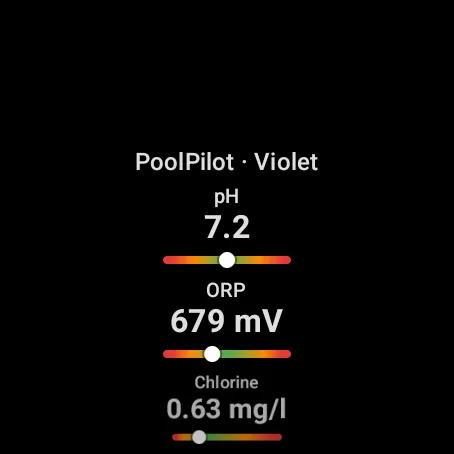
Same app, both platforms, completely native — on smartphone and tablet. See for yourself: choose device, controller, screen tab or appearance as you like and drag the divider to compare iOS and Android.
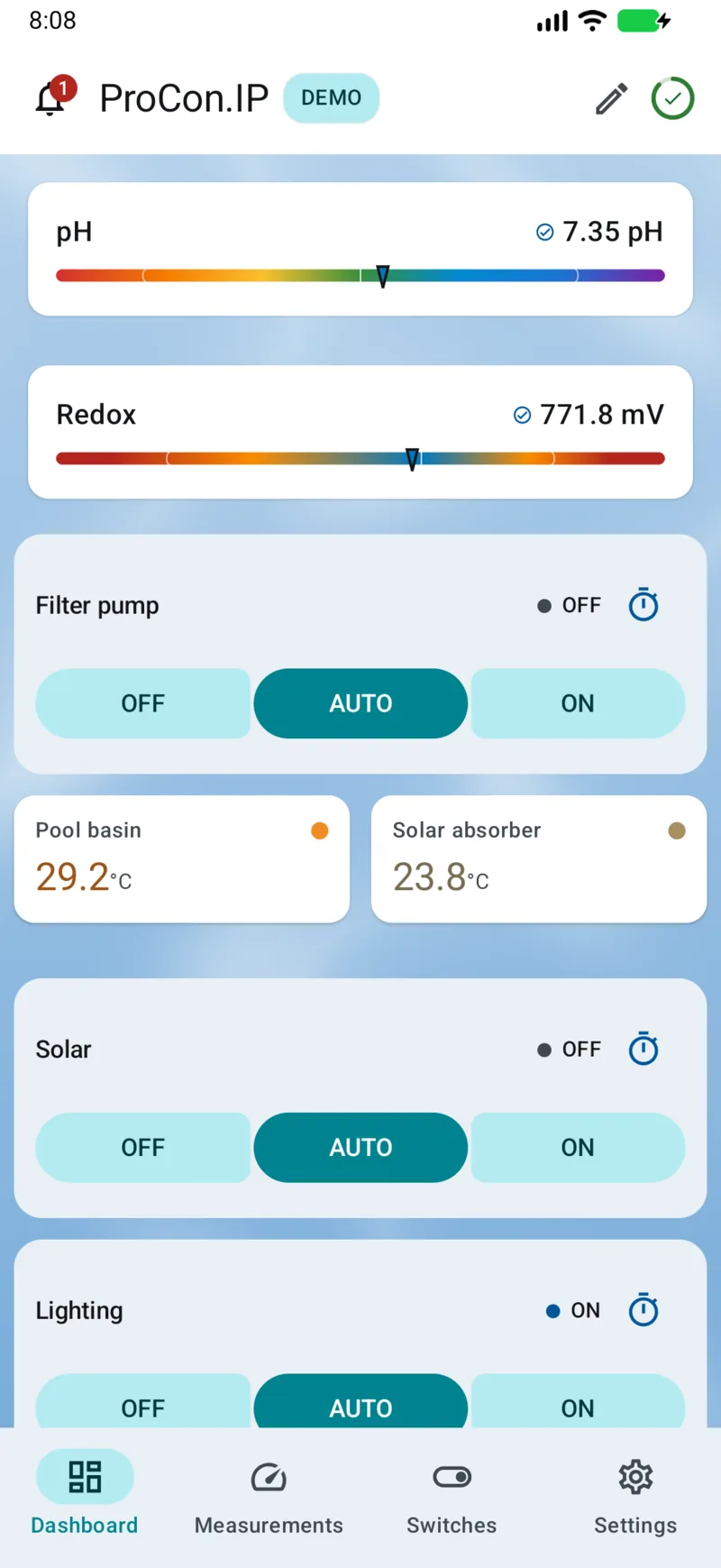
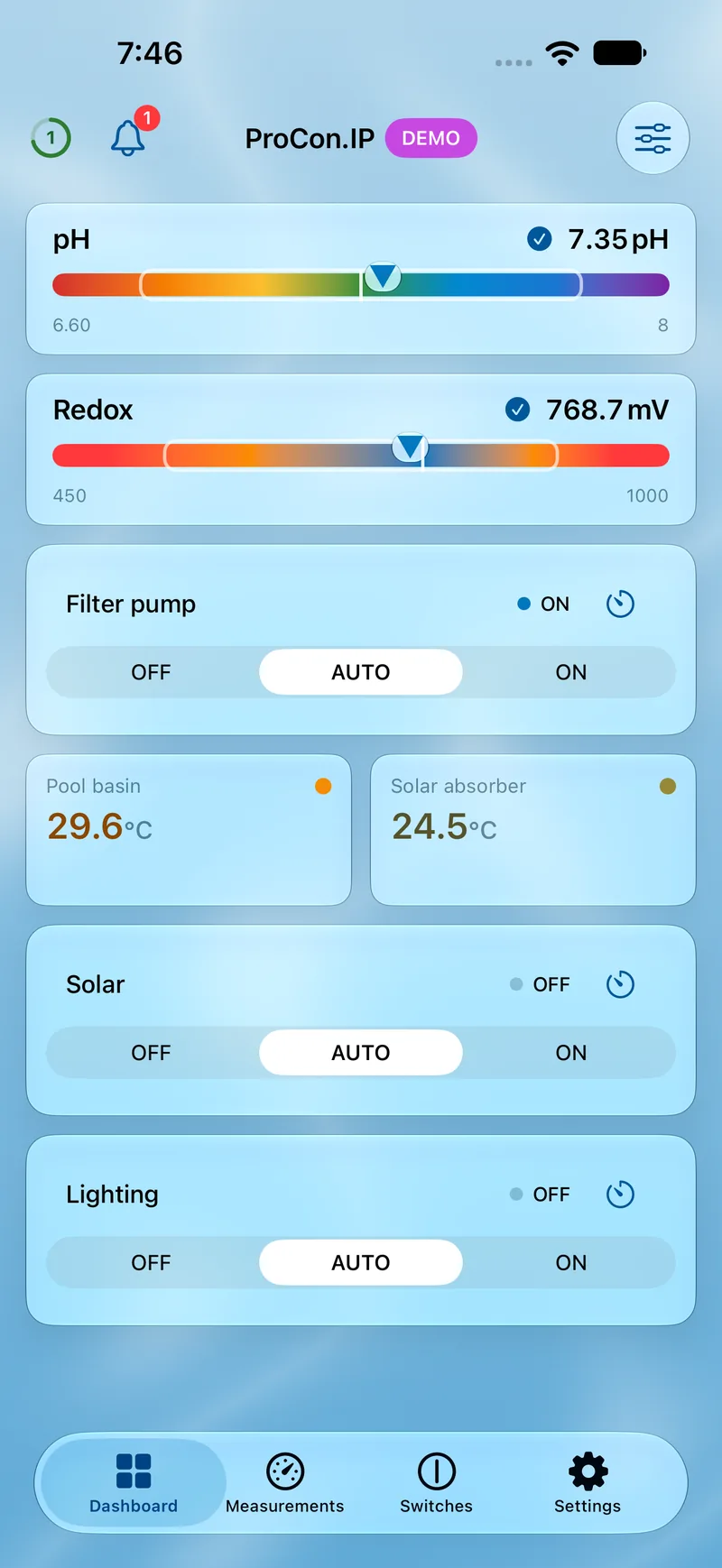
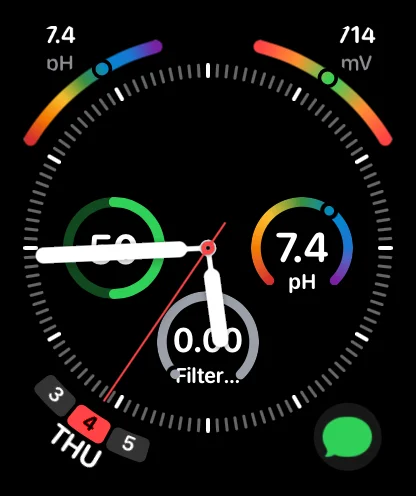
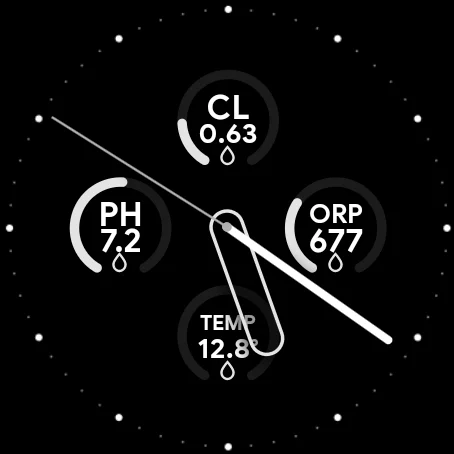
Real screenshots from ongoing development — the final design may differ. Rough edges and bugs are possible; a sneak peek at where things stand today, and it keeps getting better.
Features & Highlights
Whether directly on your local network or over the internet, PoolPilot gives you unrestricted access from anywhere while always respecting your privacy.
Push notifications — directly from the VIOLET and now also for ProCon.IP and BADU Blue via the PoolPilot Relay, easily retrofitted.
Keep an eye on your pool — with various configurable widgets on the home screen and an additional selection of lock screen widgets.
Apple Watch and Wear OS support with a dedicated app, watch face complications and a quick access tile for Wear OS.
Define dimmers or RGB(W) lamps and manage your light scenes easily with convenient colour pickers.
Easily create multiple connection profiles, e.g. for whirlpool, indoor and outdoor pool — and switch between them at any time.
Remote access and push for the ProCon.IP, push for the BADU Blue — and sharing for all, easily set up via the PoolPilot Relay.
Apple Family Sharing included — with the PoolPilot Relay, a profile can also be shared with up to 10 devices, including its Pro features.
History
24 h, 48 h or 7 days — see trends, not guess. Just like the pool controller itself, the app offers a history view for pH, redox, temperature and chlorine. A tap on the values shows you at a glance how they are developing and helps you always assess the situation correctly.

Widgets
Readings on your Home and Lock Screen, without opening the app. For the Home Screen the app offers several configurable widgets in different sizes, so you see only the values you care about. The Lock Screen choice is more limited for technical reasons, but still gives you the essentials at a glance.


Control & configuration
Sometimes a glance at the readings or a quick switch is not enough. For dosing, heating and light scenes as well as timer control, the app offers full control — directly in the app. For everything else, a quick access with auto-login to the controller's web interface is integrated into the app.


Screenshot 1 of 6
Remote access
Secure remote access, push and sharing — for every pool controller. The PoolPilot Relay adds what yours is missing: remote access and push for the ProCon.IP, push for the BADU Blue, sharing for all. Set up in a few steps, with no port forwarding, DynDNS or complicated configuration — and your credentials stay on your own hardware.


Overview: differences & comparison
Of course, the pool controllers differ in the scope of their functions. The app tries to compensate for this as best as possible, but ultimately cannot bridge all differences. Therefore, here you will find all functions and differences at a glance, as well as all controllers in direct comparison.
| Feature | VIOLET 20 of 20 features | ProCon.IP 17 of 20 features | BADU Blue 20 of 20 features |
|---|---|---|---|
| Connection & notifications | |||
| Remote access ProCon.IP: simple and secure with the PoolPilot Relay | available | available simple and secure with the PoolPilot Relay | available |
| Push notifications ProCon.IP: only with the PoolPilot Relay BADU Blue: only with the PoolPilot Relay | available | available only with the PoolPilot Relay | available only with the PoolPilot Relay |
| Readings | |||
| pH value display with target and limit values | available | available | available |
| ORP value display with target and limit values | available | available | available |
| Chlorine content display with target and limit values not on ProCon.IP BADU Blue: if present | available | not available | available if present |
| All temperature displays | available | available | available |
| Switching & control | |||
| Switch relays Off / Auto / On | available | available | available |
| Set relay timers ProCon.IP: app-controlled | available | available app-controlled | available |
| Manual dosing | available | available | available |
| Trigger switching rules | available | available | available |
| Control pool cover not on ProCon.IP | available | not available | available |
| Automation & settings | |||
| Dosing control | available | available | available |
| Heater and solar absorber control not on ProCon.IP | available | not available | available |
| Time control | available | available | available |
| Lighting | |||
| Define DMX512 lamps (dimmable, RGB or RGBW) and control them with a convenient colour picker | available | available | available |
| Activate and manage light scenes (using the defined lamps) | available | available | available |
| App & devices | |||
| Quick access to the native web interface | available | available | available |
| Home & lock screen widgets | available | available | available |
| Apple Watch & Wear OS support | available | available | available |
| App lock with biometric authentication (Face ID / Touch ID) | available | available | available |
3 of 20 features differ — everything else works on all controllers. Unmarked features work on all controllers — that is 17 of 20. Filtered: 3 of 20 features where the controllers differ.
How it works
PoolPilot is a native app for your pool controller. It talks straight to the device on your own network — no account, no detour. Here’s what that looks like technically, what’s possible, and why so little data is involved.
Local first: the app talks directly to the controller. Everything else is optional.
You add a connection profile and enter your controller’s address plus its credentials. PoolPilot detects automatically whether it’s a ProCon.IP, VIOLET or BADU Blue behind it.
As long as your device is on the same network, the connection is direct and local: no server in between, no cloud, no sign-up. Your credentials stay on the device. And PoolPilot doesn’t replace your controller’s web interface — it builds it in with auto-login as a fallback, one tap away for the occasional special function.
For remote access, push notifications and sharing there’s an optional cloud in Germany. The VIOLET has remote access and push built in, the BADU Blue remote access. The PoolPilot Relay covers the rest, a small agent at your home (e.g. on a Raspberry Pi): remote access and push for the ProCon.IP, push for the BADU Blue — and for all of them, sharing with up to 10 devices, iPhone and Android mixed, Pro included.
The cloud only comes into play when there’s no other way.
The VIOLET does both natively. When the app connects to a VIOLET with remote access enabled, the myVIOLET address is detected automatically and added to the connection profile. Push notifications can be activated right from the app. The configuration on the VIOLET is automatic. VIOLET-compatible controllers such as the BADU Blue and Blue Pro use the same native remote access; only their push notifications go through the Relay.
For the ProCon.IP — which doesn’t do either natively — and for push on VIOLET-compatible controllers like the BADU Blue, there’s the PoolPilot Relay, together with a Pro subscription: it establishes an encrypted tunnel to the PoolPilot Cloud in a German data centre, enabling remote access and push notifications just as easily. Both are configured directly in the app. Everything the app exchanges with your Relay away from home — managing the Relay, your pool readings and the controller’s own web interface in the app’s built-in browser — is end-to-end encrypted between your phone and your Relay: the app only accepts the certificate fingerprint it learned when you paired, and the cloud forwards encrypted data it can’t read. It only sees that a connection to your controller’s address was made (the controller ID is part of the address), when, from which IP address, and how much data flowed. This applies from app version 1.2 with an updated Relay; older app versions still use a connection that the cloud decrypts and re-encrypts. The architecture and implementation are designed with data minimisation in mind: the controller’s credentials are never stored in the cloud, everything runs through anonymous IDs, no history of your requests is stored (only the latest time your Relay connected, was reachable or disconnected), IP addresses aren’t stored — except in warning and error logs — and the data is not analysed. Only a 30-day history of push notifications is kept so you can read them in the app at any time.

Privacy isn’t marketed here as a feature. No accounts, no ads, no tracking — your data simply isn’t exploited.
Exactly what is processed for what is spelled out in the Privacy Policy.
Pricing
The app itself is free — switching, configuring and the convenience features require a Pro subscription after the beta phase.
Still in beta: While the beta phase runs, everything is unlocked — every feature free, no registration. Nothing converts into a subscription automatically; any change will be announced on the news page beforehand.
Free
Read-only and with limited convenience features
€2.99 / month
or €27.99 / year — first 7 days free
Full functionality, including:
Why a subscription at all? PoolPilot takes not just countless hours of work but real ongoing costs — AI that makes the effort manageable for a single person, plus hosting and developer accounts. A subscription is therefore unavoidable. But the price is deliberately kept low enough to hurt no one: Family Sharing is allowed, and via the Relay a profile including the Pro features can be shared generously with up to 10 devices.
PoolPilot Pro is a subscription through the App Store or Google Play: 7-day free trial, then €2.99 per month or €27.99 per year. The subscription renews automatically until cancelled — manage and cancel it anytime in the subscription settings of your App Store or Google Play account. Nothing costs anything during the beta, and nothing turns into a paid plan automatically; any change will be announced beforehand on the news page.
The help page answers the common questions. For anything else there are GitHub issues and an email address.